


Microsoft Windows 11 Emergency Update — What You Need to Know
Picture this: you turn on your PC, and Microsoft throws out an emergency Windows 11 update overnight. Suddenly, your machine…
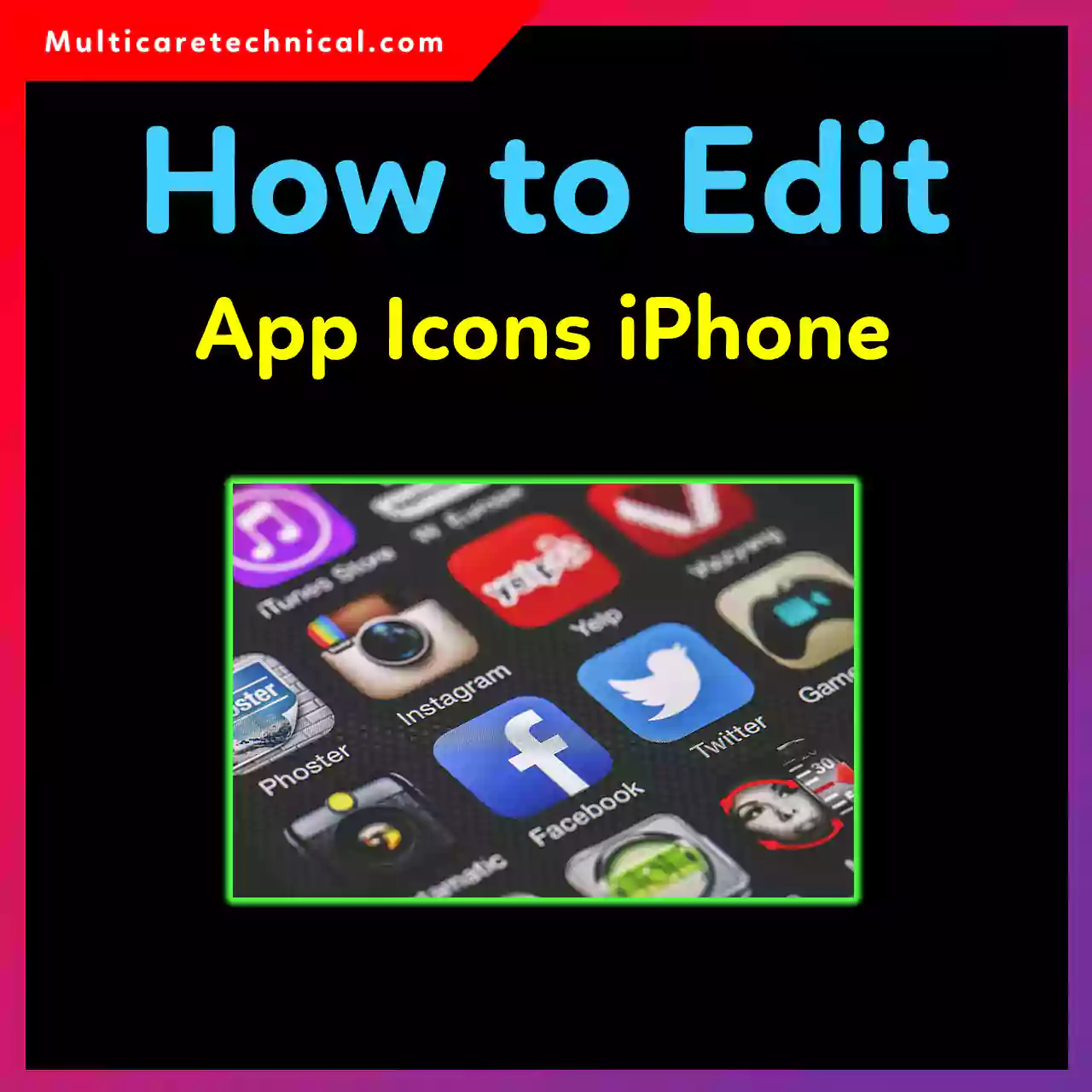
How to Edit App Icons on iPhone (iOS 17 & iOS 18 Complete Guide)
Want your iPhone home screen to look cleaner, more aesthetic, or totally custom? Apple finally makes it easy to edit…

How to Stop Screen Recording on iPhone 12 to iPhone 16 Without Swiping Up
Accidentally started screen recording on your iPhone and can’t swipe up to stop it? You’re not alone. On iPhone 12,…
How to Ask ChatGPT to Edit a Photo (Best Prompts That Actually Work)
Editing photos no longer requires complex software or advanced skills. With the right prompt, ChatGPT can edit photos using simple…

How to Make a Desktop Shortcut for a Website in Windows 11/10/Mac
Opening the same website every day in your browser can get annoying. The fastest solution? Create a desktop shortcut for…

How to Fix the SOS on My iPhone (Complete Step-by-Step Guide)
Seeing “SOS” or “SOS Only” at the top of your iPhone can be confusing—and a little stressful 😟. Many users…

Shortcut to Emoji Keyboard Windows 10/11/Mac (Complete Guide)
Emojis aren’t just for texting anymore 🙂. From professional emails to social media posts and documents, emojis help add emotion,…

How to Find Standard Deviation in Excel (Step-by-Step Guide)
Standard deviation tells you how spread out your data really is. Whether you’re analyzing test scores, sales numbers, or survey…

How to Capitalize All Letters in Excel (Uppercase Text Fast)
If you’ve ever received a messy spreadsheet with mixed-case text, you know how frustrating it can be. Luckily, Excel gives…

How to Remove Empty Rows in Excel (Fast & Easy Methods)
Empty rows in Excel can quietly ruin your data analysis, break formulas, and make reports look unprofessional. Whether you’re cleaning…