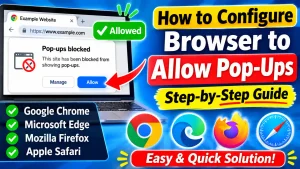

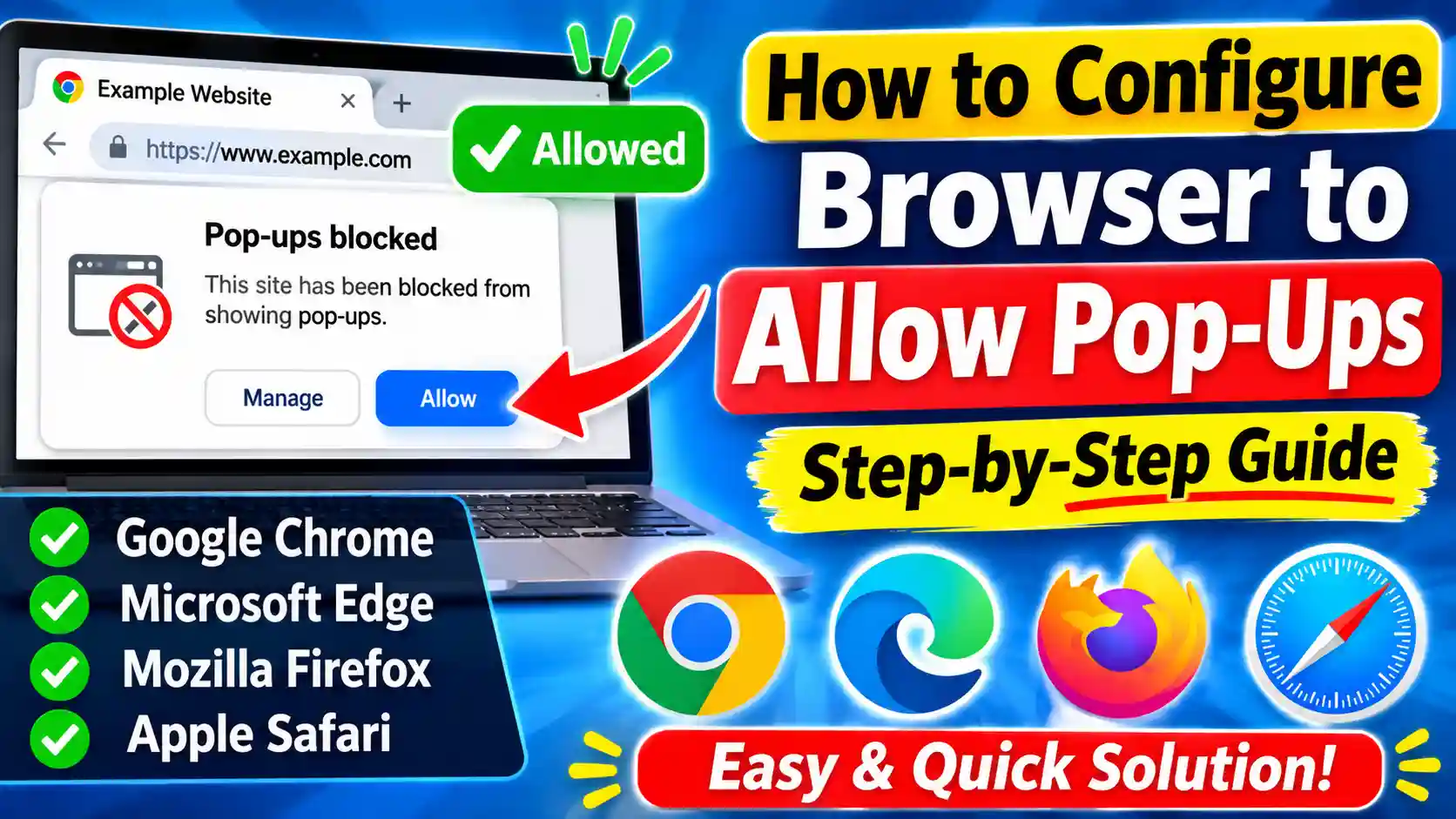
How to Configure Browser to Allow Pop-Ups (Step-by-Step Guide)
1. Introduction Have you ever clicked a button on a website, tried to download a document, or opened an online…
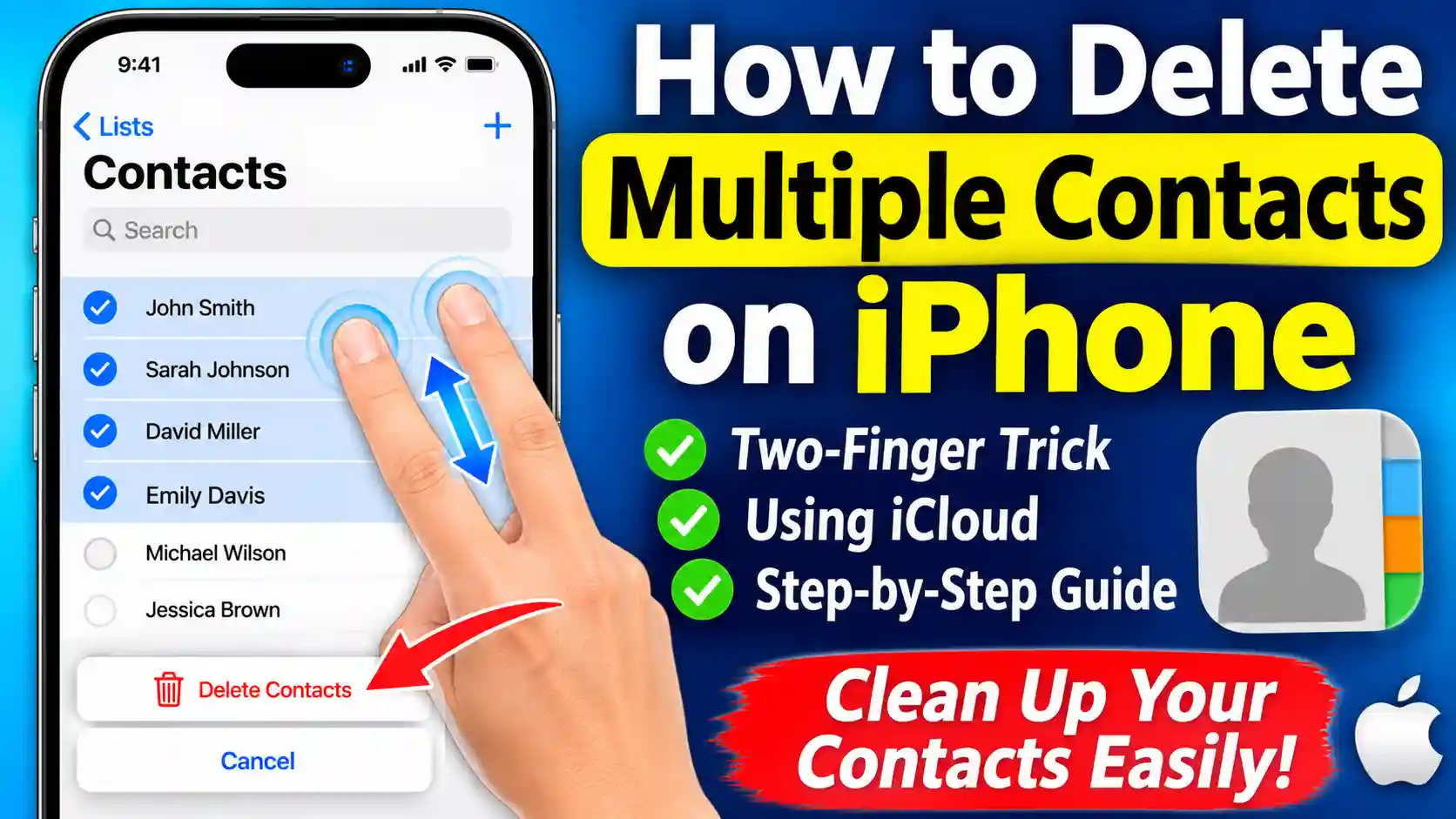
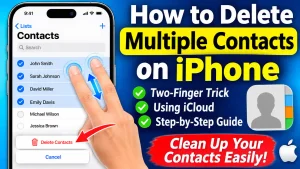
How to Delete Multiple Contacts on iPhone (Step-by-Step Guide)
1. Introduction Managing contacts on an iPhone can become difficult when your address book contains hundreds or even thousands of…
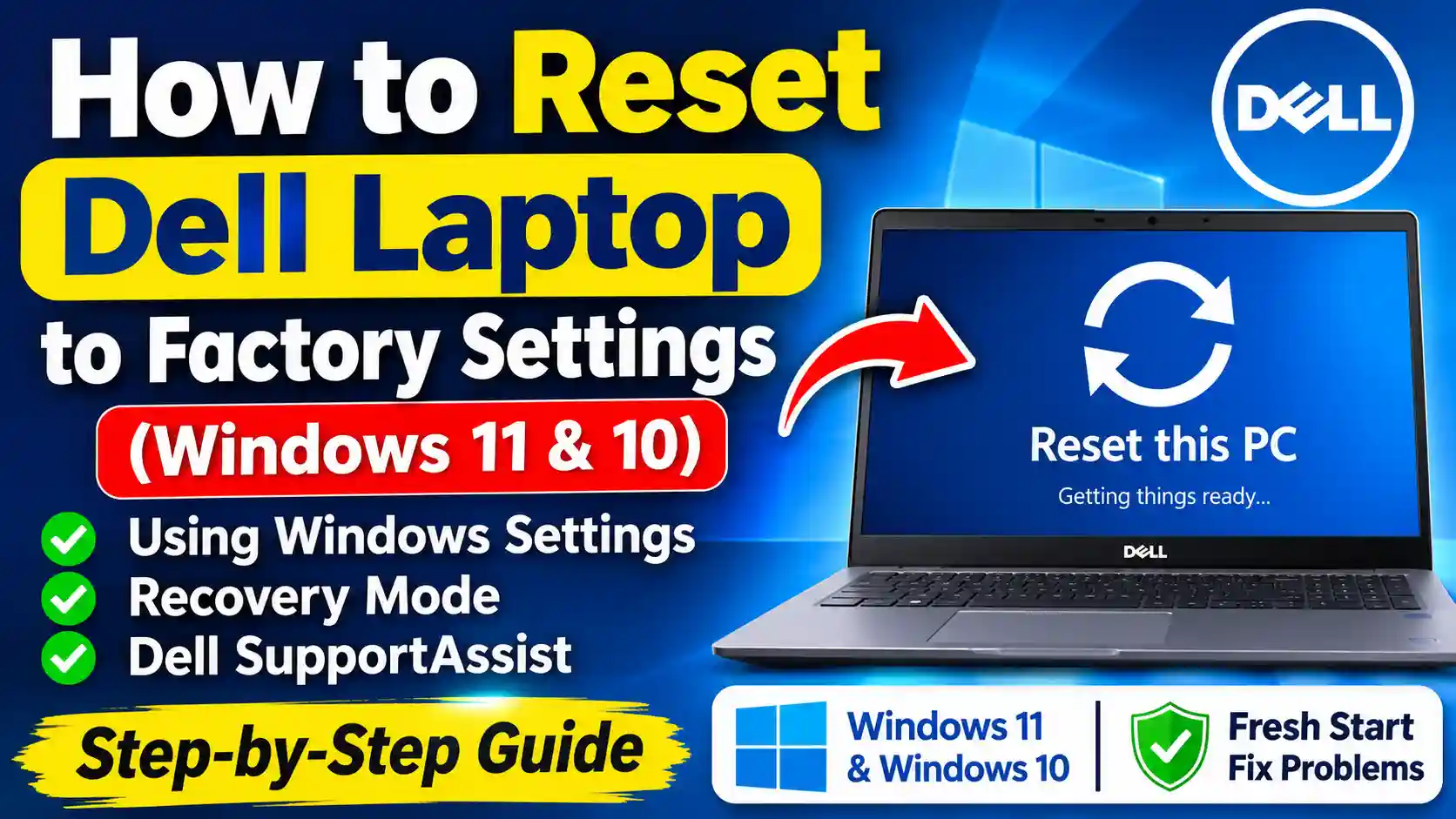
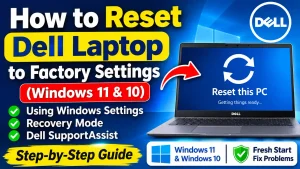
How to Reset Dell Laptop to Factory Settings (Windows 11 & 10)
1. Introduction Is your Dell laptop running slowly, freezing frequently, or experiencing persistent software problems? Or are you planning to…
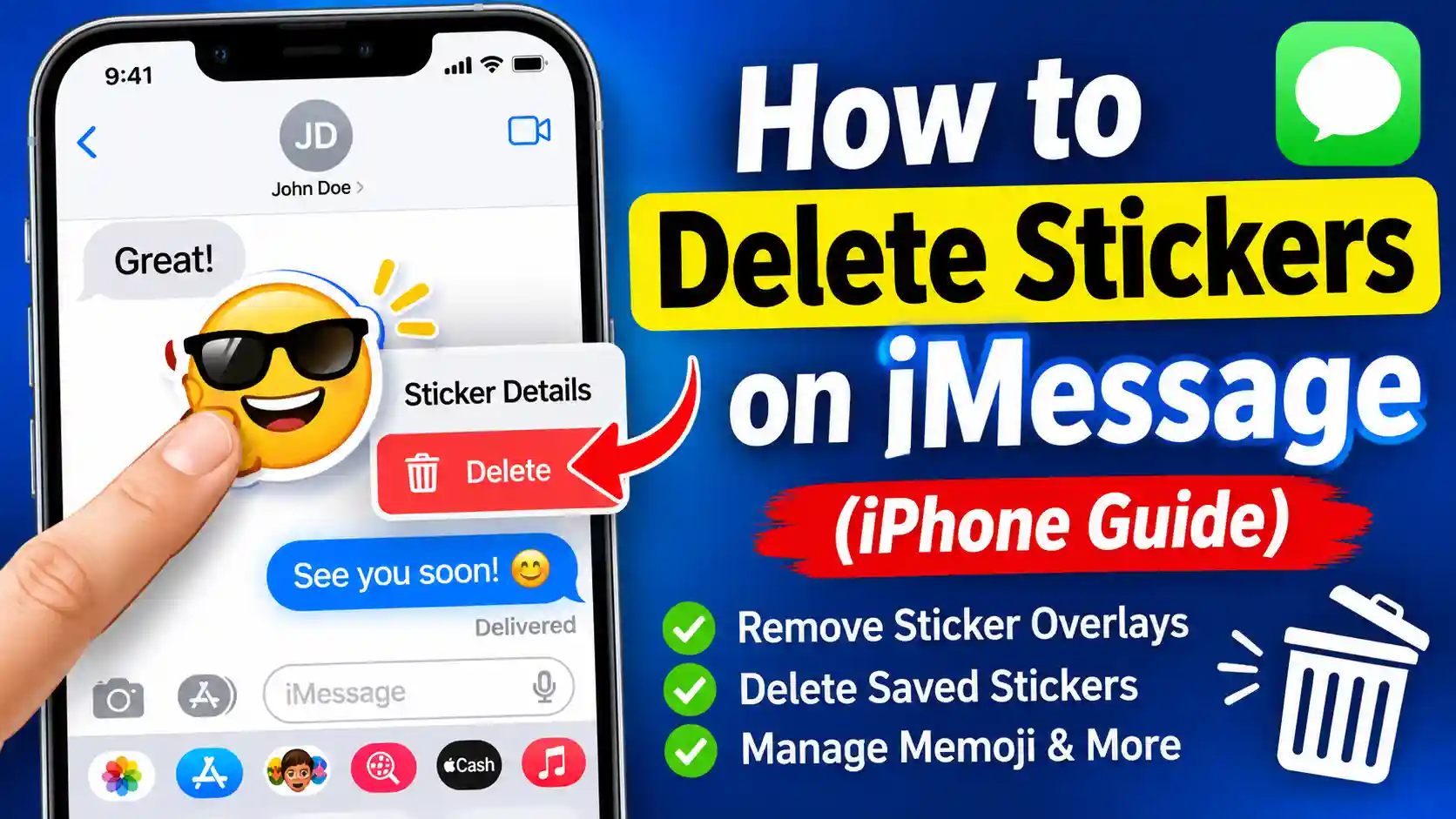
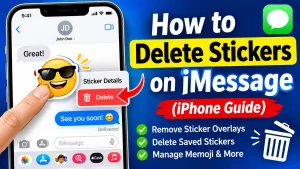
How to Delete Stickers on iMessage: A Complete iPhone Guide
Have you accidentally placed a sticker over an important text message in iMessage? Or perhaps your iPhone’s Messages app has…
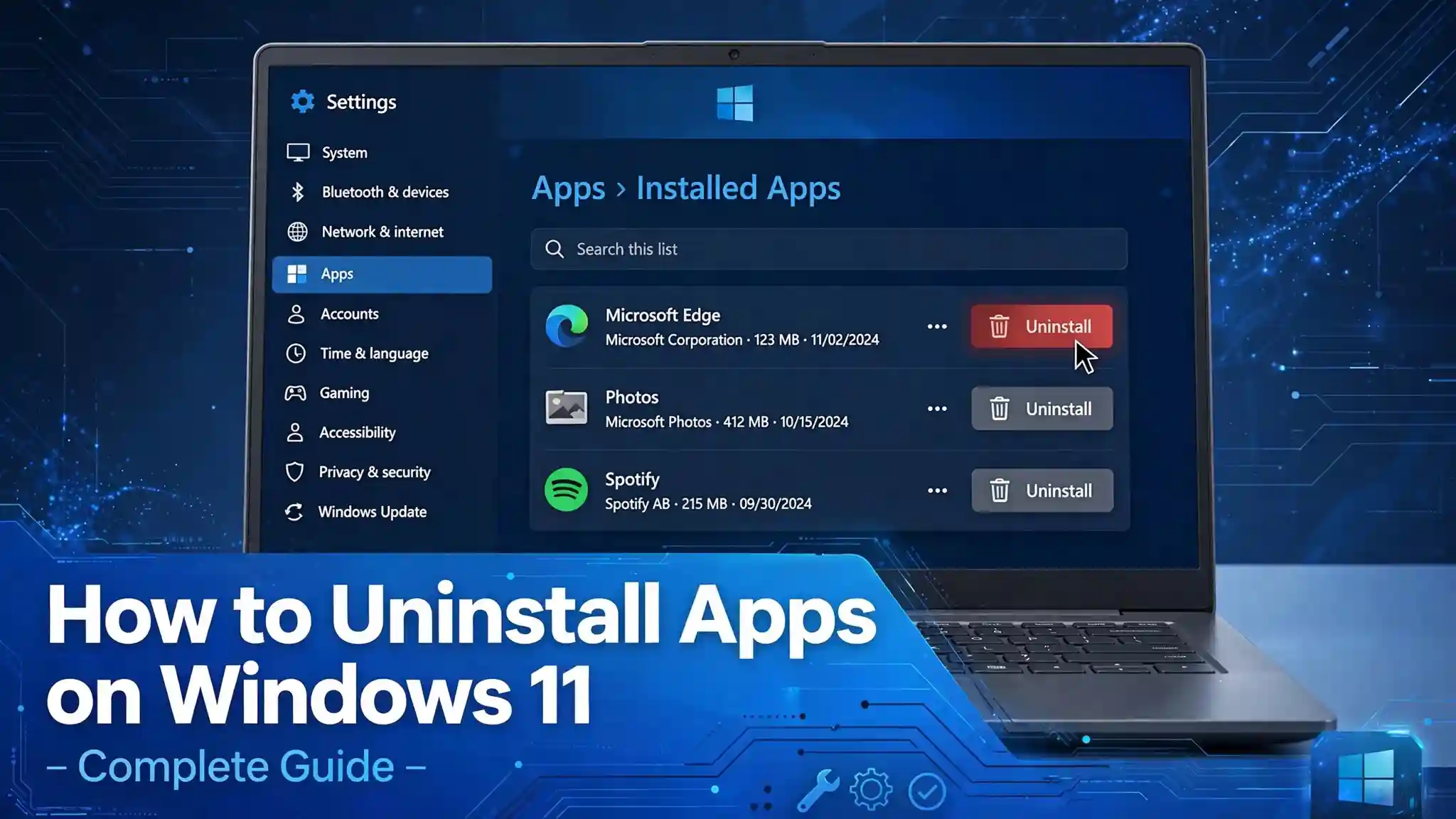
How to Uninstall Apps on Windows 11: Complete Step-by-Step Guide
Removing unwanted applications from Windows 11 is one of the easiest ways to free up storage space, reduce unnecessary background…
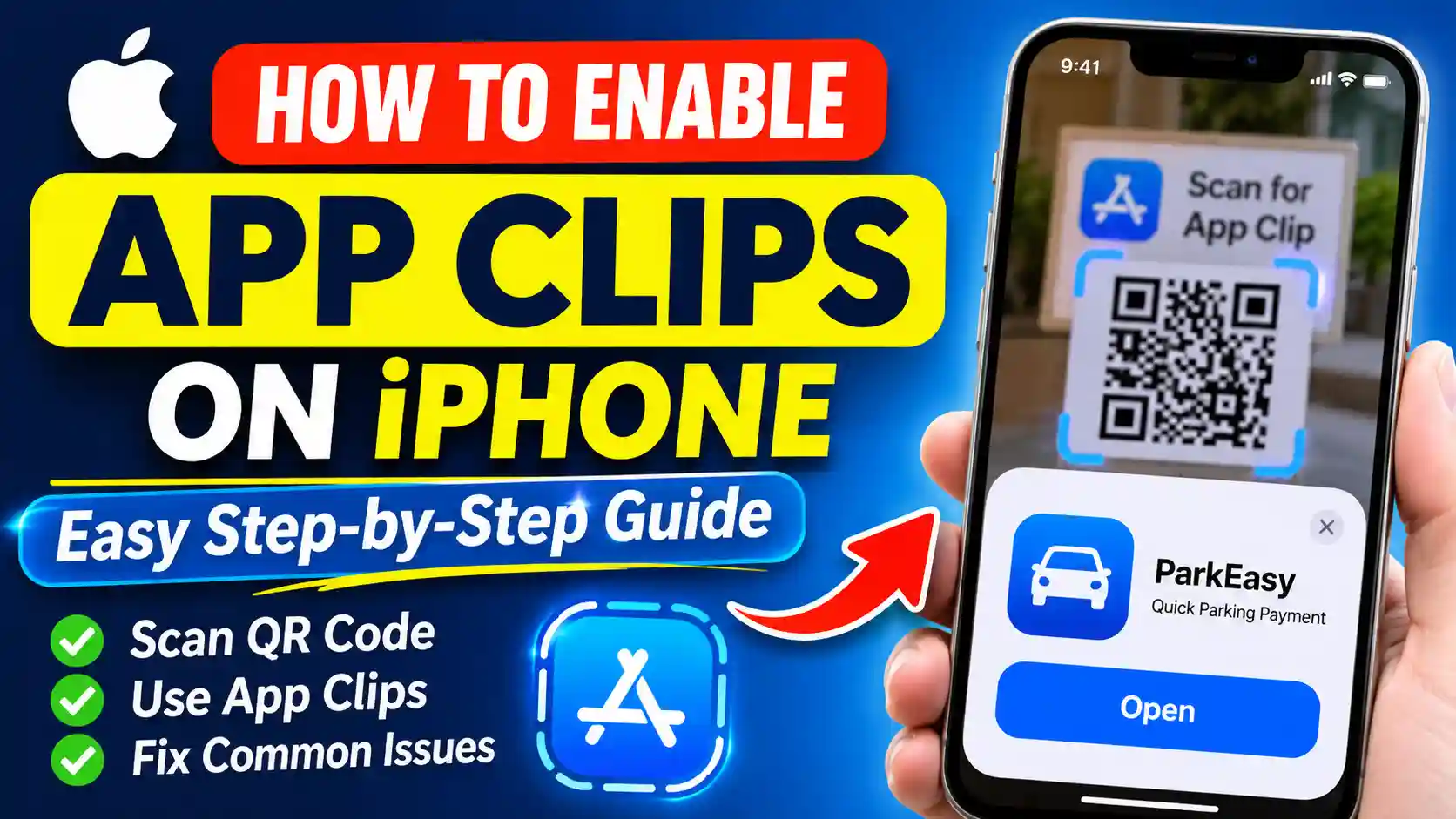
How to Enable App Clips on iPhone (Step-by-Step Guide)
App Clips on iPhone allow you to use a small part of an app without downloading and installing the complete…
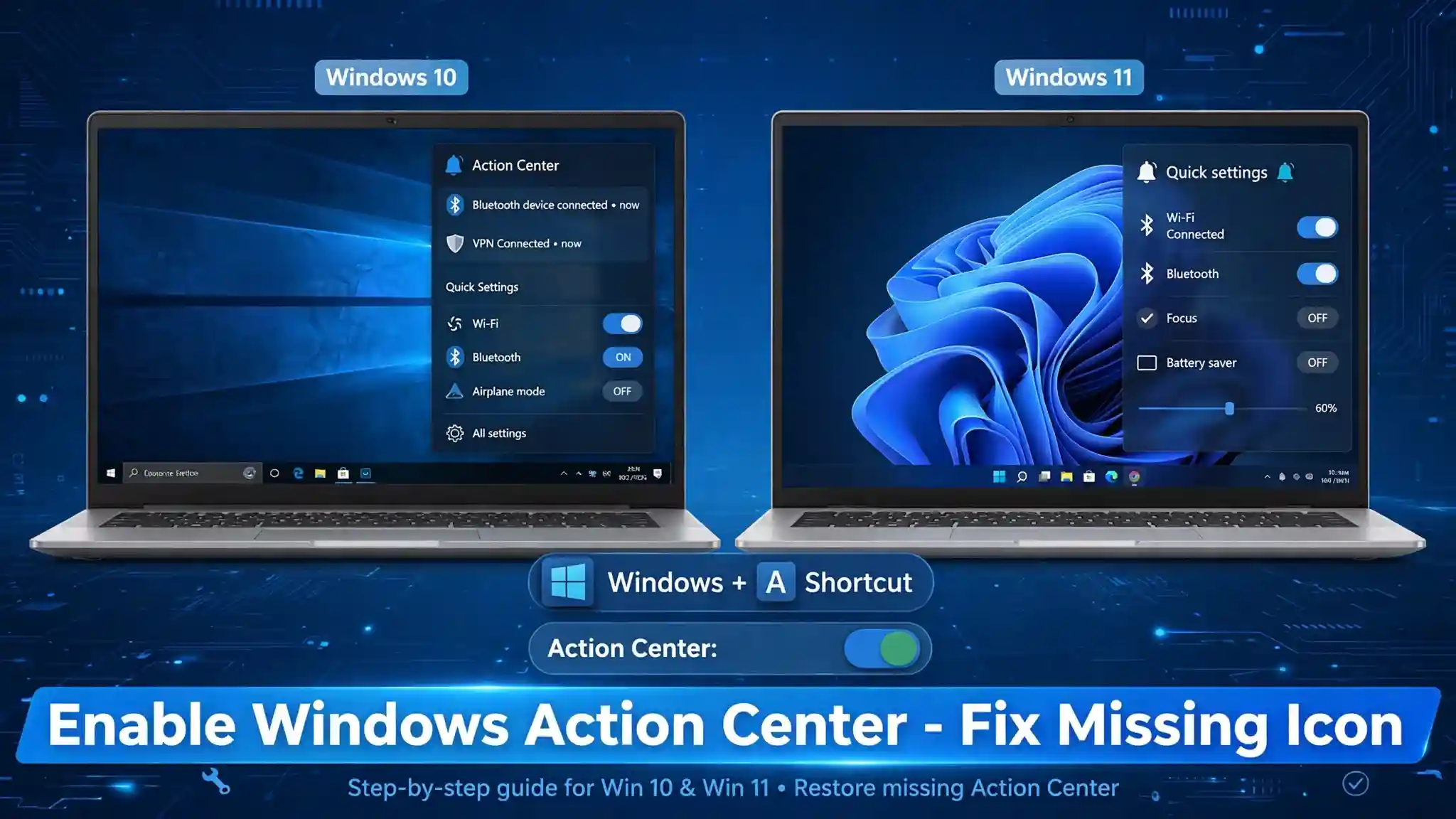
How to Enable Windows Action Center in Windows 10 and Windows 11
Windows Action Center is a useful feature that helps users manage notifications, access important system alerts, and quickly control frequently…
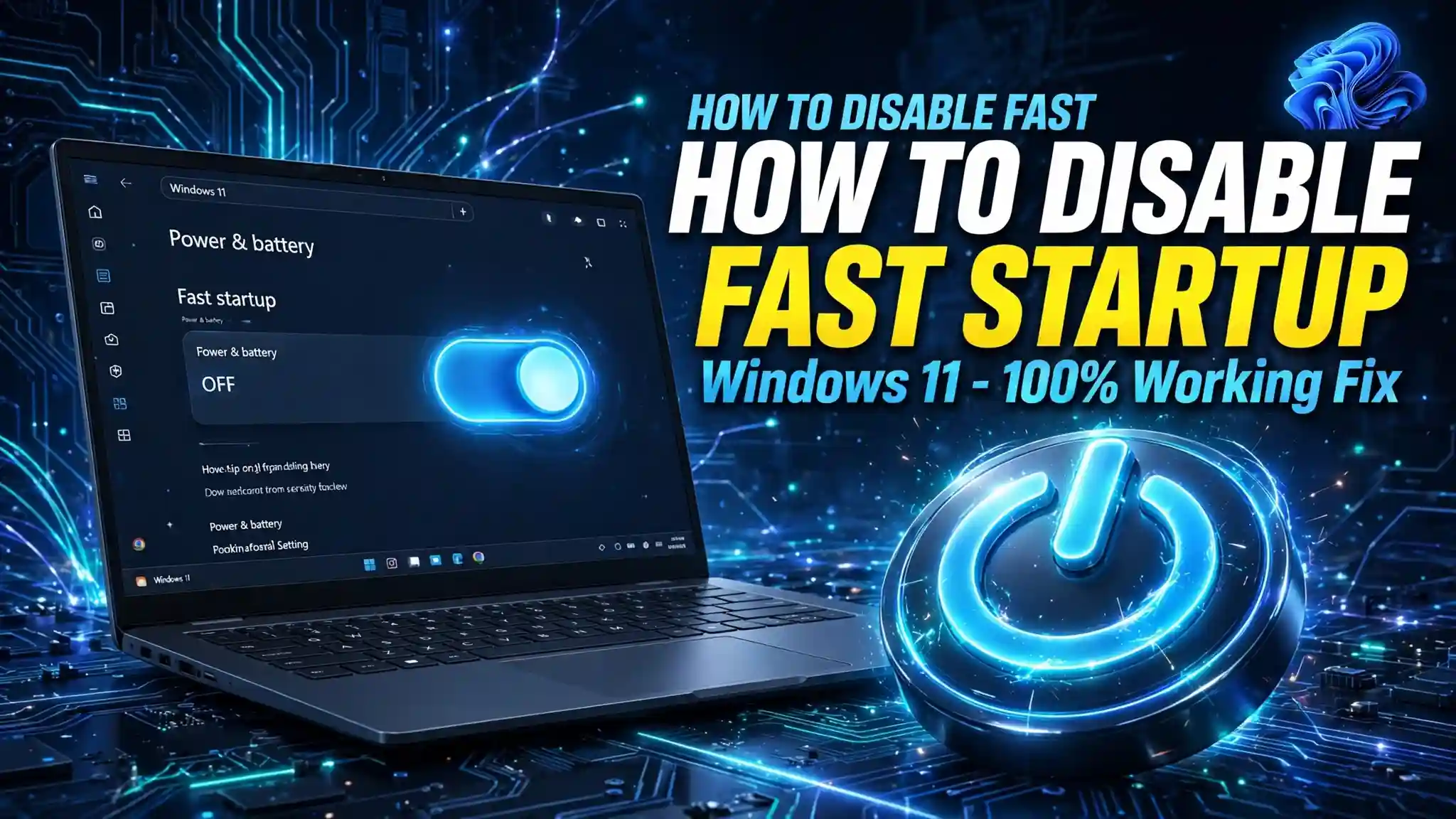
How to Turn Off Fast Startup in Windows 11 (Step-by-Step Guide)
Fast Startup in Windows 11 is designed to help your computer start faster after you shut it down. Although this…
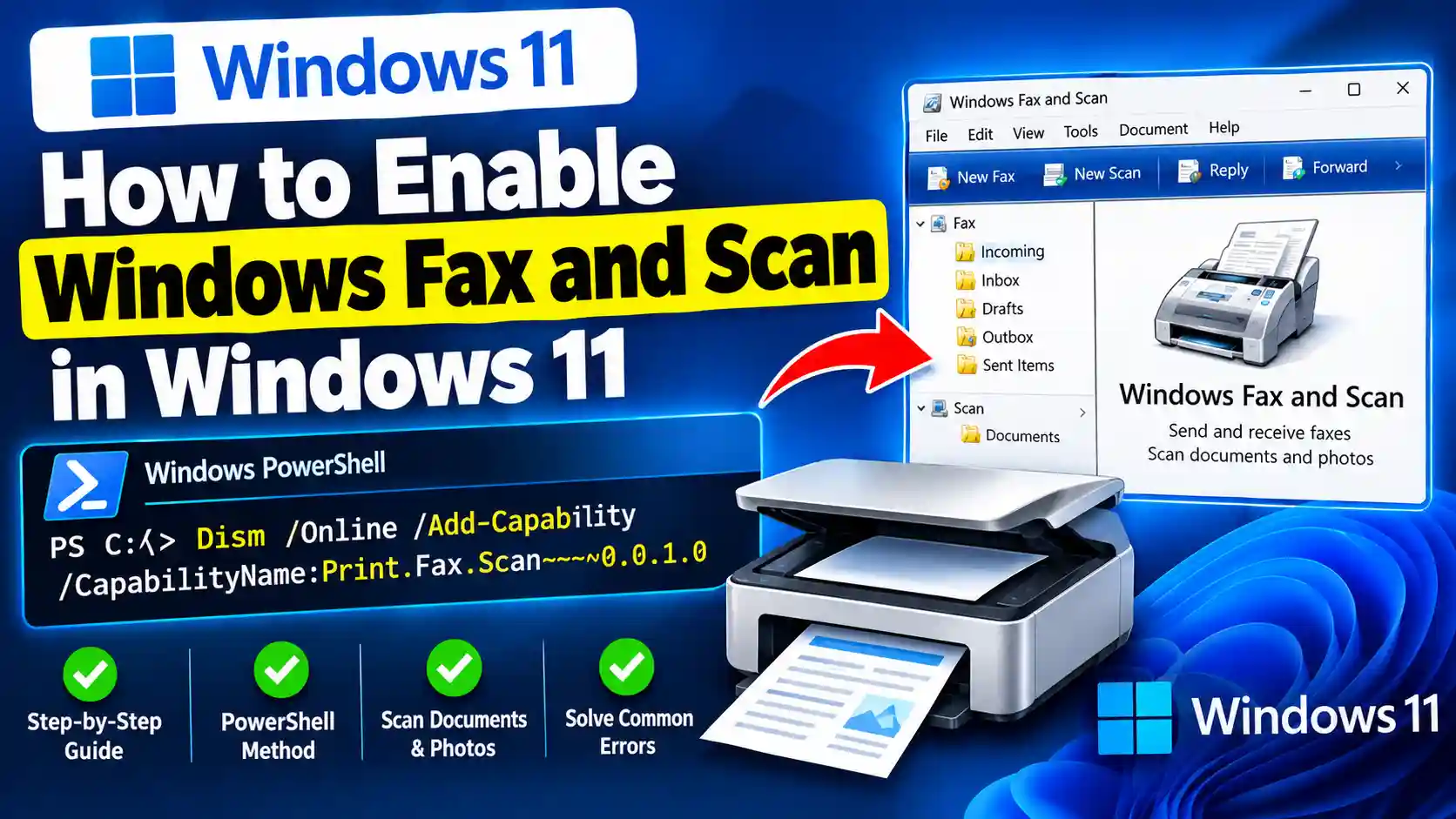
How to Enable Windows Fax and Scan in Windows 11
Windows Fax and Scan is a built-in Windows utility that allows users to scan documents, manage scanned files, and send…
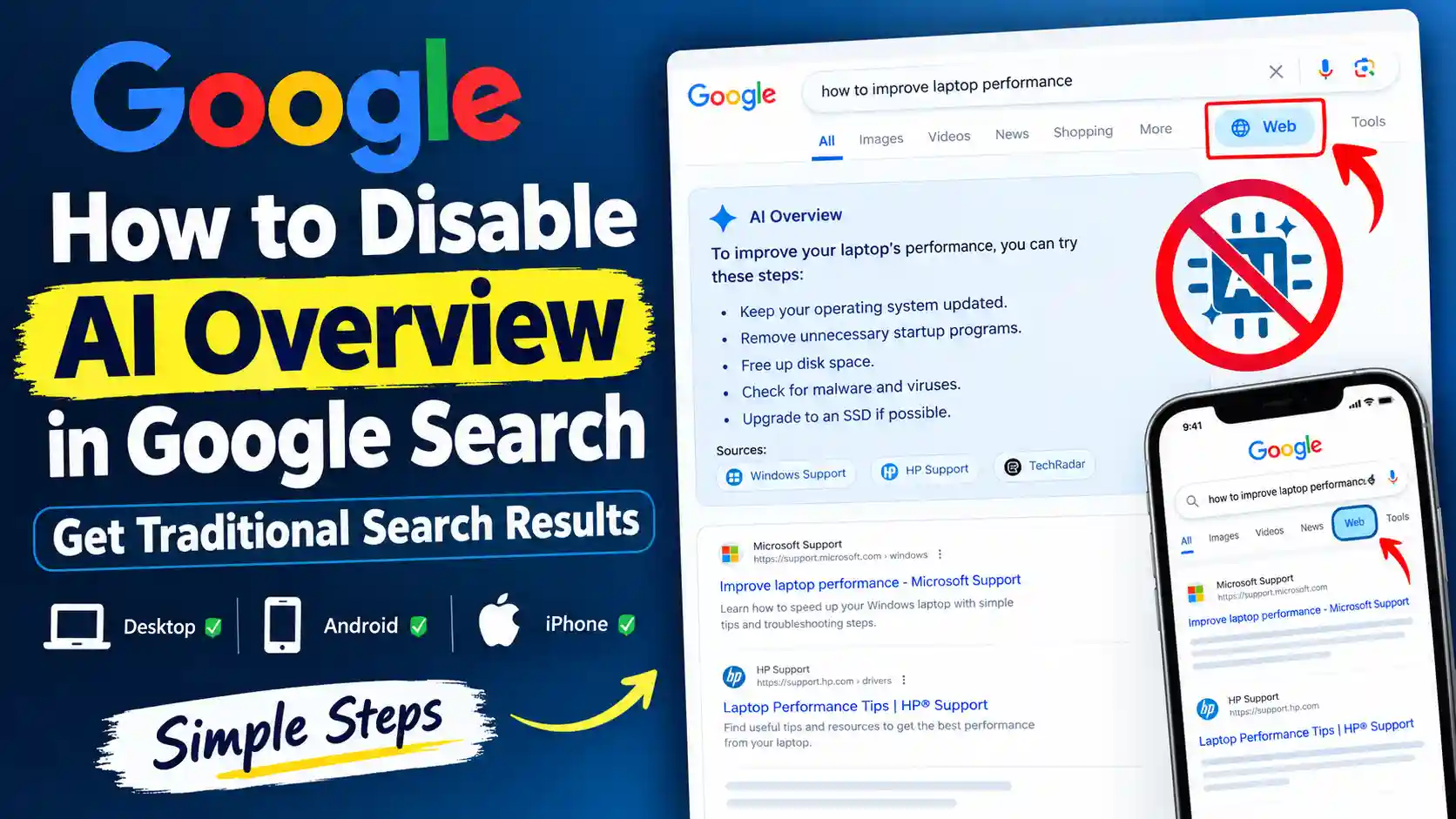
How to Disable AI Overview in Google Search (2026 Guide)
1. Introduction Have you noticed an AI-generated summary appearing at the top of Google search results? Google AI Overviews provide…