How to Reset Word to Default Settings (Complete Guide)
Introduction If Microsoft Word suddenly starts behaving strangely—toolbars missing, formatting acting oddly, templates not working, or settings constantly resetting—you’re not…
Get unique computer tips and how-to's
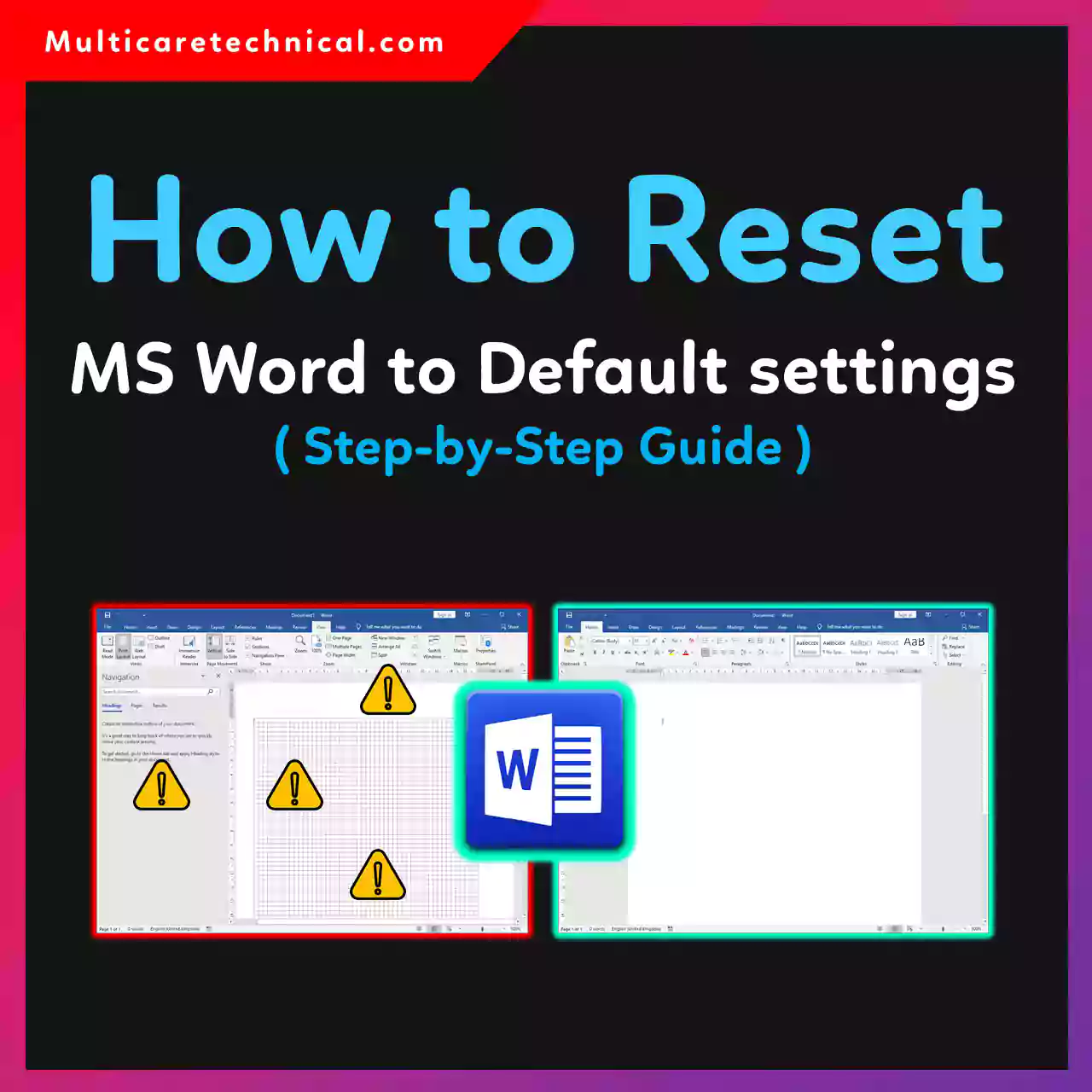
Introduction If Microsoft Word suddenly starts behaving strangely—toolbars missing, formatting acting oddly, templates not working, or settings constantly resetting—you’re not…
Page breaks in Microsoft Word are helpful—until they’re not. If your document suddenly jumps to a new page, leaves awkward…
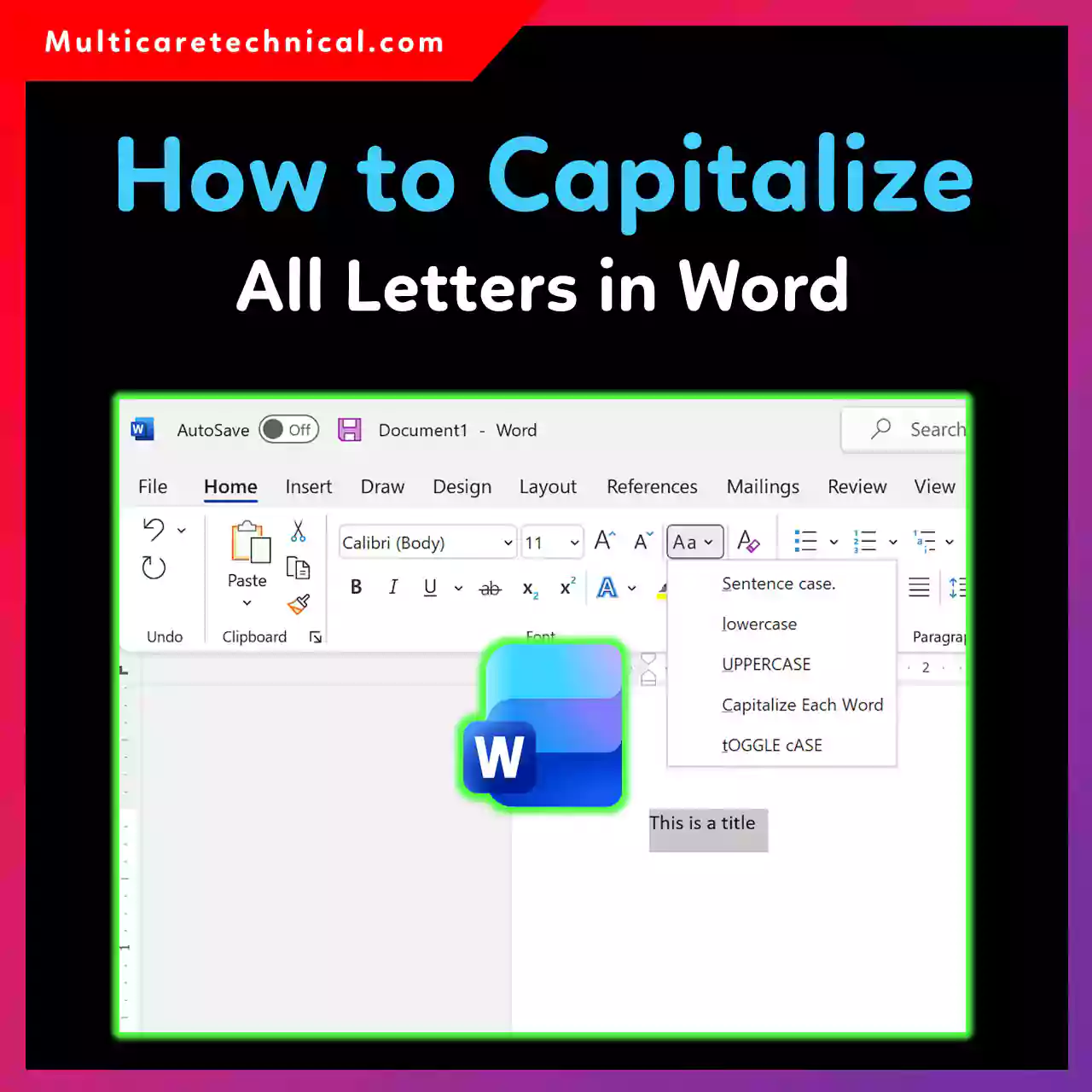
Ever typed a full paragraph in lowercase and realized it needs to be ALL CAPS? Good news—Microsoft Word makes it…
Copying an entire page in Microsoft Word sounds simple—but if you’ve ever tried it, you know it’s not always as…
Macros in Microsoft Word can save hours of repetitive work—but by default, Word keeps them disabled for security reasons. If…
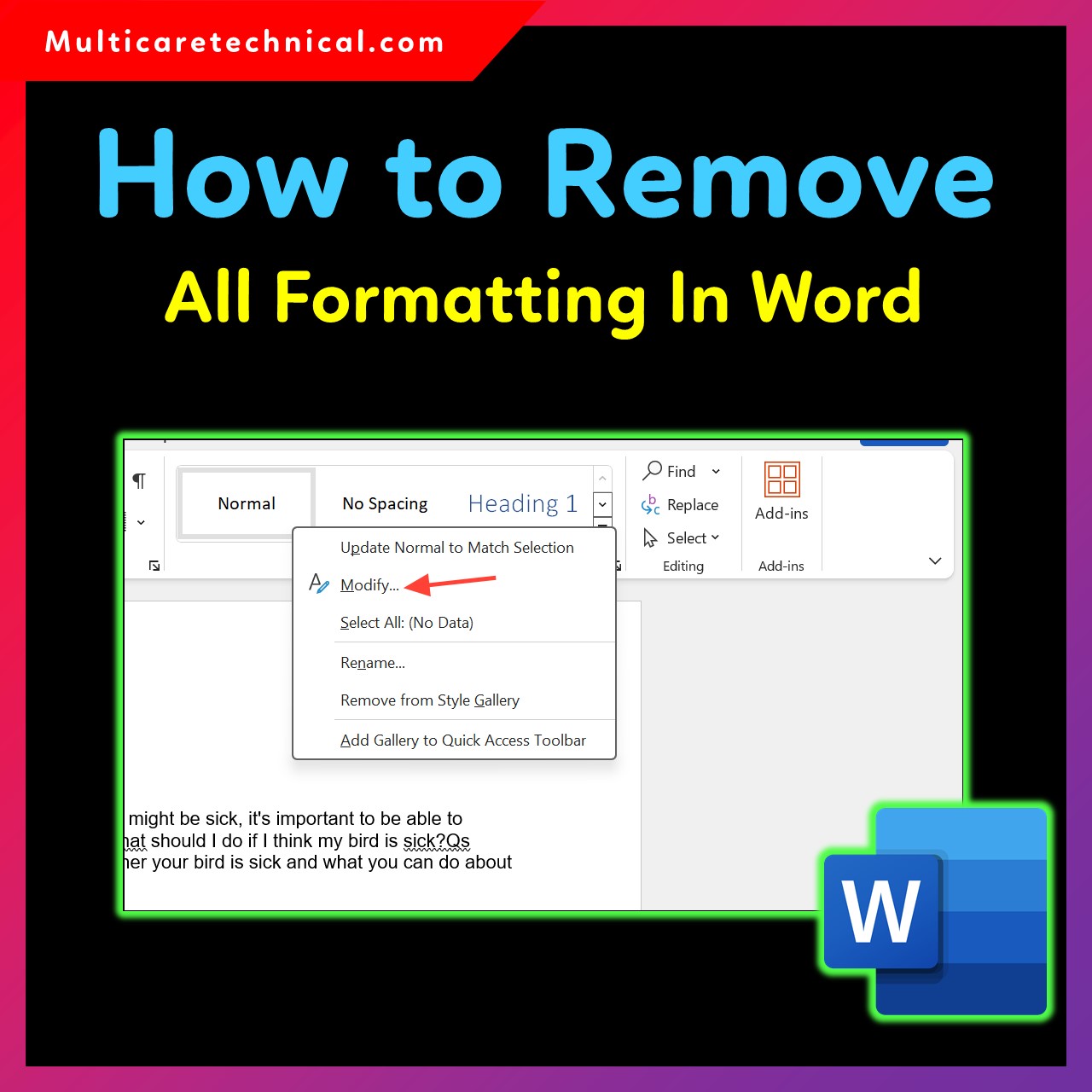
Formatting issues in Microsoft Word—such as random colors, bold text, inconsistent fonts, spacing problems, or messy pasted content—are extremely common.…

Hyperlinks in Microsoft Word usually appear after pasting text from websites, emails, or documents. While links are useful, sometimes you…
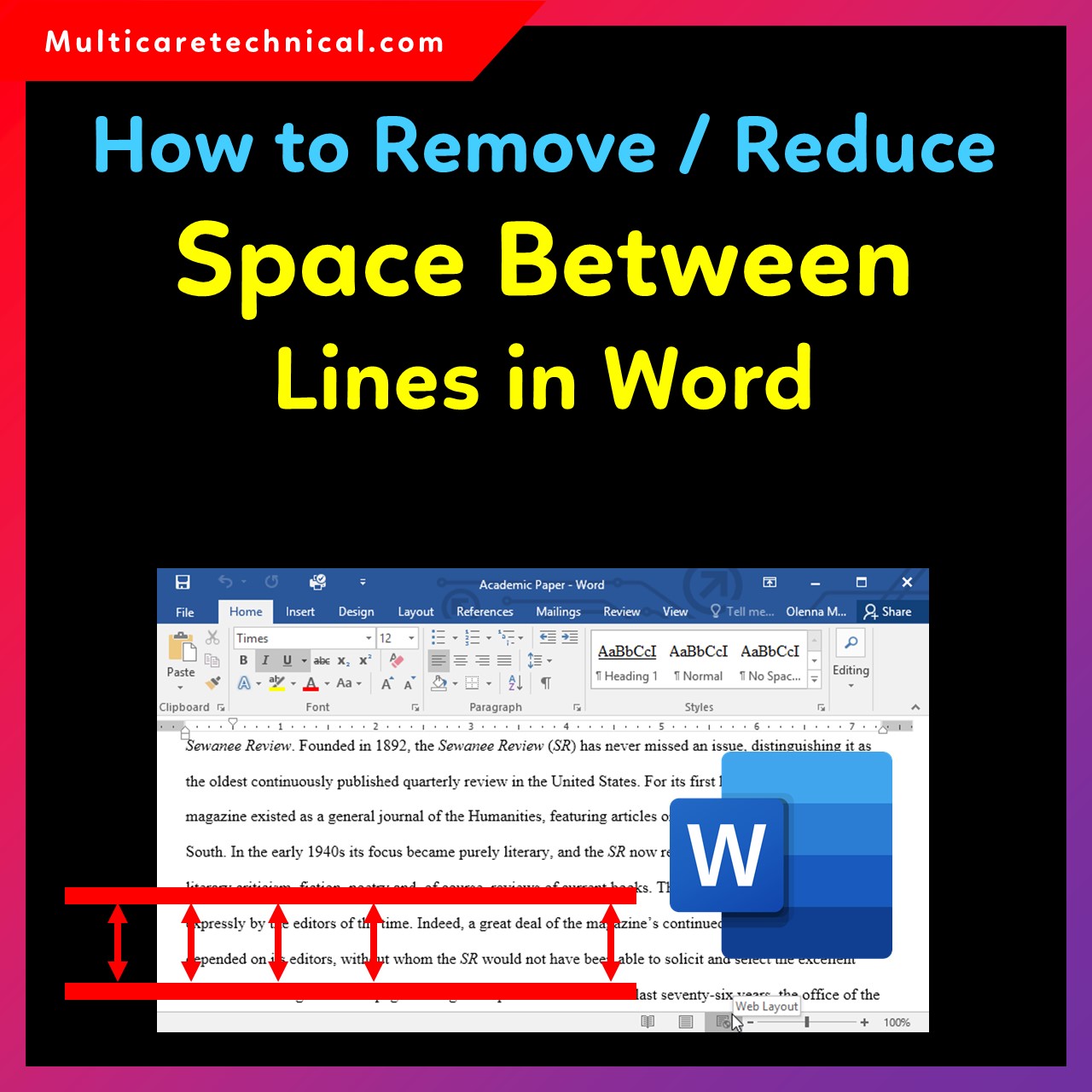
Are you struggling with extra spacing between lines in Microsoft Word? This often happens due to Word’s default formatting settings…
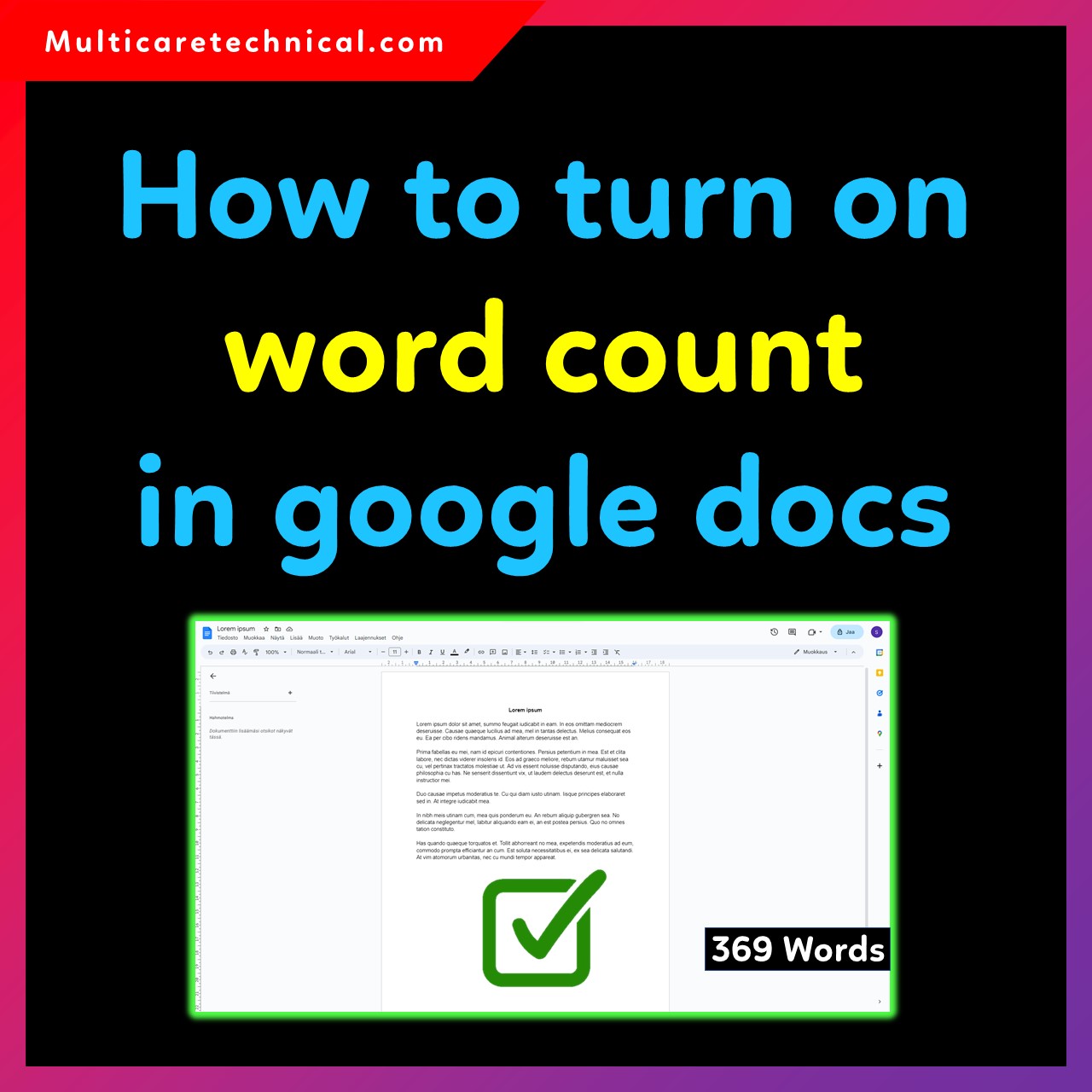
Google Docs includes a built-in word counter that helps students, writers, bloggers, and professionals track their writing progress. Whether you’re…
Double spacing makes documents easier to read and is often required for school assignments, essays, and professional writing. Google Docs…