
Getting help from Microsoft is easier than ever thanks to their live chat support system. Whether you are facing issues with Windows activation, Microsoft account login, Xbox, or Microsoft 365, you can quickly contact Microsoft through their official live chat support.
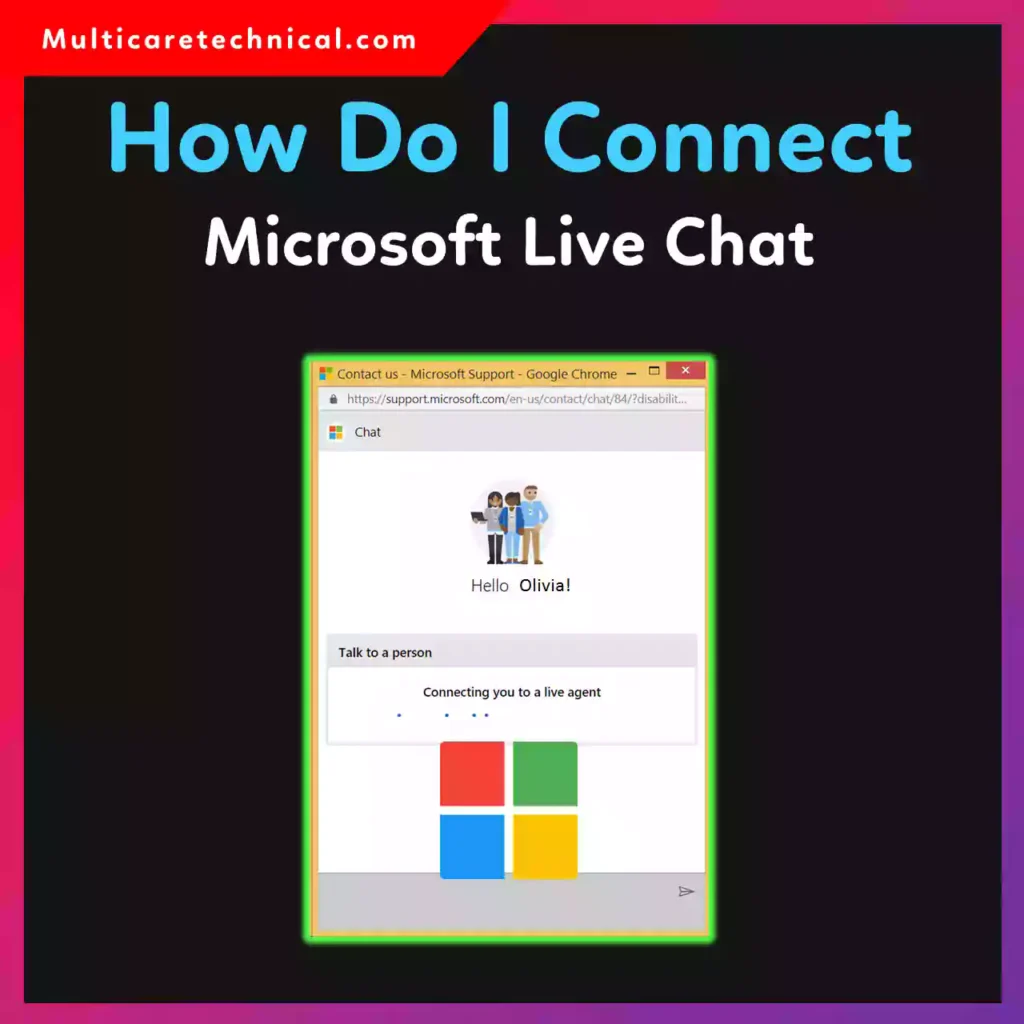
In this guide, you’ll learn how to contact Microsoft live chat, where to find the chat option, and what problems Microsoft chat support can solve.
What Is Microsoft Live Chat Support?
Microsoft Live Chat is an online customer support service where users can chat directly with a Microsoft support agent in real time.
You can use Microsoft chat support for issues like:
- Windows activation problems
- Microsoft account login issues
- Microsoft 365 subscription questions
- Xbox support problems
- Technical errors in Windows
- Billing and refund inquiries
The best part is that most Microsoft live chat support services are completely free.
How Do I Contact Microsoft Live Chat (Quick Steps)
Follow these simple steps to start chatting with Microsoft support.
Step 1: Visit Microsoft Support Website
Go to the official Microsoft Support page.
Step 2: Sign in to Your Microsoft Account
Click Sign In and log into your Microsoft account.
Step 3: Choose Your Product
Select the product you need help with:
- Windows
- Microsoft 365
- Xbox
- Surface
- Microsoft Store
Step 4: Select “Contact Support”
After selecting the issue category, click Contact Support.
Step 5: Start Live Chat
Choose Chat with a Microsoft support agent.
Once connected, a Microsoft support representative will join the chat within a few minutes.
Direct Microsoft Live Chat Link
You can start support by visiting:
support.microsoft.com/contactus
From there, Microsoft will guide you through the live chat support options.
Microsoft Live Chat Support Hours
Microsoft live chat availability depends on the product.
Typical support hours:
- Windows & Microsoft 365: 24/7 support in many regions
- Xbox Support: Usually 24/7
- Microsoft Store billing: Business hours
Some regions may experience slightly different support times.
What Problems Microsoft Chat Support Can Solve
Microsoft chat agents can help with a wide range of problems.
Windows Technical Issues
- Windows not activating
- Update errors
- Driver problems
- System crashes
If you are troubleshooting Windows problems, learning Event Viewer logs can also help. Read this guide:
https://multicaretechnical.com/how-to-open-event-viewer-in-windows-complete-2026-guide
Developer Tools Support
If you are using Microsoft developer tools, you may also need help with the Windows Assessment and Deployment Kit (ADK).
Learn more here:
https://multicaretechnical.com/how-to-use-windows-adk-for-beginners-complete-2026-guide
Account & Device Issues
Support agents can also help with:
- Microsoft account recovery
- Device setup
- Security issues
- Password reset
If you use Apple devices along with Microsoft services, this guide may help:
https://multicaretechnical.com/how-to-disable-passcode-on-ipad-mini-air-pro-9th-10th-generation-guide
Microsoft Live Chat vs Phone Support
| Support Type | Best For |
|---|---|
| Live Chat | Quick technical help |
| Phone Support | Complex problems |
| Community Forums | Basic troubleshooting |
Many users prefer Microsoft live chat because it is faster and easier than calling support.
Tips to Get Faster Microsoft Chat Support
Before starting a chat, prepare the following information:
- Your Microsoft account email
- Product name (Windows, Office, Xbox, etc.)
- Error message or screenshot
- Device model
Providing these details helps support agents solve your issue much faster.
FAQ – Microsoft Live Chat Support
How do I contact Microsoft live chat?
To contact Microsoft live chat, go to the Microsoft Support website, sign in to your account, select your product, and choose Chat with a support agent.
Is Microsoft live chat free?
Yes. Microsoft live chat is usually free for most services like Windows support, Microsoft account issues, and Xbox help.
Does Microsoft offer 24/7 live chat support?
Yes, many Microsoft services such as Windows and Xbox offer 24/7 live chat support, depending on the region.
Can Microsoft chat support fix Windows problems?
Yes. Microsoft agents can help fix Windows activation errors, update problems, and system issues through chat support.
How long does Microsoft live chat take?
Microsoft live chat usually connects you with an agent within 2–10 minutes, depending on support demand.
Conclusion
Microsoft Live Chat is one of the fastest ways to get help with Windows, Microsoft 365, Xbox, or account issues. By visiting the Microsoft Support website and selecting your product, you can quickly connect with a Microsoft support agent through live chat.
Whether you need help fixing Windows errors, managing subscriptions, or troubleshooting login problems, Microsoft chat support provides quick and reliable assistance.