


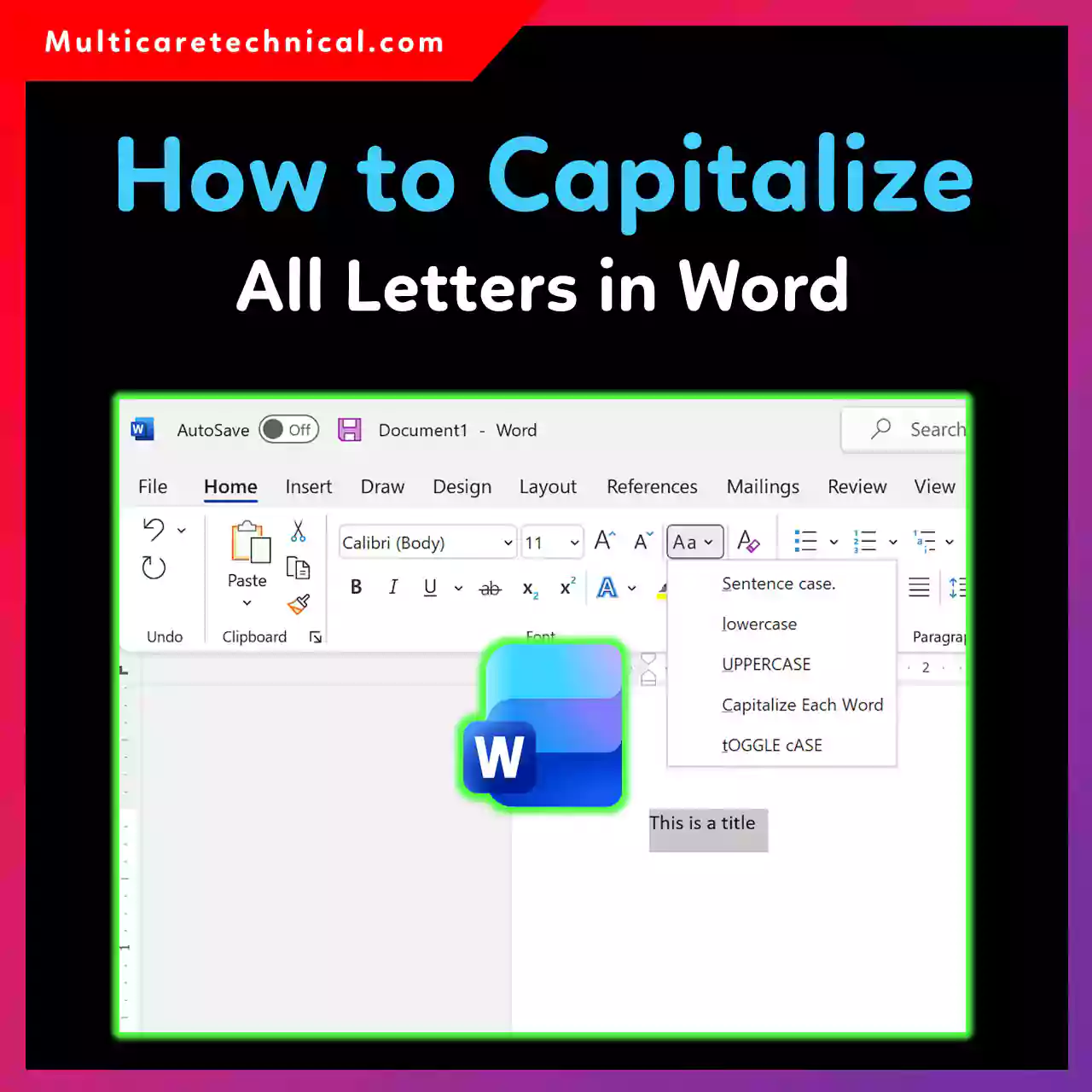
How to Capitalize All Letters in Word (Windows, Mac, Mobile & Shortcuts)
Ever typed a full paragraph in lowercase and realized it needs to be ALL CAPS? Good news—Microsoft Word makes it…

How to Copy an Entire Page in Word (Quick & Easy Methods)
Copying an entire page in Microsoft Word sounds simple—but if you’ve ever tried it, you know it’s not always as…
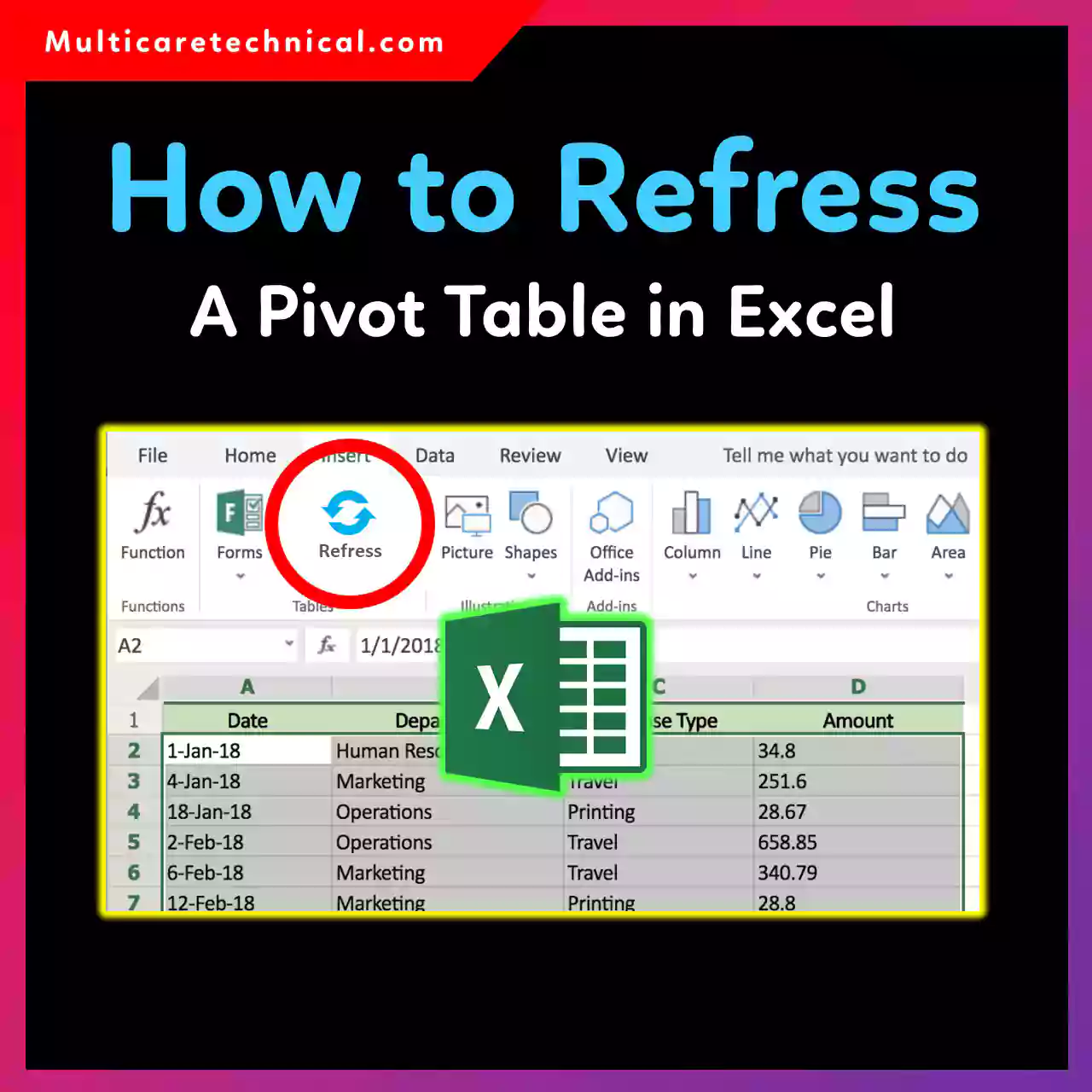
How to Refresh a Pivot Table in Excel (Update Data Instantly)
PivotTables are powerful—but only when they reflect your latest data. If you’ve added new rows, edited values, or changed your…
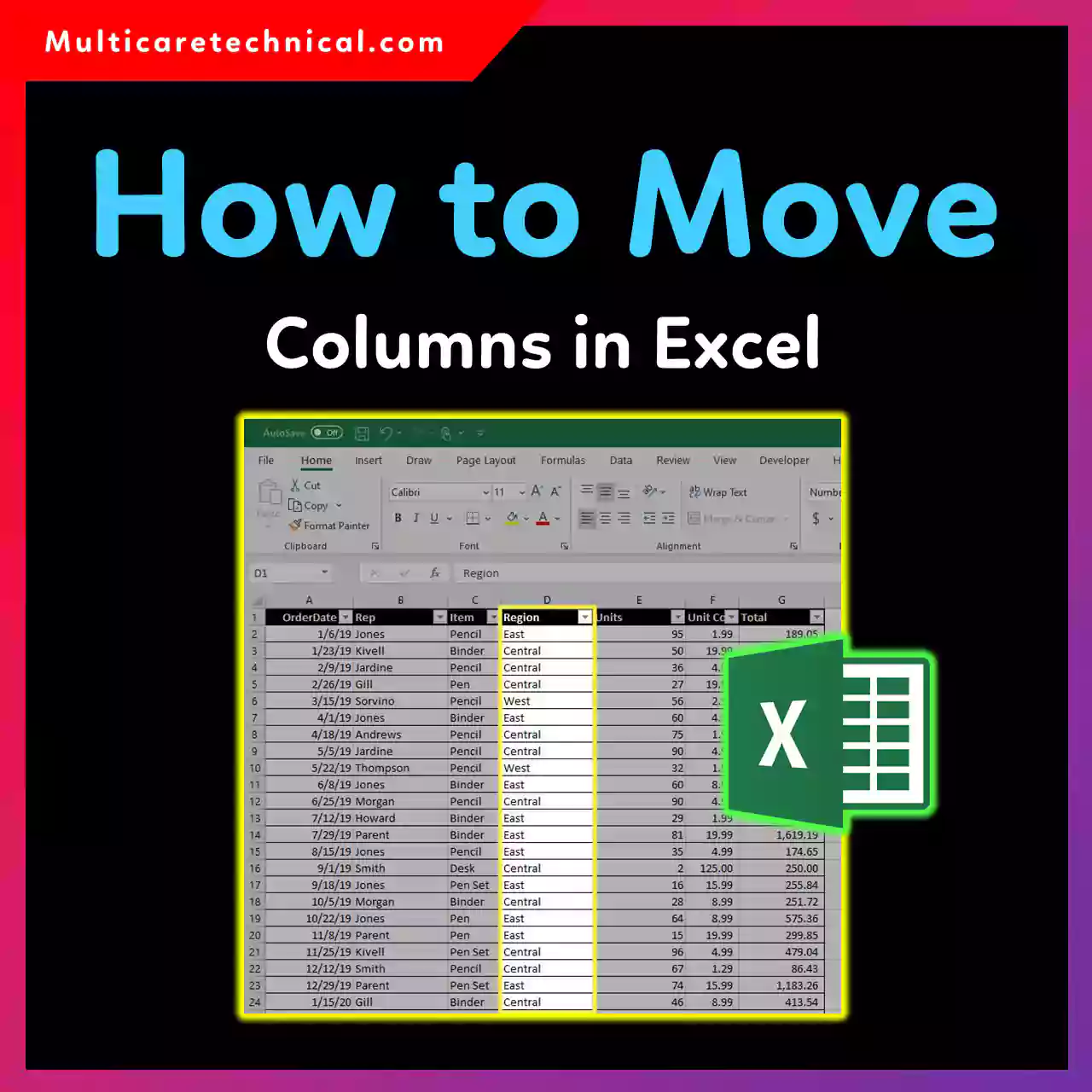
How to Move Columns in Excel (Without Breaking Your Data)
Rearranging columns in Excel is a common task—whether you’re organizing reports, cleaning up data, or preparing sheets for analysis. The…
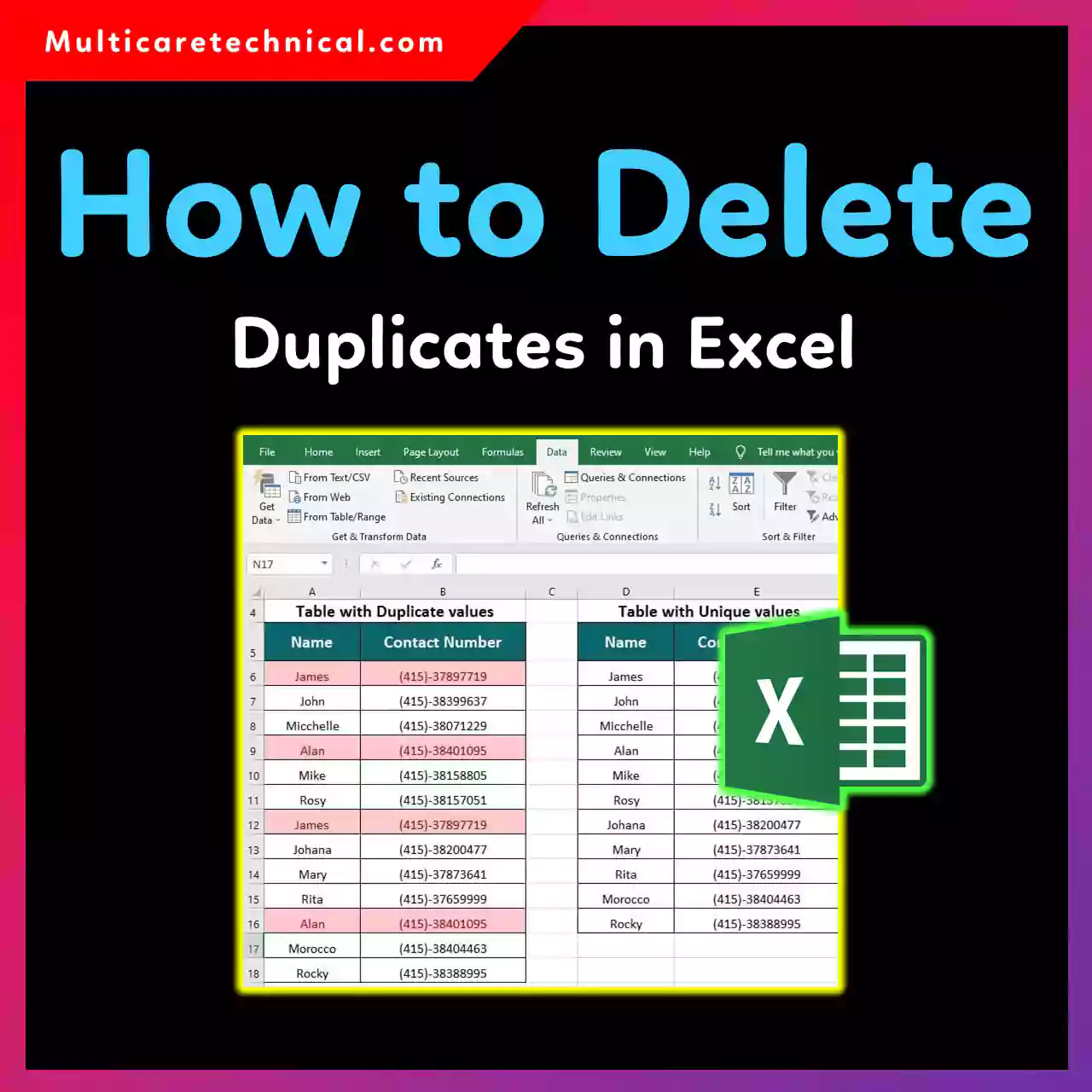
How to Delete Duplicates in Excel (Easy Step-by-Step Guide)
Duplicate data is one of the biggest reasons Excel sheets become messy, inaccurate, and hard to analyze. Whether you’re cleaning…
How to Fix Arrow Keys Not Working in Excel (Windows 10 & 11)
Arrow keys are supposed to move smoothly from one cell to another in Excel—but sometimes, they suddenly stop working. Instead…
How to Remove Microsoft Account from Windows 11 (Complete Step-by-Step Guide)
Windows 11 strongly encourages users to sign in with a Microsoft account—but that doesn’t mean you’re stuck with it forever.…
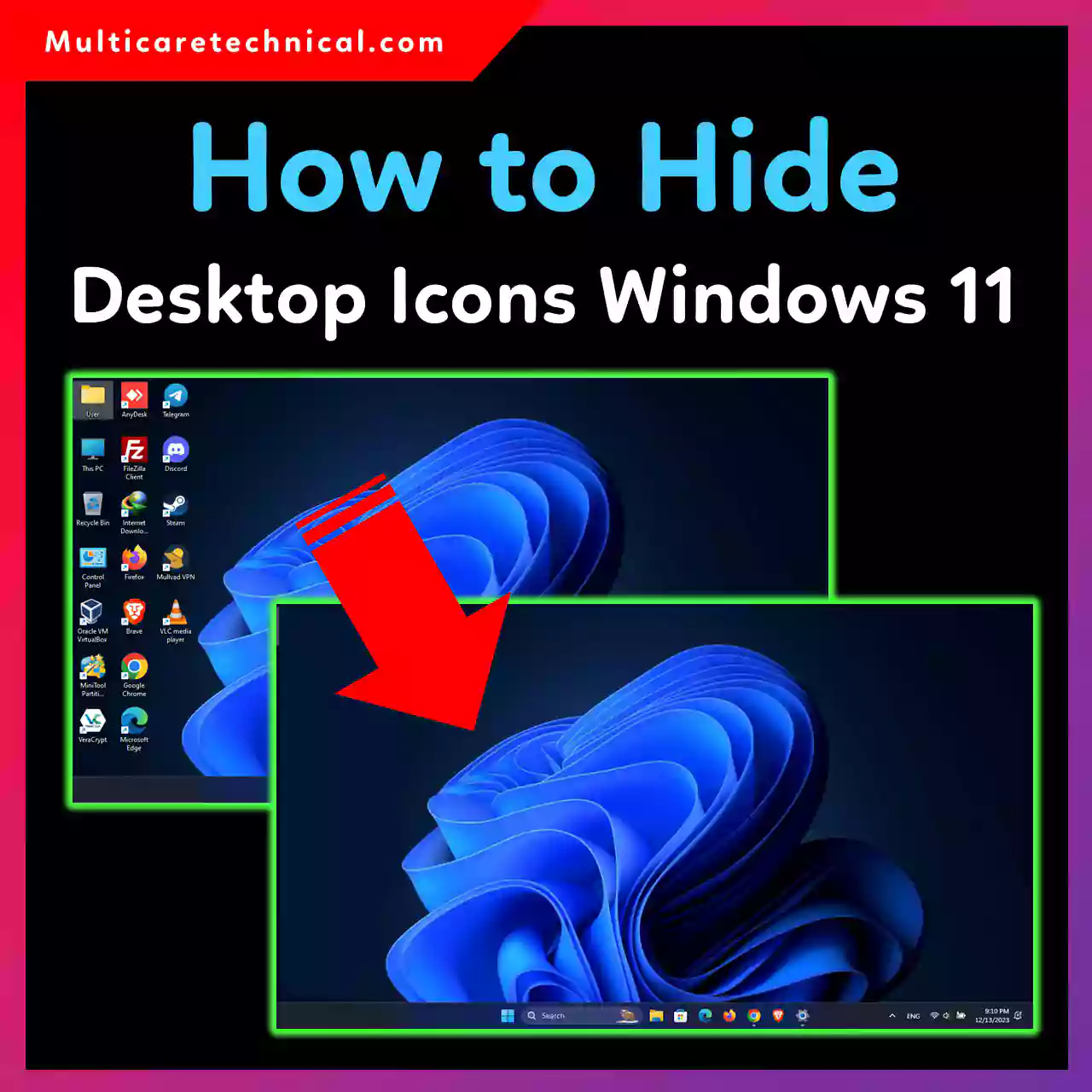
How to Hide Desktop Icons in Windows 11, Windows 10, Windows 7, and Mac
A cluttered desktop can slow you down and ruin your focus. Whether you want a clean workspace for productivity, screen…
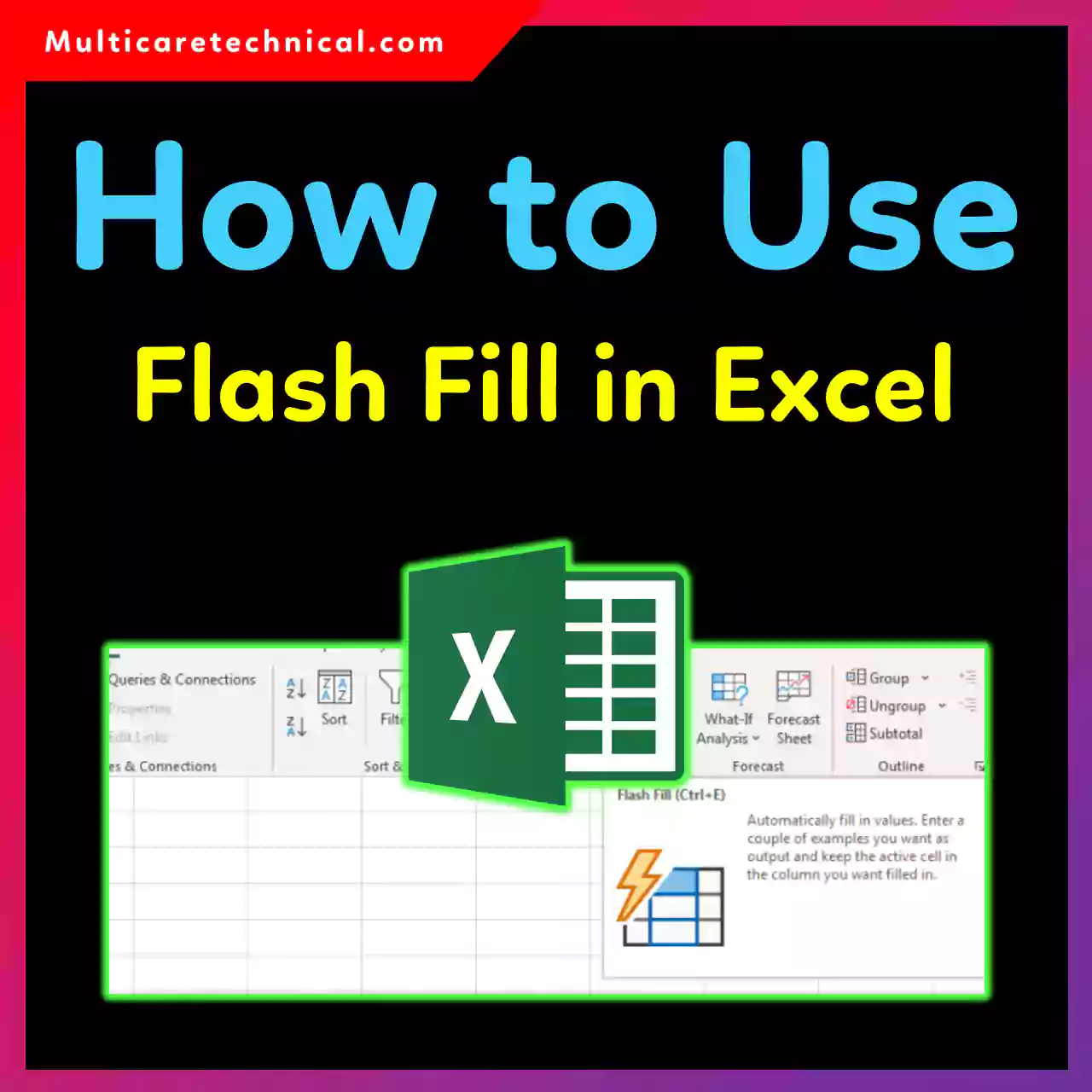
How to Use Flash Fill in Excel (Beginner to Pro Guide)
Ever typed something in Excel and thought, “There’s gotta be a faster way”? Good news — Flash Fill in Excel…

How to Fix Bad Pool Caller on Windows 11/10/07 (Step-by-Step)
If your PC suddenly blue-screens with a Bad Pool Caller 0xC2 error, you’re not alone. That frustrating crash can happen…