

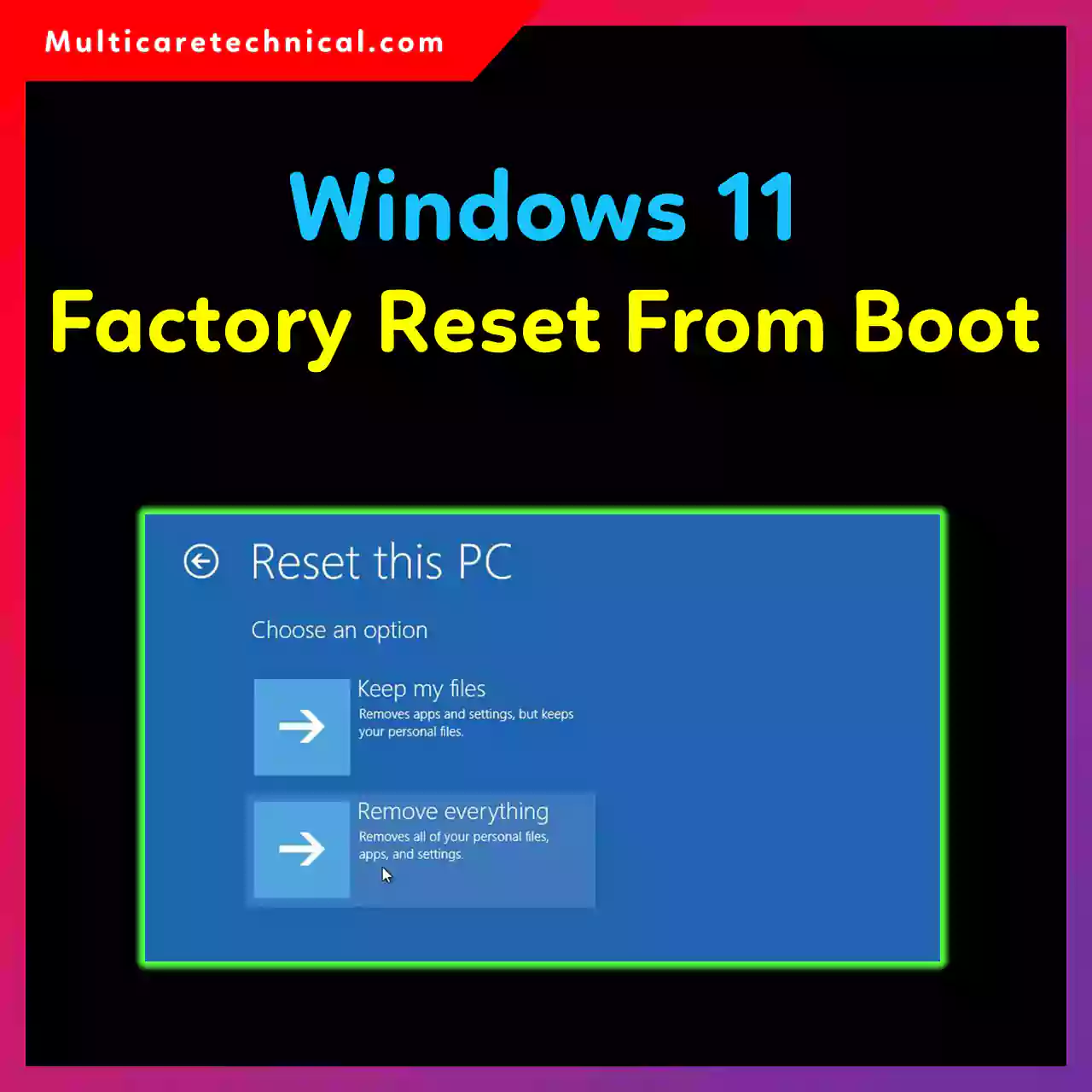
Windows 11 Factory Reset from Boot (Complete Guide)
Introduction When your Windows 11 PC stops responding, crashes repeatedly, or won’t boot at all, performing a factory reset from…
How to Fix Group Policy Not Updating in Windows Server
Introduction Group Policy is one of the most powerful tools in Windows Server environments. It allows administrators to enforce security…
How to Fix TLS Handshake Error in Windows Server
Introduction If you’re running a Windows Server environment and suddenly encounter a TLS handshake error, it can bring critical services…
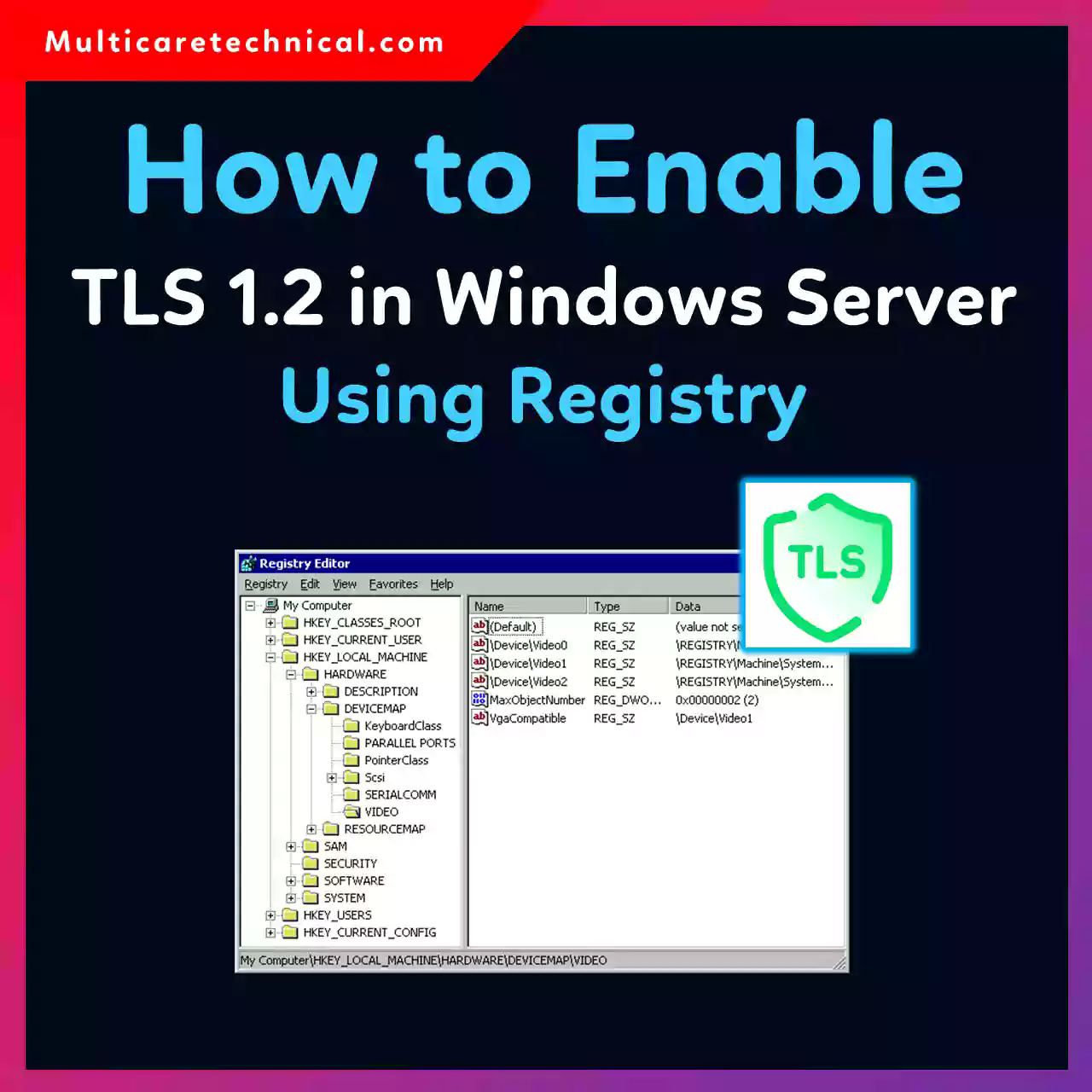
How to Enable TLS 1.2 in Windows Server Using Registry
Introduction Security is no longer optional—it’s a requirement for any modern IT infrastructure. If you’re managing a Windows Server environment,…
How to Disable TLS 1.0 and TLS 1.1 on Windows Server
1. Introduction Security is a top priority in any IT infrastructure, especially when managing Windows Server environments. Older encryption protocols…
How to Configure DNS Server on Windows Server
1. Introduction In modern IT infrastructure, DNS (Domain Name System) is the backbone of network communication. Without DNS, users would…
How to Create a New User on Windows 11/10/Mac
1. Introduction Creating a new user account on your computer is one of the simplest ways to improve security, maintain…
How to Transfer Microsoft Authenticator to a New Phone
Introduction Switching to a new phone is exciting—but it can quickly turn stressful if you rely on two-factor authentication (2FA)…
How to Set Environment Variables in Windows and Mac Computer
Introduction If you work in software development, system administration, or even basic IT troubleshooting, you’ve likely come across the term…
How to Transfer Contacts to a New Phone (Complete Guide)
Introduction Getting a new phone should feel exciting—not stressful. But one of the biggest concerns users face is moving their…