





How to Change DNS on Router (Complete Guide for TP-Link, Huawei, AT&T & More)
Introduction Your router acts as the gateway between your devices and the internet. Every time you visit a website, your…
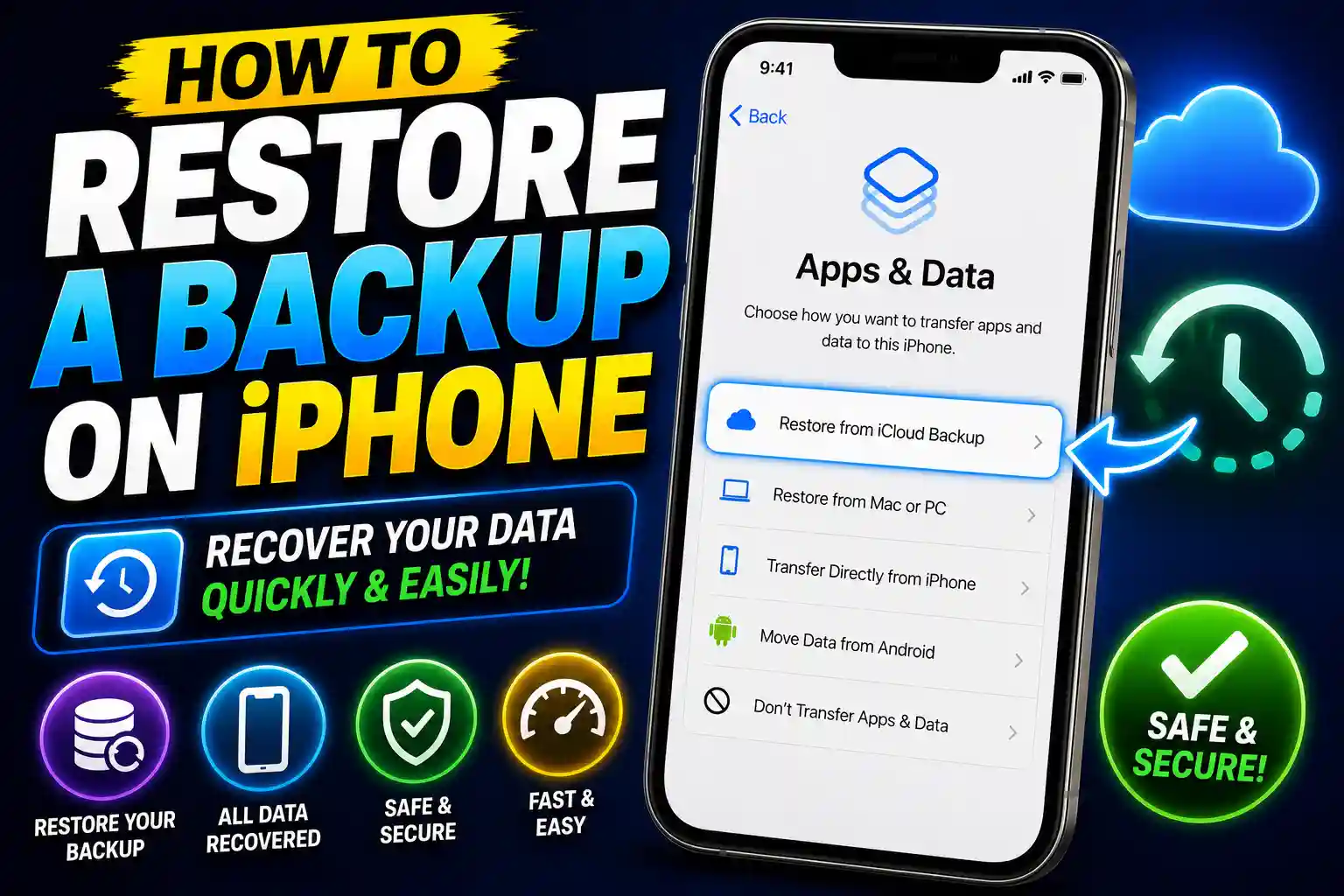
How to Restore a Backup on iPhone (iCloud, Mac, PC & iTunes Guide)
Introduction Restoring an iPhone backup is one of the most effective ways to recover your personal data after upgrading to…
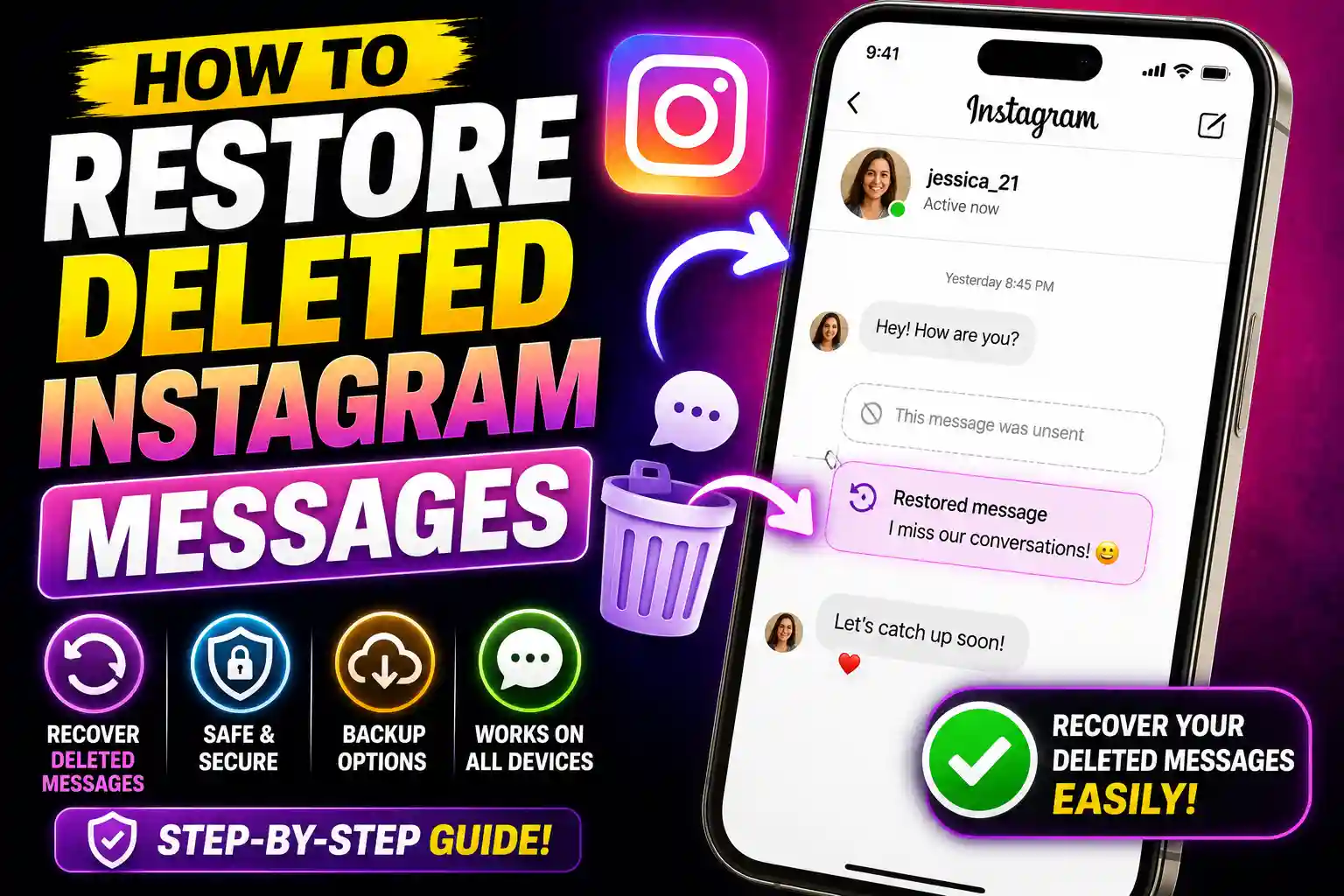
How to Restore Deleted Instagram Messages (Complete Recovery Guide)
Introduction Instagram Direct Messages (DMs) have become an important part of personal and professional communication. Whether you accidentally deleted a…
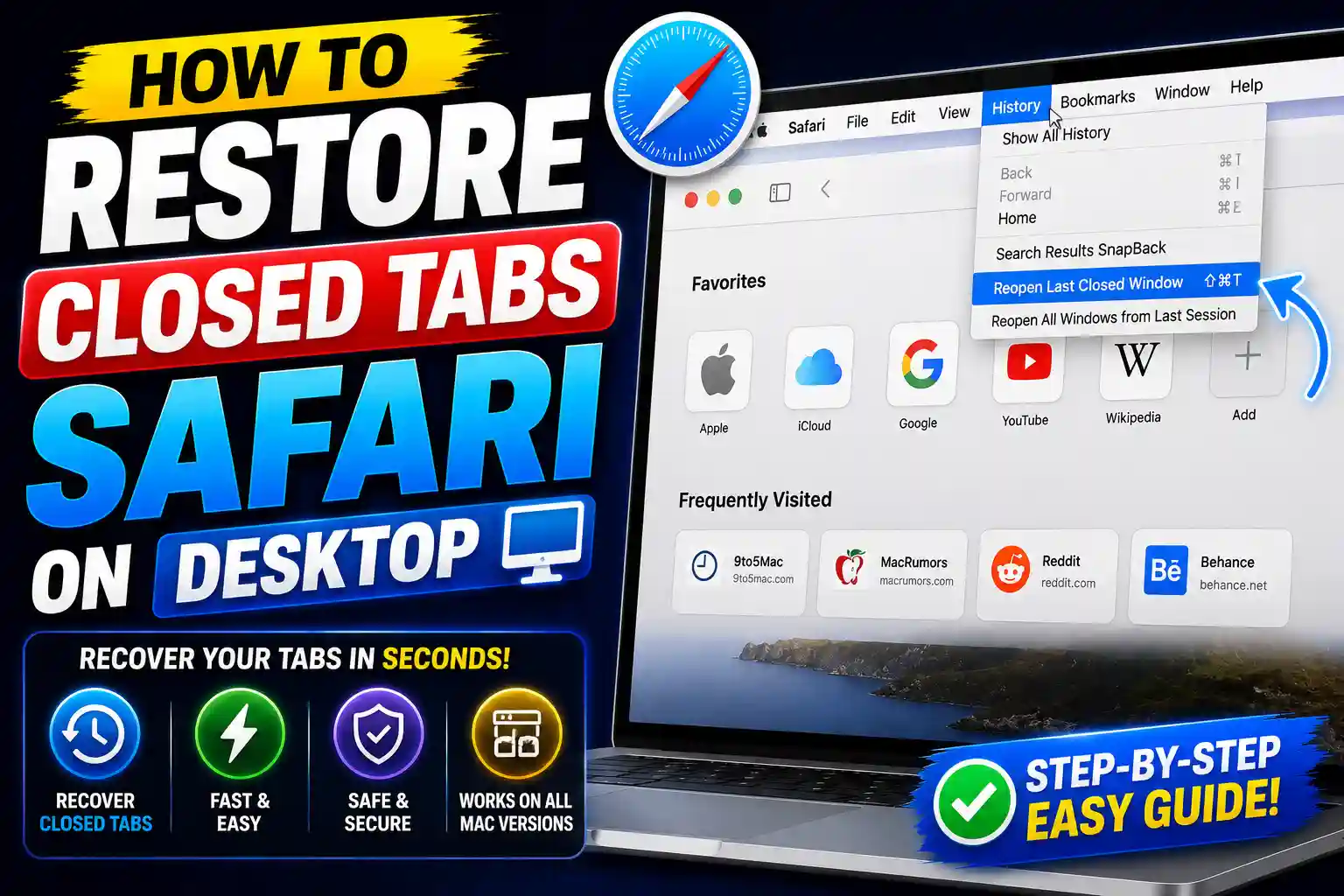
How to Restore Closed Tabs Safari iPhone (Recover Recently Closed Tabs Easily)
Accidentally closing a Safari tab on your iPhone can be frustrating, especially when you were reading an important article, researching…
How to Access Clipboard on Mac (View Clipboard History & Shortcuts Guide)
Copying and pasting are among the most common tasks performed on a Mac. Whether you’re working on documents, coding projects,…
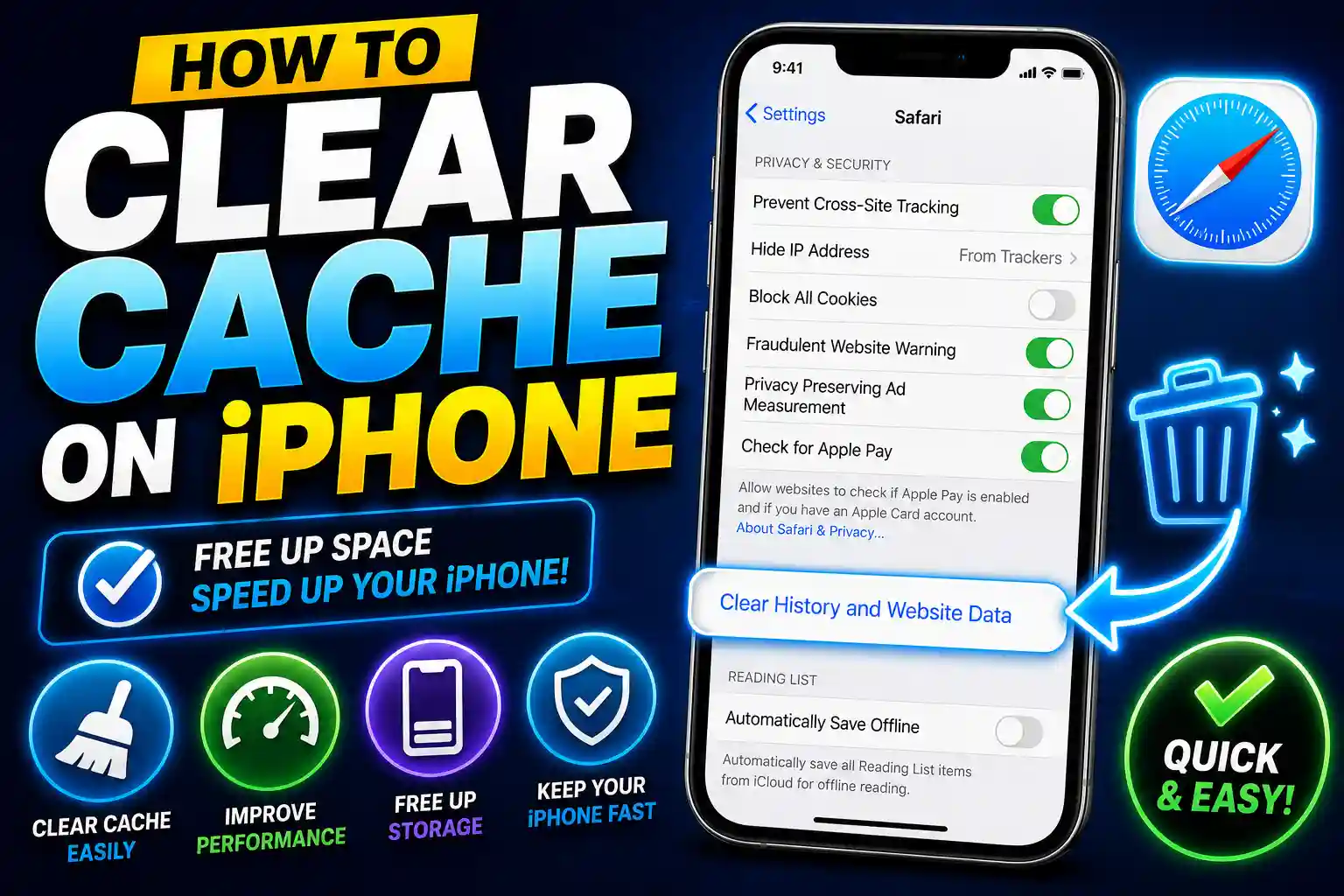
How to Clear Cache on iPhone (Safari, Chrome, Instagram, WhatsApp & Apps)
If your iPhone feels slower than usual, websites load incorrectly, apps crash unexpectedly, or storage space is running low, clearing…

How to Access Web Browser on PS5 (Complete 2026 Guide)
Many PlayStation 5 owners are surprised to learn that the PS5 does not include a traditional web browser app like…
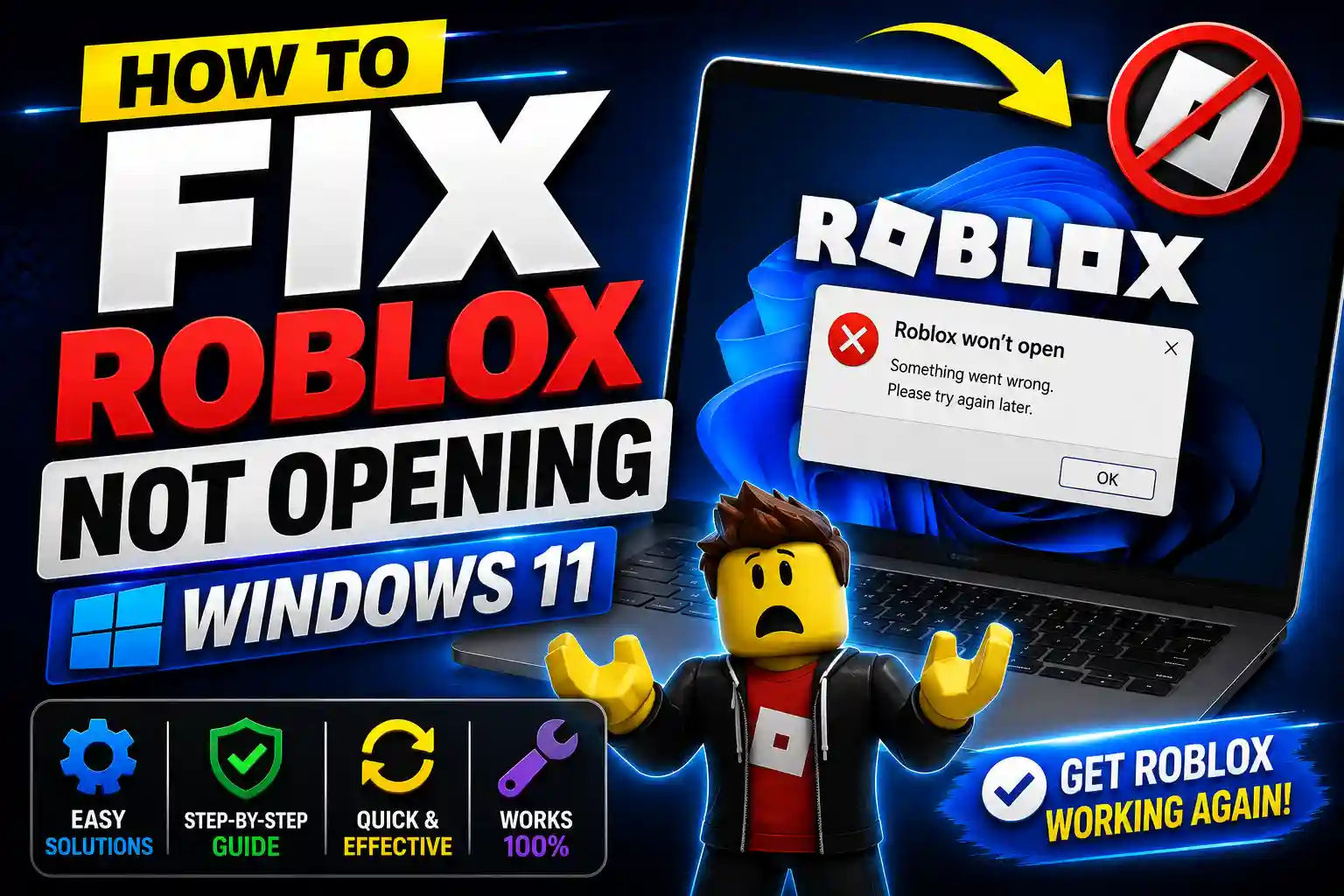
How to Fix Roblox Not Opening on Windows 11 (Complete Troubleshooting Guide)
Roblox is one of the most popular gaming platforms in the world, attracting millions of players every day. However, Windows…

How to Cancel Spotify Premium on iPhone, Android, and PC (2026 Guide)
Introduction Spotify Premium offers ad-free listening, offline downloads, unlimited skips, and higher audio quality. While many users enjoy these benefits,…

How to Block Websites on Chrome Mobile, Android, iPhone, and Laptop (2026 Guide)
Introduction The internet offers access to valuable information, but it can also expose users to distracting, inappropriate, or unsafe websites.…