
Is Google tracking where you go? 👀
If you’ve ever checked your Google Timeline and felt surprised at how much it knows, you’re not alone.
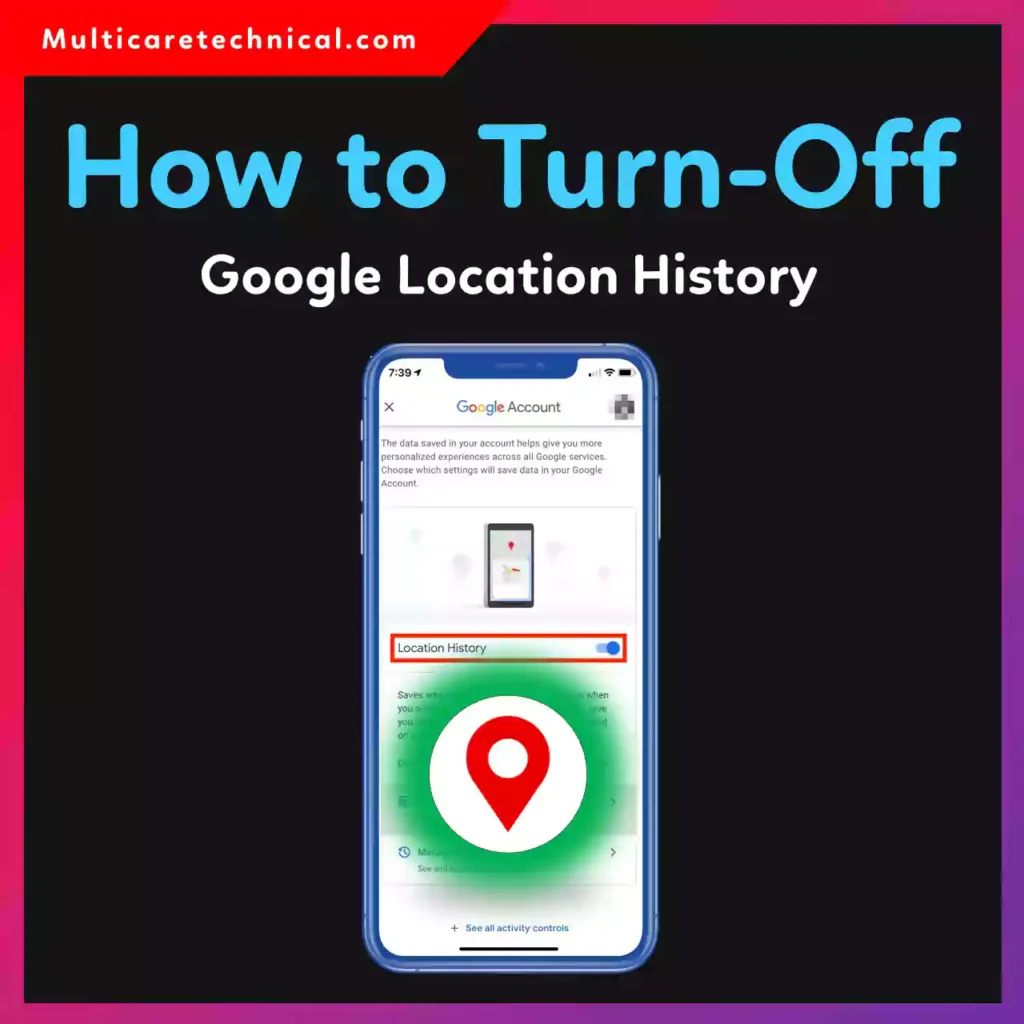
In this updated 2026 guide, you’ll learn exactly how to turn off Google location history on iPhone & Android, plus how to delete old data and control tracking permanently.
We’ll also explain:
- how to turn off google map history
- how to turn off google maps location history
- how to turn off google timeline location history
- how to turn on google location history (if you change your mind)
Let’s lock down your privacy.
🔥 Quick Answer (Featured Snippet Ready)
To turn off Google Location History on iPhone & Android:
- Open the Google app or go to myaccount.google.com
- Tap your profile photo
- Select Manage your Google Account
- Tap Data & Privacy
- Scroll to History Settings
- Tap Location History
- Toggle it OFF
This disables Google Timeline tracking on all devices linked to your account.
📍 What Is Google Location History?
Google Location History is a feature inside Google Maps that stores places you visit, routes you take, and trips you make.
It powers features like:
- Google Timeline
- Personalized recommendations
- Traffic predictions
- Travel summaries
It works through your Google account, not just your phone.
📱 How to Turn Off Google Location History on iPhone
Even if you’re using an iPhone, Google can still track you through apps like Google Maps, YouTube, or the Google app.
Step-by-Step (iPhone)
- Open the Google app
- Tap your profile picture
- Tap Manage your Google Account
- Select Data & Privacy
- Under History Settings, tap Location History
- Tap Turn Off
- Confirm
Done. Google will stop saving your timeline data.
This answers the search query:
“how to turn on google location history iphone” (reverse steps apply to turn it back on).
🤖 How to Turn Off Google Location History on Android
Android users follow almost identical steps:
Step-by-Step (Android)
- Open Settings
- Tap Google
- Tap Manage your Google Account
- Select Data & Privacy
- Tap Location History
- Toggle OFF
You can also disable it directly inside the Google Maps app.
🗺️ How to Turn Off Google Maps Location History (Timeline)
If you’re specifically trying to stop timeline tracking:
- Open Google Maps
- Tap your profile icon
- Tap Your Timeline
- Tap the 3 dots (top right)
- Select Settings & Privacy
- Turn off Location History
This solves:
- how to turn off google maps location history
- how to turn off google timeline location history
- how to turn off google map history
🧹 How to Delete Existing Google Location History
Turning it off stops future tracking — but what about old data?
To Delete All Timeline History:
- Go to Google Maps
- Open Your Timeline
- Tap Settings & Privacy
- Select Delete all Location History
- Confirm
You can also enable:
- Auto-delete (3, 18, or 36 months)
🔄 How to Turn On Google Location History Again
Changed your mind?
Follow the same steps and toggle Location History ON.
This covers:
- how to turn on google location history
- how to turn on google maps history
- how to turn on google maps location history
- how to turn on google location history iphone
Just reverse the OFF steps.
⚠️ Important Privacy Notes
Turning off Location History does NOT mean:
- Google stops tracking completely
- Location stops working in Maps
- GPS turns off
Other settings like Web & App Activity may still store location data.
For full privacy control, check all History Settings in your Google Account.
🔐 Extra Privacy Tips (Recommended)
If privacy matters to you, you may also want to:
- Turn off read receipts on iPhone:
https://multicaretechnical.com/how-to-turn-off-read-receipts-iphone-12-17-step-by-step-guide-for-2026 - Access hidden apps on iPhone:
https://multicaretechnical.com/how-to-access-hidden-apps-on-iphone-11-to-16-complete-2026-guide - Access emojis on Chromebook 😊:
https://multicaretechnical.com/how-to-access-emojis-on-chromebook-%f0%9f%98%8a-quick-easy-2026-guide
Small privacy changes make a big difference.
📌 Why People Turn It Off
Here’s why many users disable Google Timeline:
- Privacy concerns
- Travel security
- Data storage worries
- Personalized ads reduction
- Digital minimalism
In 2026, privacy = power.
🧠 Quick Summary
To turn off Google Location History:
- Go to Google Account
- Tap Data & Privacy
- Turn off Location History
Works for both iPhone & Android.
You can also delete past data and enable auto-delete.
❓ FAQ (Short Snippets for AI Overviews)
1. How do I turn off Google Location History on iPhone?
Open Google app → Manage Google Account → Data & Privacy → Location History → Turn Off.
2. How to turn off Google Maps location history?
Open Google Maps → Profile → Your Timeline → Settings → Turn off Location History.
3. How to turn off Google Timeline location history?
Go to Your Timeline in Google Maps and disable Location History under settings.
4. Can I turn Google Location History back on?
Yes. Follow the same steps and toggle it ON.
5. Does turning it off delete old data?
No. You must manually delete past history in Timeline settings.