Windows 10 Factory Reset From Boot (Complete Step-by-Step Guide)
Factory resetting Windows 10 directly from boot is the most reliable way to fix problems such as system crashes, malware…
Get unique computer tips and how-to's

Factory resetting Windows 10 directly from boot is the most reliable way to fix problems such as system crashes, malware…
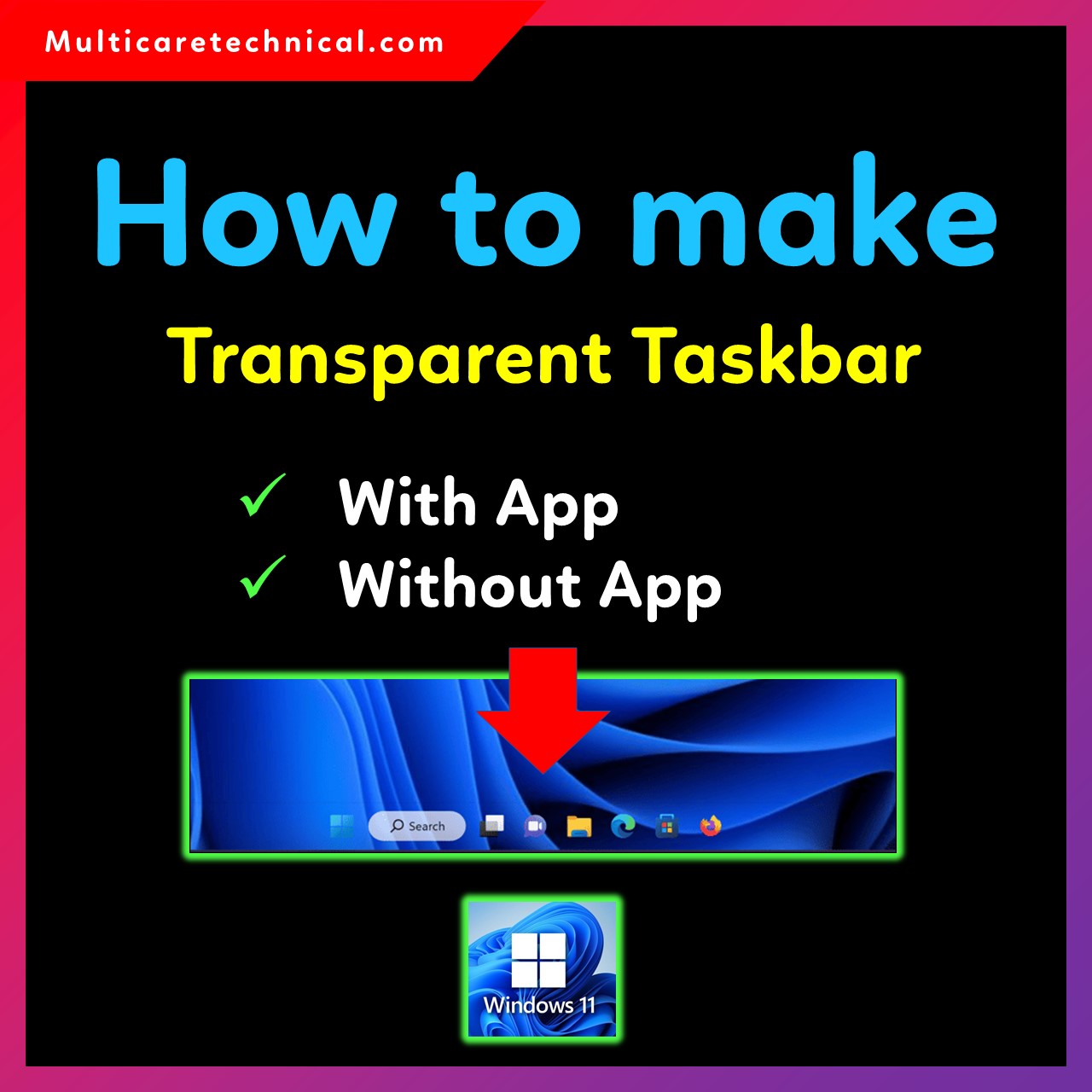
Making the taskbar transparent in Windows 11 gives your desktop a cleaner, modern, and aesthetic look. Whether you want a…
Taking a screenshot is one of the most useful tasks in Windows. Whether you want to quickly capture an error…

A Windows product key is essential when reinstalling, activating, or transferring Windows to another device. Many users often ask: How…

If you are trying to access system files or troubleshooting a Windows issue, you may need to know how to…

Clipboard History is one of the most useful productivity features in Windows 11. It allows you to copy multiple items—text,…
Changing the default browser in Windows 11 is simple, but Microsoft has slightly changed how default apps work compared to…

Remote Desktop is a powerful Windows feature that allows you to access your PC from another device — even when…
Windows 11 laptops with touch-enabled displays offer convenience, but many users prefer disabling touch input due to accidental touches, ghost…
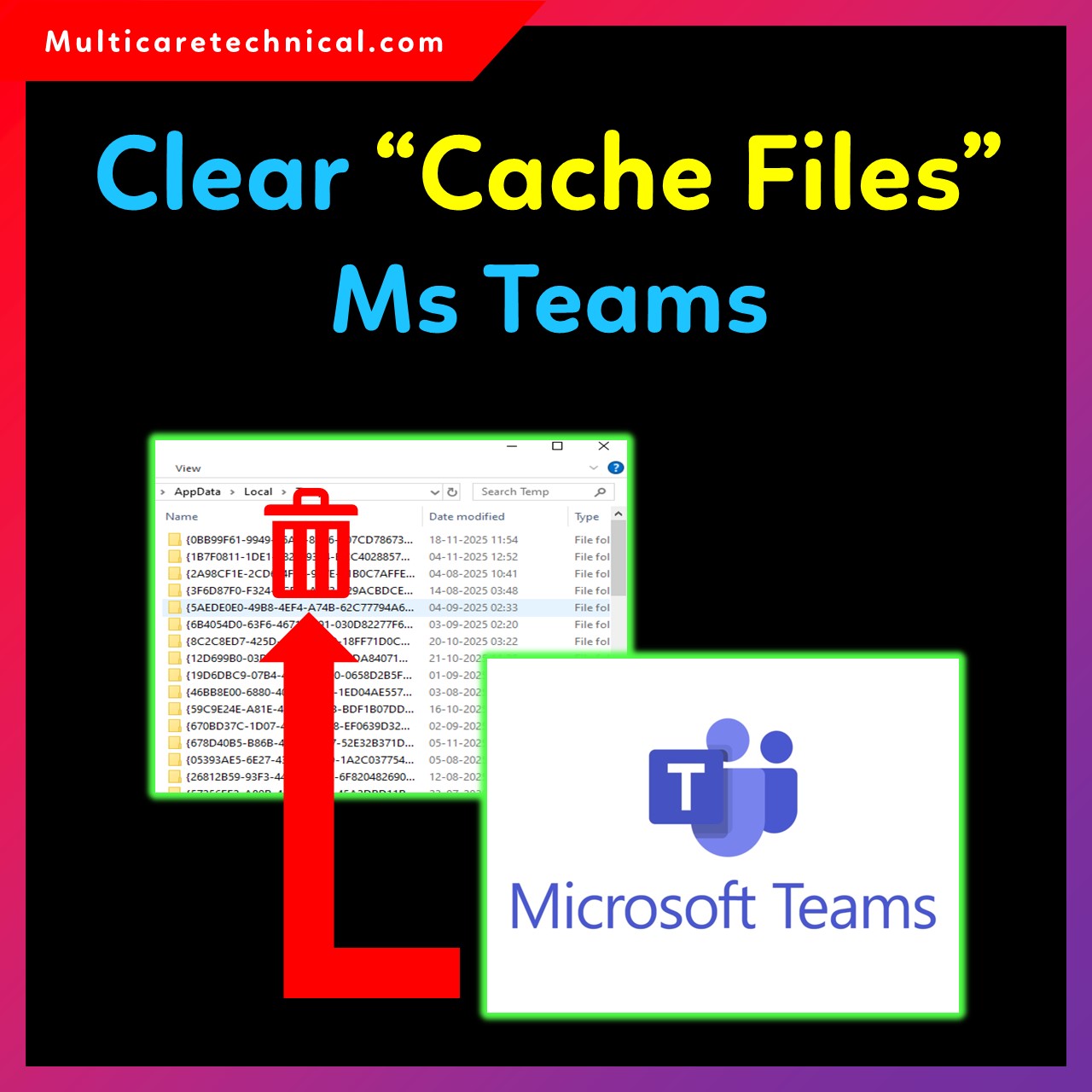
Microsoft Teams is one of the most widely used communication apps for meetings, chats, and online collaboration. Over time, Teams…