How to Do Strikethrough in Excel (Shortcut, Mac & Cell Methods)
Strikethrough in Excel is a simple formatting feature—but it’s surprisingly powerful. Whether you’re marking completed tasks, canceling outdated values, or…
Get unique computer tips and how-to's

Strikethrough in Excel is a simple formatting feature—but it’s surprisingly powerful. Whether you’re marking completed tasks, canceling outdated values, or…

Hyperlinks are useful—until they’re not. If you’ve ever imported data, copied content from the web, or opened someone else’s spreadsheet,…
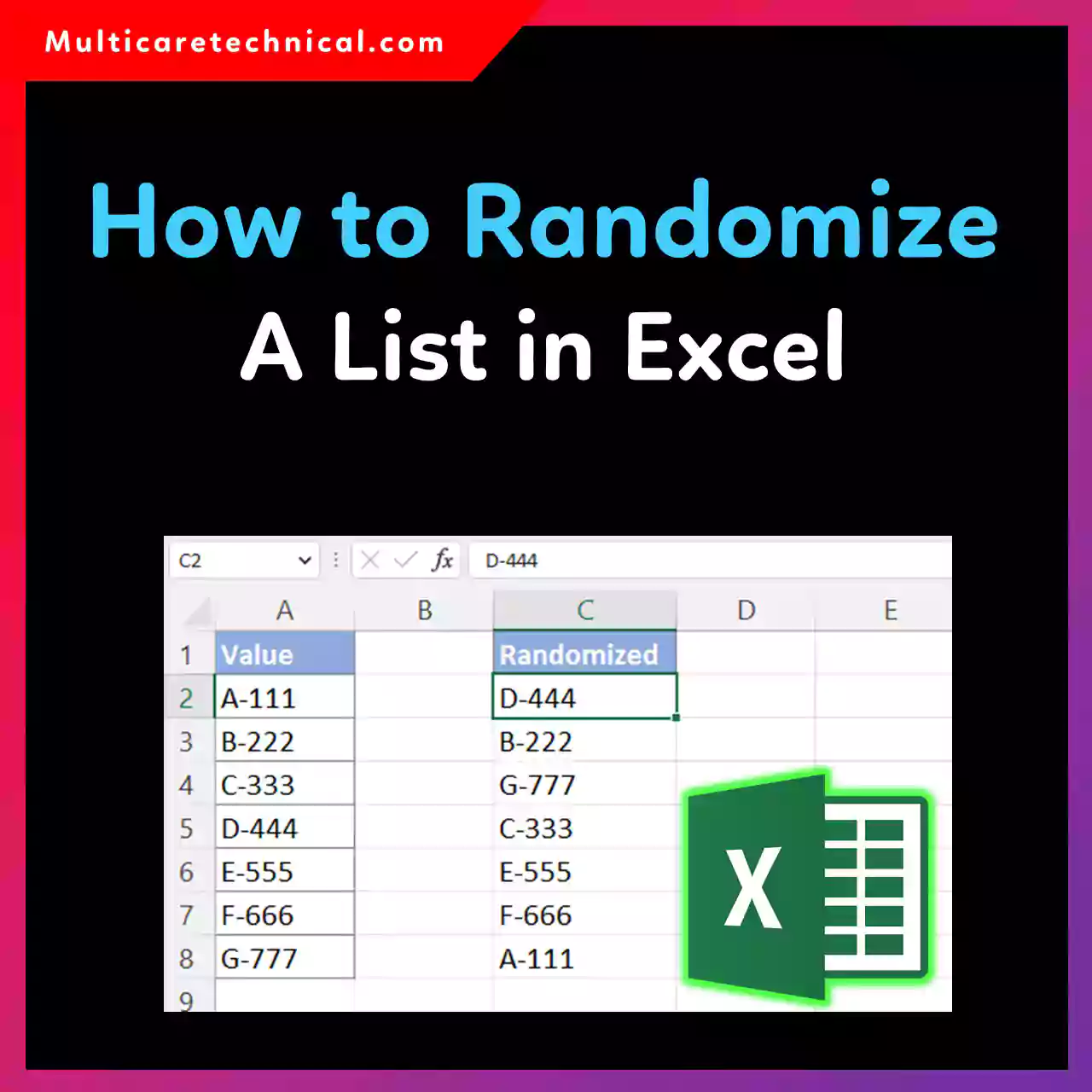
Randomizing a list in Excel is one of those skills that sounds simple—but can save you hours when you’re assigning…
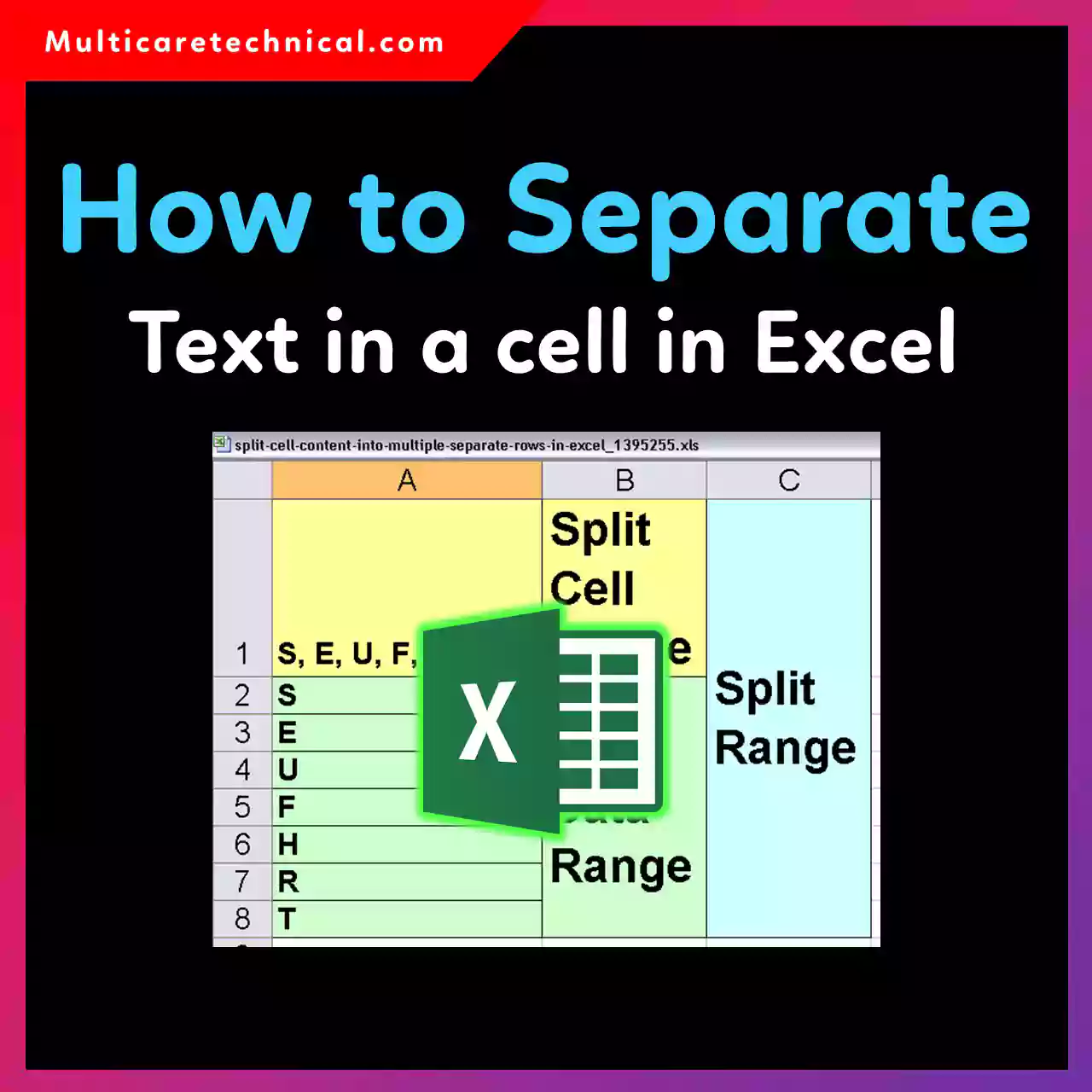
If you’ve ever imported data into Excel and found first and last names stuck in one cell, or words separated…

A Gantt chart is one of the simplest and most powerful ways to visualize a project timeline. Whether you’re managing…
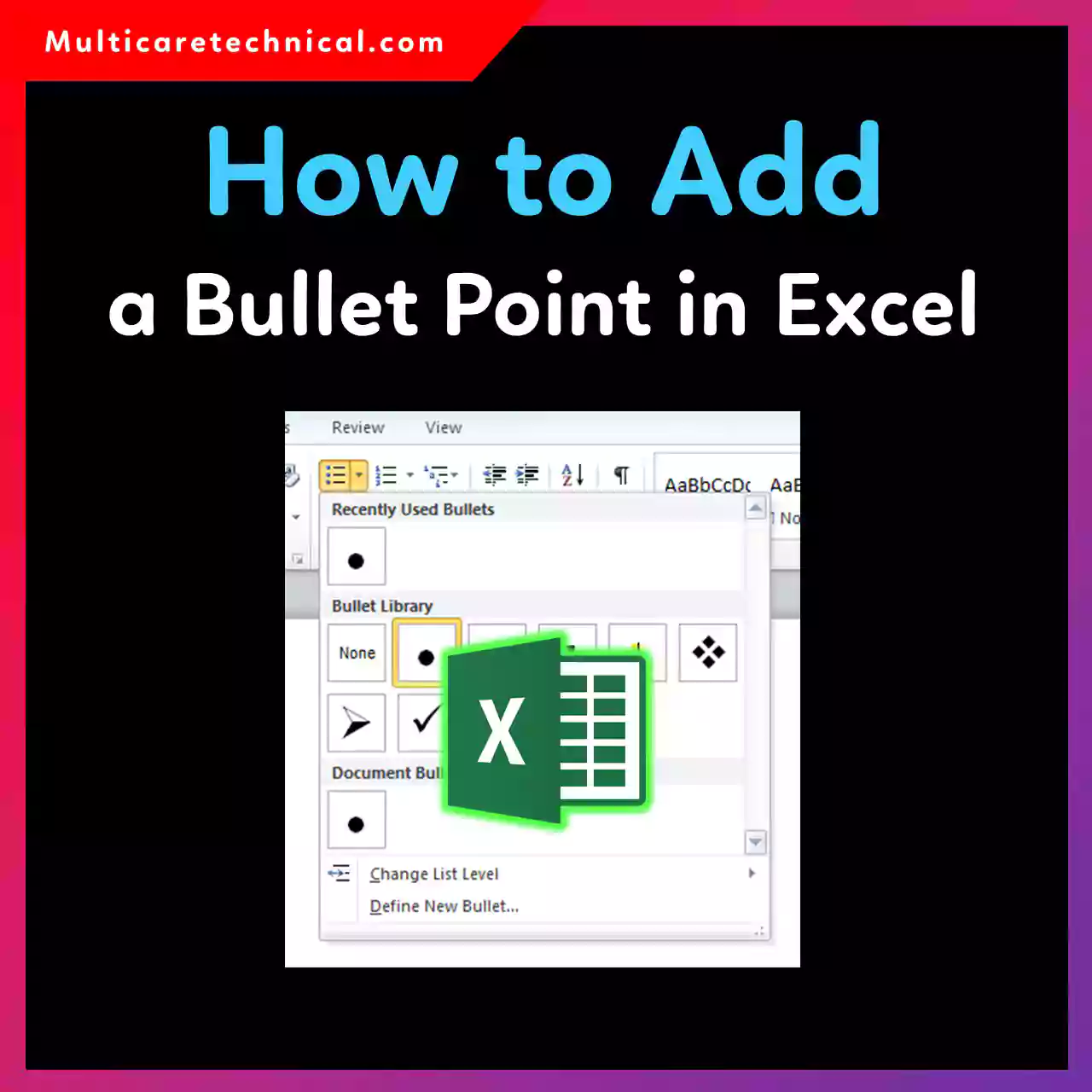
Excel doesn’t have a big “bullet list” button like Word—but that doesn’t mean you can’t use bullet points. Whether you’re…
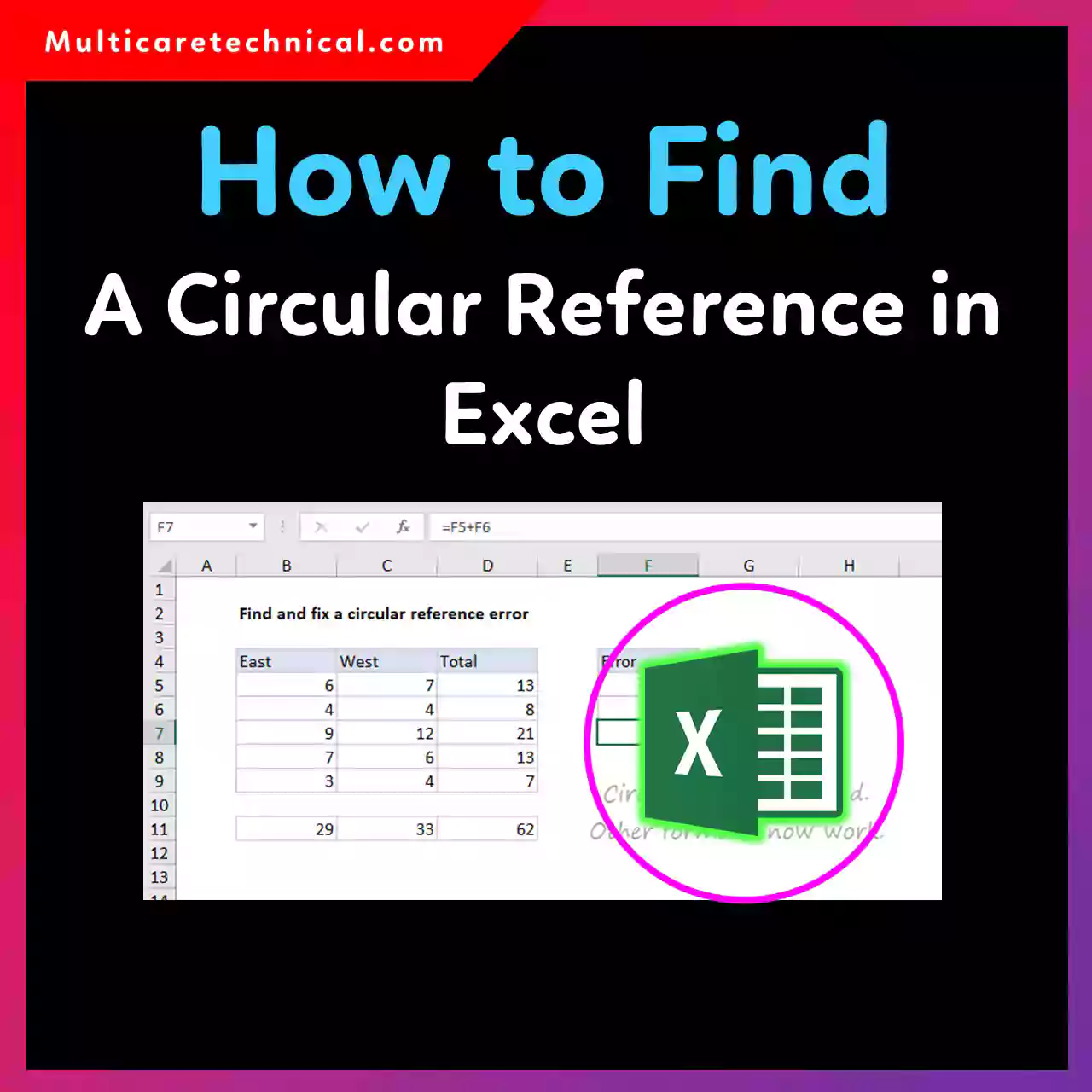
A circular reference in Excel can quietly break your formulas—and most users don’t even realize it’s happening. If Excel keeps…
Opening an Excel file in Google Sheets is one of the easiest ways to edit spreadsheets online without Microsoft Excel.…
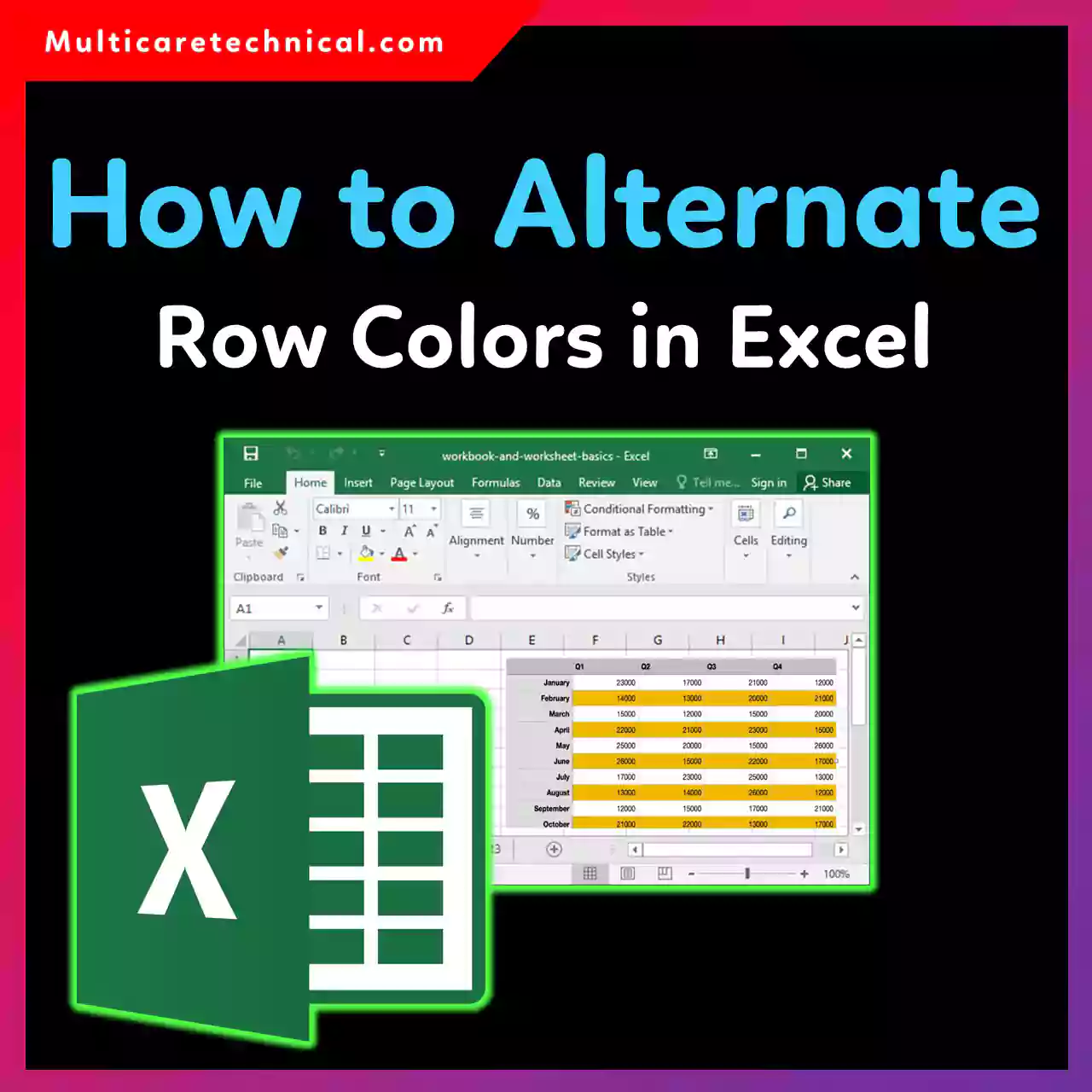
Long spreadsheets can get hard to read fast. Alternating row colors—also called banded rows—make Excel data easier to scan, reduce…
Checkboxes in Excel are incredibly useful for to-do lists, attendance sheets, task trackers, and dashboards. Whether you’re using Excel 2016,…