How to Alternate Row Colors in Excel (Automatic, Table, Mac & No Formatting)
Long spreadsheets can get hard to read fast. Alternating row colors—also called banded rows—make Excel data easier to scan, reduce…
Get unique computer tips and how-to's
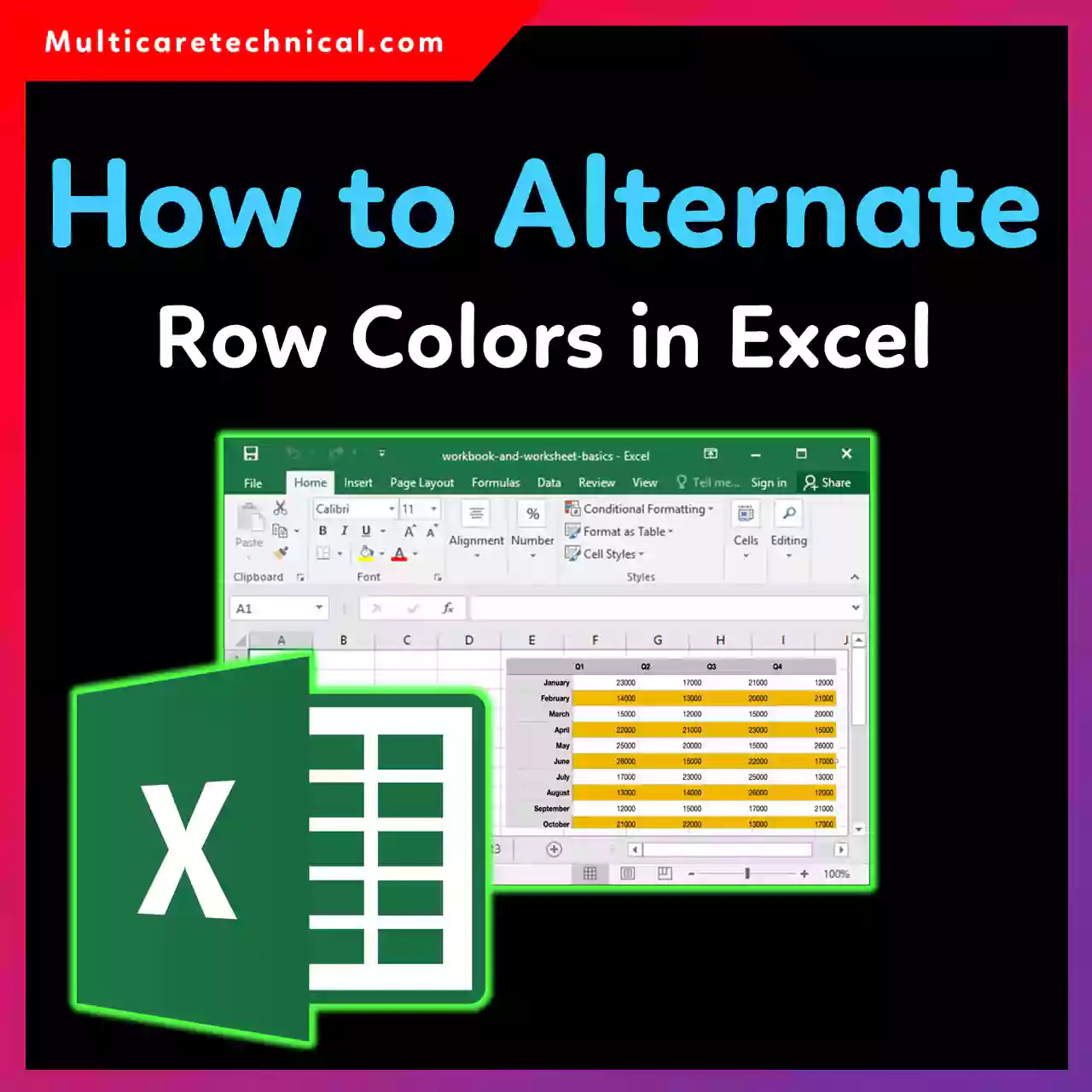
Long spreadsheets can get hard to read fast. Alternating row colors—also called banded rows—make Excel data easier to scan, reduce…
Checkboxes in Excel are incredibly useful for to-do lists, attendance sheets, task trackers, and dashboards. Whether you’re using Excel 2016,…
Protecting an Excel sheet is a great way to prevent accidental changes—but what happens when you need access again? Whether…
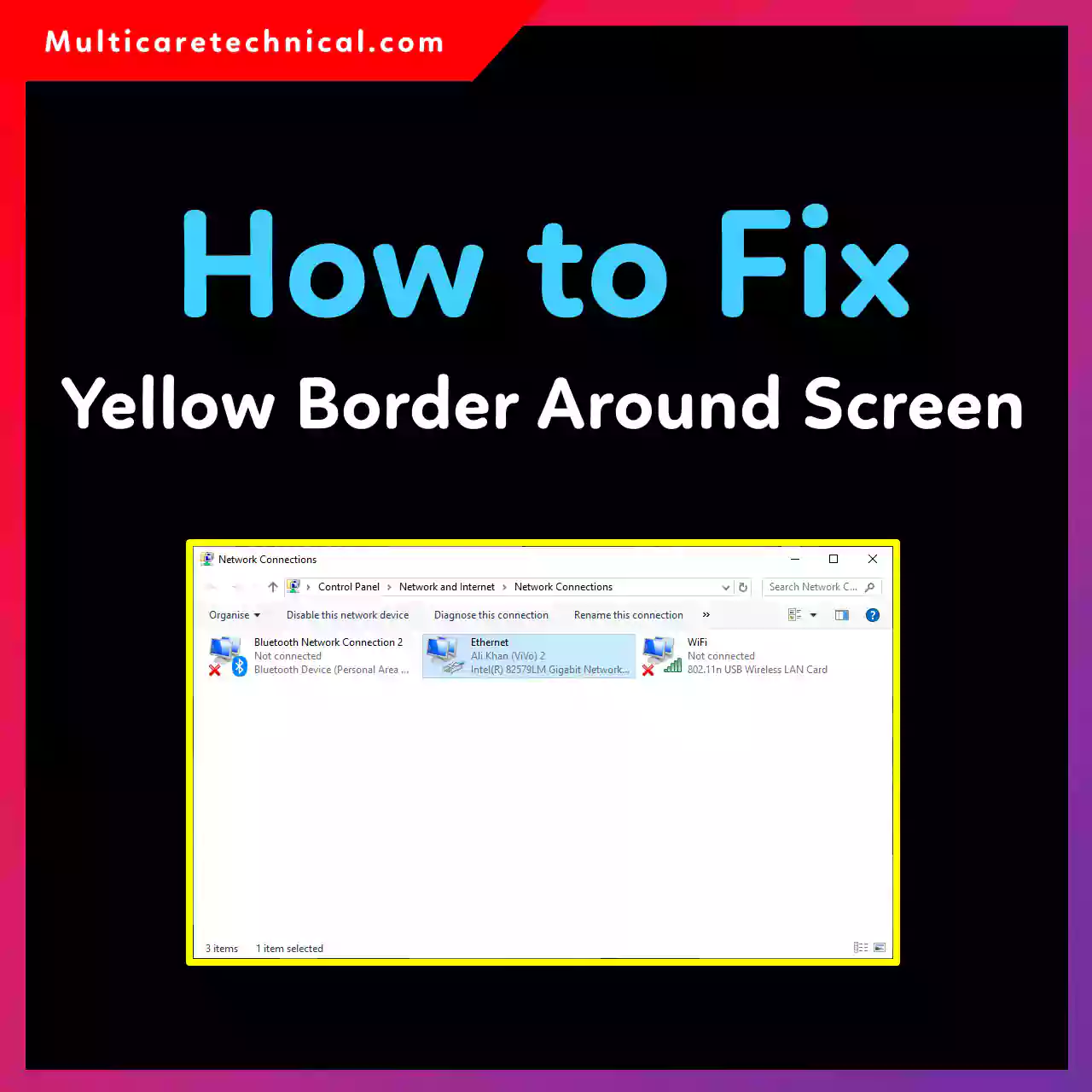
Noticed a yellow border around your screen in Windows 10 or Windows 11? You’re not alone. This bright outline usually…

Seeing the KMODE_EXCEPTION_NOT_HANDLED blue screen in Windows 10 can be frustrating—especially when it appears randomly during startup, gaming, or normal…

If your PC feels hot, fans are spinning loudly, or games start lagging, your CPU temperature could be the real…

If your internet suddenly stops working on Windows 10, you’re not alone. From no internet access to Ethernet not detected…

Seeing the Driver Power State Failure blue screen error on Windows 11 or Windows 10 can be frustrating—especially when it…
Want faster access to your favorite apps on Windows 10 or Windows 11? Pinning apps to the Home screen (desktop…
Slow internet, websites not loading, or privacy concerns? Changing your DNS can instantly improve speed, security, and reliability on Windows…