
Want to know how to stop sharing location without notifying someone? You’re not alone. Whether it’s for privacy, safety, or personal space, many users look for discreet ways to manage location sharing.
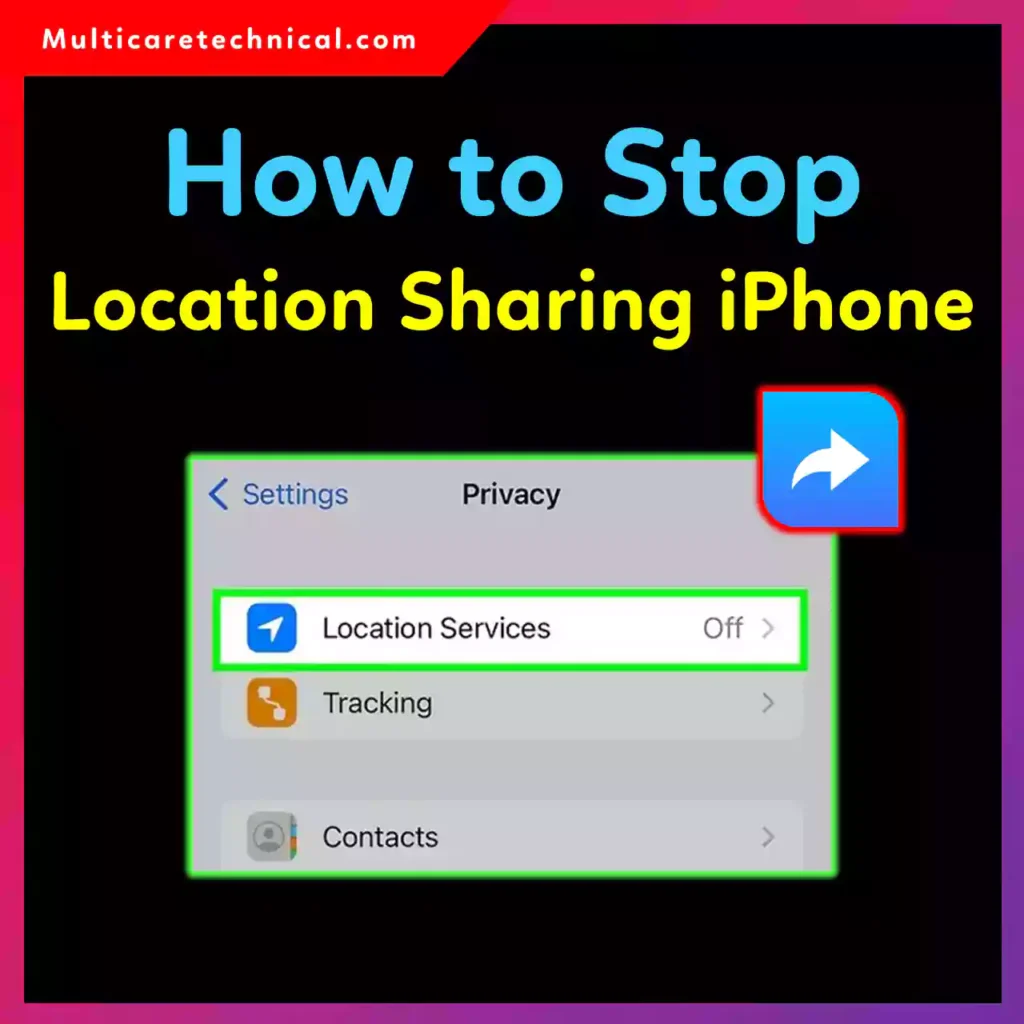
In this step-by-step guide, I’ll explain:
- How to stop sharing location with one person
- Whether iMessage sends a notification
- How to turn off location sharing on iPhone
- How to disable location sharing on Android
- Smart workarounds people discuss online
Let’s break it down clearly and honestly.
⚠️ First: Does It Notify the Other Person?
If you’re asking:
When you stop sharing location does it notify the other person iMessage?
Here’s the direct answer:
- In iMessage, if you manually tap “Stop Sharing My Location”, the other person may see that you stopped sharing inside the conversation thread.
- However, they usually do not receive a push notification alert.
This is why many users search terms like “stop sharing location without notifying iMessage reddit” — they want confirmation before taking action.
How to Stop Sharing Location on iPhone (Without Direct Alert)
If you’re using Find My on iPhone, here are your options:
Method 1: Stop Sharing with One Person (Direct Method)
If you want to know how to stop sharing location with one person, follow these steps:
- Open Find My
- Tap People
- Select the person
- Tap Stop Sharing My Location
This will stop sharing immediately.
👉 It may show inside the chat that you stopped sharing, but there’s typically no loud notification.
Method 2: Turn Off Location Sharing on iPhone (More Private)
If you want a broader method:
- Go to Settings
- Tap your name
- Tap Find My
- Turn off Share My Location
This disables sharing for everyone at once.
✔ No direct message is sent
✔ No pop-up alert
✔ Location just stops updating
This is often the most discreet method.
Method 3: Enable Airplane Mode (Temporary Option)
Turning on Airplane Mode:
- Stops live tracking
- Does not notify anyone
- Shows last known location
This works temporarily but may look suspicious if used long-term.
How to Disable Location Sharing on Android
If you’re using Google Maps on Android:
Stop Sharing With Someone:
- Open Google Maps
- Tap profile icon
- Tap Location sharing
- Select the person
- Tap Stop
Google does not send a direct notification, but the person will notice your location stops updating.
How to Share Location Without Notifying iMessage
Some users search how to share location without notifying iMessage.
Important clarification:
- Starting location sharing usually shows inside the chat
- There is no fully “invisible” way to start sharing in iMessage
If discretion is important, use:
- Find My settings instead of Messages
- Google Maps location link
- Temporary sharing options
What Reddit Discussions Say
Search term: “stop sharing location without notifying iMessage reddit”
Common advice includes:
- Turning off Share My Location globally
- Switching devices temporarily
- Removing the person from Family Sharing
However, transparency is always safer in close relationships.
Quick Comparison Table
| Method | Notifies Directly? | Best For |
|---|---|---|
| Stop Sharing via Find My | May show in chat | One person |
| Turn off Share My Location | No alert | Everyone |
| Airplane Mode | No | Temporary |
| Google Maps Stop Sharing | No direct alert | Android users |
Important Privacy Tip
If privacy matters to you, review:
- App permissions
- Background location access
- Family Sharing settings
- Emergency sharing contacts
You may also find these helpful:
- Fix printer connection issues:
https://multicaretechnical.com/how-to-fix-cannot-connect-to-the-printer-operation-failed-with-error-0x00011b - Permanently delete Gmail account safely:
https://multicaretechnical.com/how-to-delete-gmail-account-step-by-step-guide-for-phone-desktop - Customize your Windows interface:
https://multicaretechnical.com/how-to-change-start-menu-in-windows-11-to-classic-view-step-by-step-guide-2026
Featured Snippet Answer (Quick Summary)
How to stop sharing location without notifying?
Turn off “Share My Location” in iPhone Settings or stop sharing in Google Maps. The other person usually won’t get a push notification, but they may notice your location stops updating.
FAQs (Optimized for AI Overviews)
How to stop sharing location with one person?
Open Find My (iPhone) or Google Maps (Android), select the person, and tap “Stop Sharing.”
When you stop sharing location does it notify the other person iMessage?
No push notification is sent, but the chat may show that you stopped sharing.
How to disable location sharing on Android?
Open Google Maps > Location Sharing > Select contact > Stop.
Can I stop sharing location without notifying iMessage completely?
There is no fully invisible way. The safest method is turning off Share My Location in Settings.
How to stop sharing location quickly?
Turn on Airplane Mode or disable Share My Location in device settings.
Final Thoughts
Learning how to stop sharing location gives you control over your privacy. Whether you’re using iPhone or Android, there are simple ways to manage sharing discreetly.
Just remember — while you can reduce notifications, location updates stopping may still be noticeable.
Always prioritize safety and communication when needed.