
Forgot your password? Think someone else might know it? Changing your Apple ID password is one of the fastest ways to secure your account and protect your data.
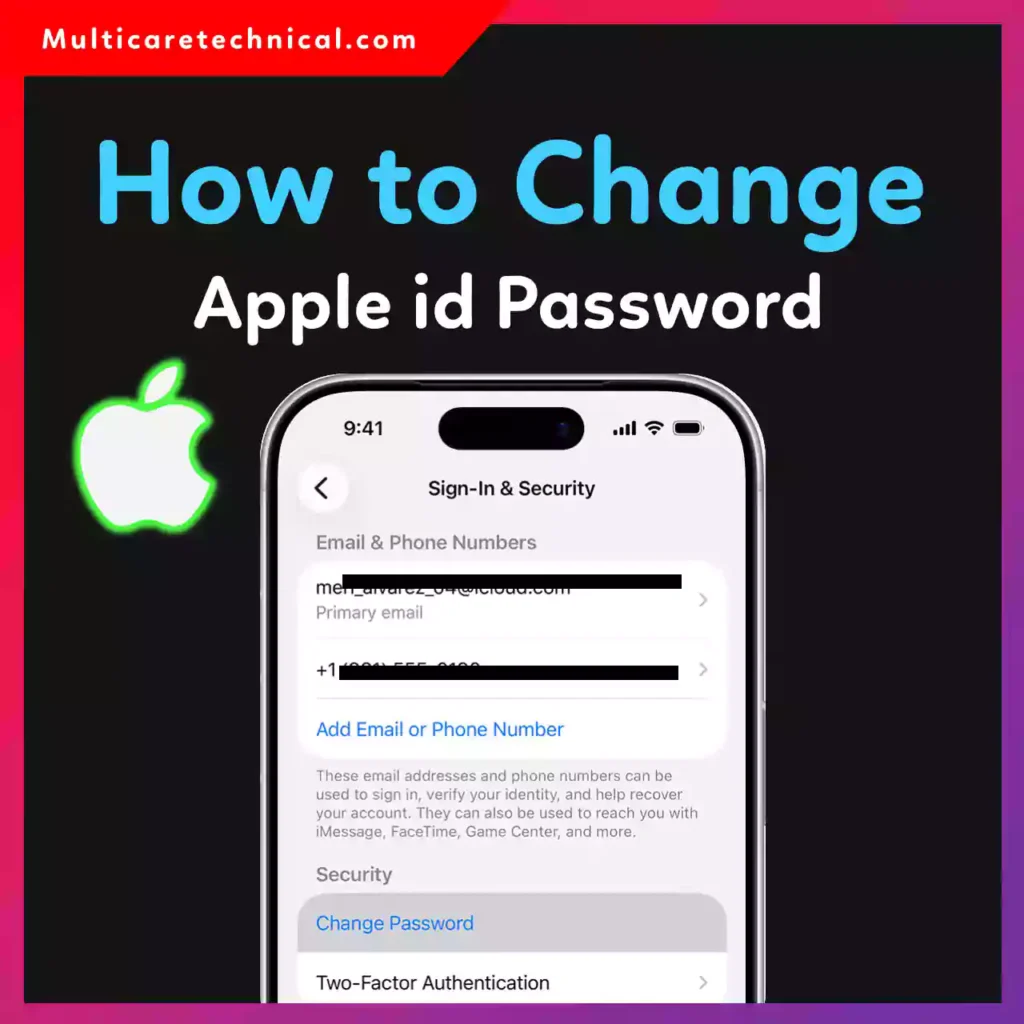
In this complete 2026 guide, you’ll learn how to change Apple ID password on iPhone, iPad, MacBook, Android, and even without your old password.
✅ Quick Answer (Featured Snippet Optimized)
To change Apple ID password on iPhone:
- Open Settings
- Tap your name (Apple ID)
- Select Sign-In & Security
- Tap Change Password
- Enter current passcode
- Set new password
Your password updates instantly across all Apple devices.
What Is an Apple ID?
Your Apple ID is the account used to access:
- iCloud
- App Store
- iMessage
- FaceTime
- Apple Music
- Device backups
It connects all your devices under one secure login.
How to Change Apple ID Password in iPhone
For users searching how to change Apple ID password in iPhone, follow these steps:
- Open Settings
- Tap your name at the top
- Select Sign-In & Security
- Tap Change Password
- Enter iPhone passcode
- Enter new password
- Confirm and save
These steps work on devices running iOS.
How to Change Apple ID Password If Forgotten
If you forgot your password:
- Go to iforgot.apple.com
- Enter your Apple ID email
- Follow verification steps
- Create a new password
This solves how to change Apple ID password if forgotten.
You may need:
- Trusted device
- Phone number
- Two-factor authentication code
How to Change Apple ID Password in MacBook
For how to change Apple ID password in MacBook:
- Click Apple menu ()
- Select System Settings
- Click your Apple ID
- Choose Sign-In & Security
- Click Change Password
Works on macOS Ventura and later.
On older versions:
System Preferences → Apple ID → Password & Security.
How to Change Apple ID Password in iPad
If you’re wondering how to change Apple ID password in iPad, the steps are identical to iPhone:
Settings → Apple ID → Sign-In & Security → Change Password.
Works on iPadOS.
How to Change Apple ID Password from Android
Yes, you can reset it even without an Apple device.
For how to change Apple ID password from Android:
- Open browser
- Visit appleid.apple.com
- Tap Sign In
- Select Forgot Apple ID or Password
- Follow recovery steps
This method works from any Android phone or computer.
How to Change Apple ID Password Without Old Password
If you don’t remember your old password:
- Use account recovery at iforgot.apple.com
- Verify identity using trusted phone number
- Enter verification code
- Create new password
This answers how to change Apple ID password without old password.
⚠ If you lose access to trusted device and phone number, account recovery may take several days.
Important Caution Before Changing Apple ID Password
⚠ Keep these in mind:
- Use a strong password (8+ characters, uppercase, number, symbol)
- Don’t share verification codes
- Update password on all devices
- Sign out from public/shared devices
- Beware of phishing emails pretending to be Apple
Changing your Apple ID password is completely free ($0).
What Happens After You Change Password?
After updating:
- All Apple services re-sync
- You may need to re-login on some devices
- iCloud backup continues normally
- App Store remains connected
If you’re updating other digital security settings, check these guides:
👉 https://multicaretechnical.com/how-to-change-email-on-instagram-step-by-step-guide-for-2026
👉 https://multicaretechnical.com/how-to-change-app-permissions-on-android-step-by-step-guide-2026
👉 https://multicaretechnical.com/how-to-change-wifi-channel-boost-speed-reduce-interference-in-2026
FAQs (Short Snippets for AI Overviews)
How to change Apple ID password in iPhone?
Go to Settings → Tap your name → Sign-In & Security → Change Password.
How to change Apple ID password if forgotten?
Visit iforgot.apple.com and follow account recovery steps.
Can I change Apple ID password from Android?
Yes, use appleid.apple.com in any browser.
How to change Apple ID password without old password?
Use Apple’s account recovery process and verify identity.
Is it free to change Apple ID password?
Yes, it is completely free.
Conclusion
Now you know exactly how to change Apple ID password on iPhone, iPad, MacBook, Android, or even without your old password.
Updating your password regularly keeps your Apple account secure and protects your personal data. Don’t wait until you’re locked out — take control today.