

How to Remove Background in Canva (Images, Logos & Videos)
Want clean, professional designs without messy backgrounds? Canva makes background removal incredibly easy—whether you’re editing photos, logos, or even videos.…

How to Disable Touchscreen on Windows 11/10 (Complete Guide)
Touchscreens are great—until they’re not. If your Windows 11 or Windows 10 touchscreen is acting up, registering ghost touches, or…
How to Enter Recovery Mode in Windows 10 (All Working Methods)
If your Windows 10 PC won’t boot, keeps crashing, or shows a blue screen error, Recovery Mode can save the…

How to Install Wine on Linux (Ubuntu, Mint, Debian & Chromebook)
Want to run Windows apps or games on Linux? Wine makes it possible—without installing Windows. Whether you’re using Ubuntu, Linux…
How Do I Transfer Everything From My Old Computer to My New Computer (Windows 11)?
Got a new Windows 11 PC and wondering how to move everything—files, apps, and settings—from your old computer without headaches?…
How to Connect PS5 Controller to PC (Wired, Wireless & Steam Guide)
The PlayStation 5 DualSense controller isn’t just for consoles anymore. Thanks to built-in Windows support, you can easily use a…
How to Turn Off Smart App Control in Windows 11 (Complete Guide)
Smart App Control in Windows 11 is designed to protect your PC from untrusted or potentially harmful apps. While it…
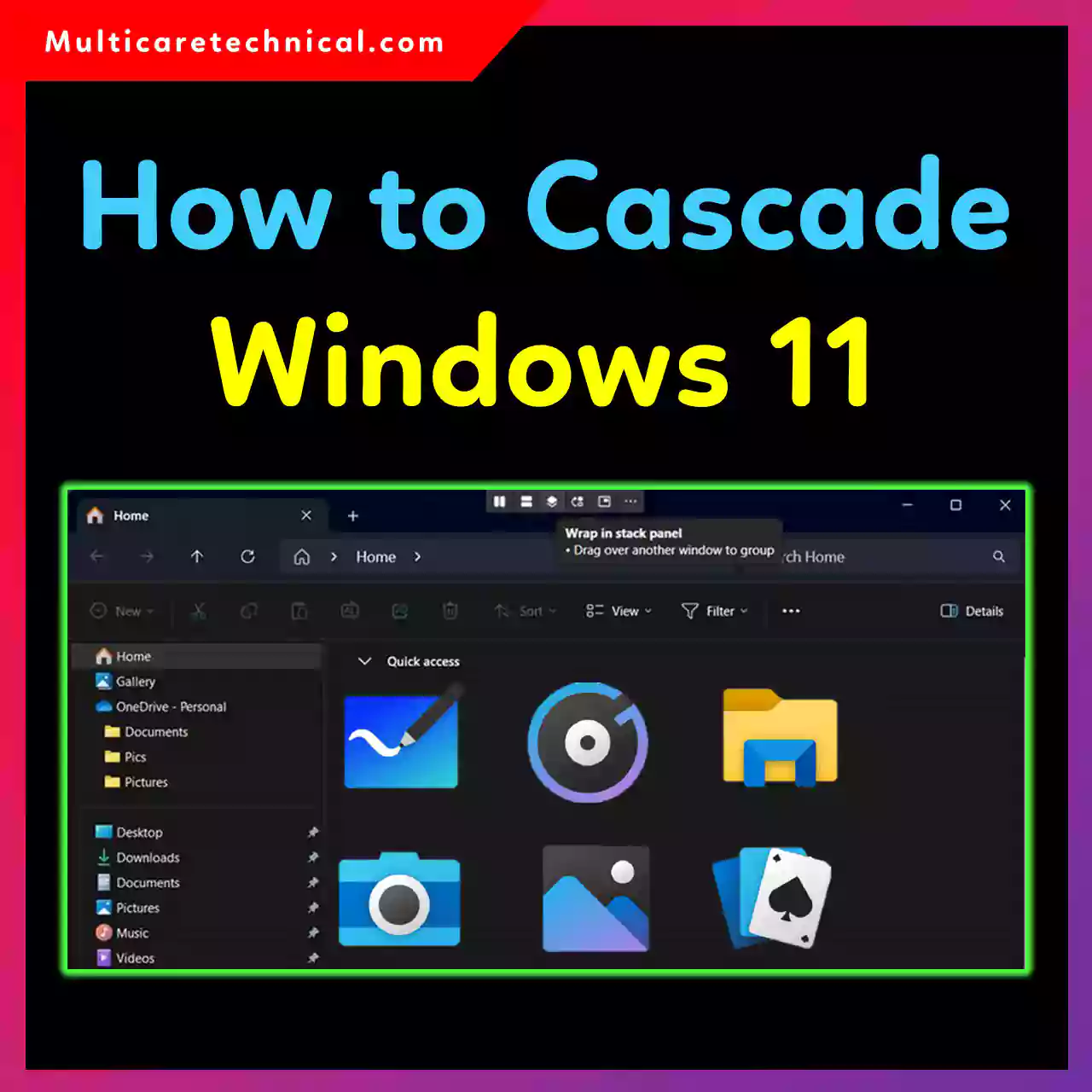
How to Cascade Windows in Windows 11 (Easy Taskbar & Shortcut Guide)
If you work with multiple apps at once, managing open windows can get messy fast. That’s where the Cascade Windows…
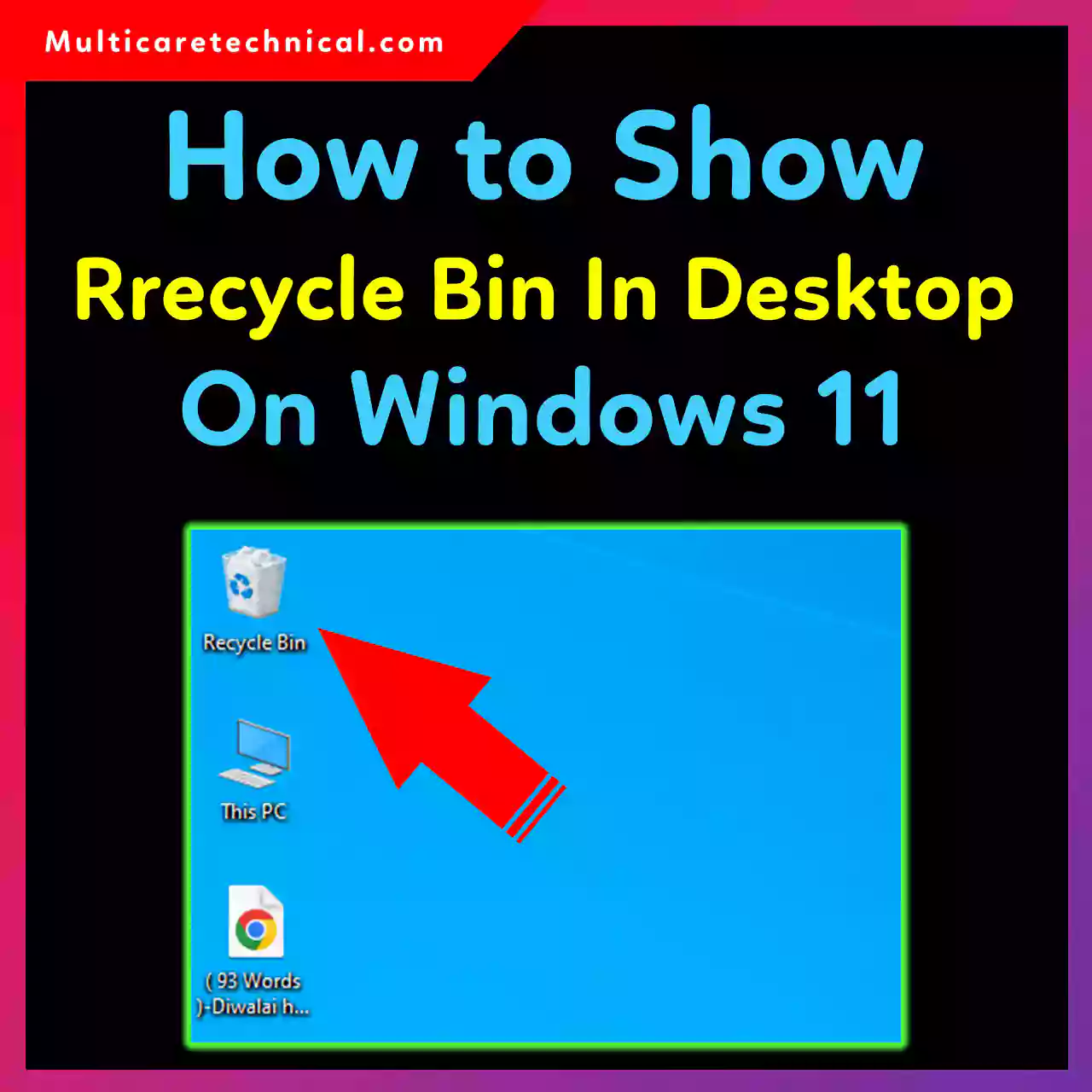
How to Show Recycle Bin on Desktop in Windows 11, 10, and 7
The Recycle Bin is one of the most important icons in Windows, yet many users suddenly find it missing from…

How to Change Windows 11 Battery Icon (Complete Guide)
The battery icon in Windows 11 may look simple, but it plays a huge role in daily productivity. Whether the…