
Ever created an Instagram post or story but didn’t publish it right away? Don’t worry — Instagram saves your unfinished content as drafts, and you can easily find them again. In this complete guide, you’ll learn how to find drafts on Instagram story, posts, and reels on Android, iPhone, and even computer.
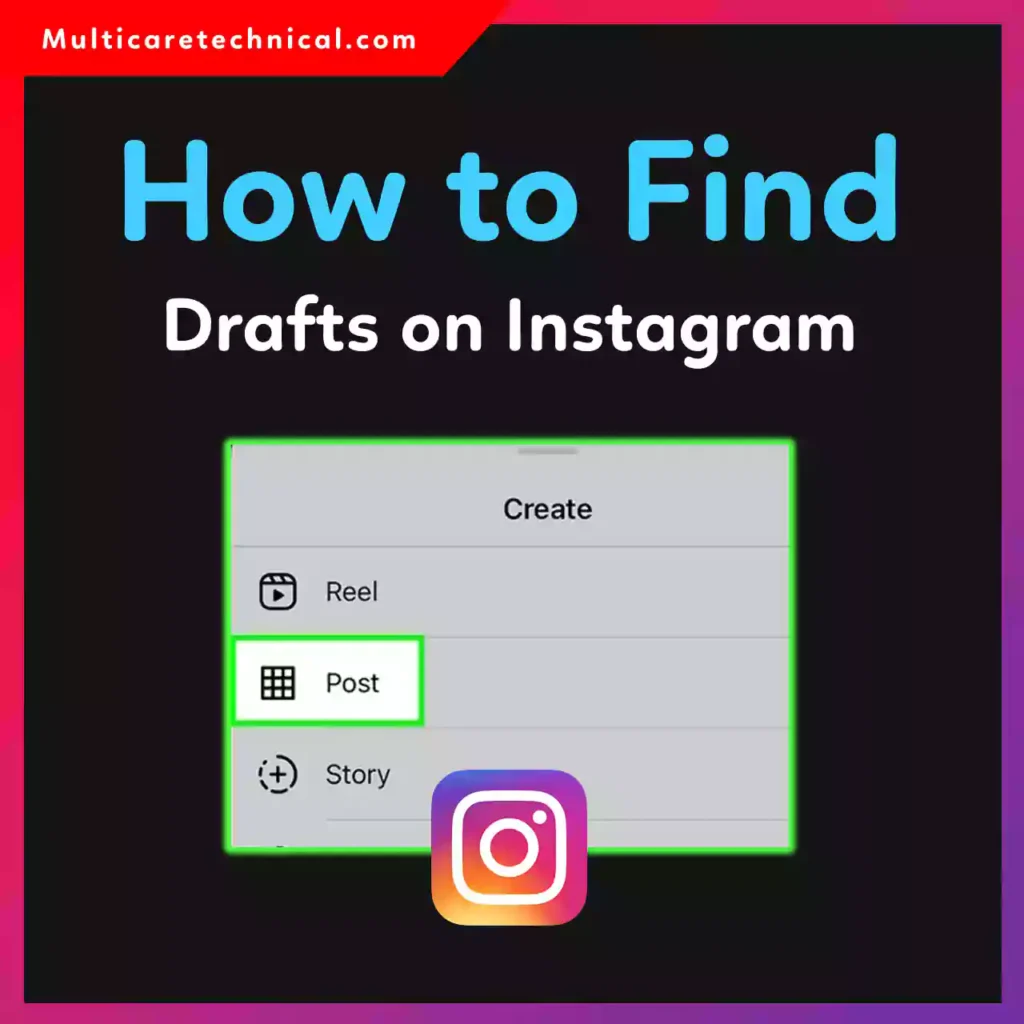
If your drafts seem “missing,” this step-by-step guide will help you recover them fast.
🔥 Quick Answer (Featured Snippet Optimized)
To find drafts on Instagram:
- Open the Instagram app.
- Tap the + (Create) button.
- Choose Post, Story, or Reel.
- Tap Drafts at the top (if available).
Note: Drafts are saved locally on your device. If you uninstall the app or log out, they may be deleted.
📱 How to Find Drafts on Instagram Android
If you’re wondering how to find drafts on Instagram Android, follow these steps:
For Post Drafts:
- Open the Instagram app.
- Tap the + icon at the bottom.
- Select Post.
- Tap Drafts (next to “Recents”).
For Reel Drafts:
- Tap +.
- Choose Reel.
- Select Drafts at the top.
For Story Drafts:
- Swipe right to open the Story camera.
- Tap the Drafts option at the top.
👉 If you don’t see drafts, they may have been deleted automatically after 7 days (for Stories).
🍎 How to Find Drafts on Instagram iPhone
The process for how to find drafts on Instagram iPhone is almost identical to Android.
Post Drafts on iPhone:
- Tap +
- Select Post
- Tap Drafts
Story Drafts on iPhone:
- Swipe right
- Tap Drafts
Reel Drafts on iPhone:
- Tap +
- Choose Reel
- Tap Drafts
⚠ Important: Drafts are stored locally. If you changed your phone or reinstalled the app, they won’t transfer automatically.
If you’re customizing your device for better productivity, check this guide on changing your iPhone wallpaper:
👉 https://multicaretechnical.com/how-to-change-iphone-wallpaper-lock-screen-home-screen-step-by-step-guide
💻 How to Find Drafts on Instagram Computer
Many users search for how to find drafts on Instagram computer, but here’s the truth:
❌ Instagram Web does NOT support viewing drafts saved on mobile.
Drafts created on your Android or iPhone stay on that device only.
However, you can:
- Use Instagram Web to create new posts.
- Use Meta Business Suite for scheduled posts (mainly for business accounts).
🎥 How to Find Drafts on Instagram Story
Searching specifically for how to find drafts on Instagram story? Here’s the quick method:
- Open Instagram.
- Swipe right to open the camera.
- Tap Drafts at the top.
📌 Important Notes:
- Story drafts automatically delete after 7 days.
- You’ll see a countdown timer before expiration.
- If the app is cleared or data reset, drafts disappear.
❓ Why Can’t I Find My Instagram Drafts?
Here are the most common reasons:
- You logged out of your account.
- You uninstalled the app.
- You cleared app data.
- Story draft expired (after 7 days).
- You switched devices.
Instagram drafts are not cloud-based — they stay on the original device only.
💡 Pro Tips to Avoid Losing Drafts
- Don’t uninstall the app before posting.
- Avoid clearing app storage.
- Screenshot important content as backup.
- For important business content, consider scheduling tools.
If you’re running a business account and managing tech tools, you might also like:
- https://multicaretechnical.com/how-to-change-default-printer-settings-windows-mac-word-chrome-tally-sap-guide
- https://multicaretechnical.com/how-to-get-a-virtual-phone-number-complete-2026-guide-india-uk-australia-more
These guides help improve workflow and digital management.
📊 10 Quick Facts About Instagram Drafts
- Drafts are saved locally on your device.
- Story drafts expire after 7 days.
- Reel drafts do not auto-expire quickly.
- Drafts are not visible on other devices.
- Clearing cache may remove drafts.
- Logging out deletes drafts.
- Instagram Web cannot access mobile drafts.
- You must start creating a post to save a draft.
- Editing a draft updates it automatically.
- Drafts cannot be recovered once deleted.
📝 Short FAQ (Optimized for AI Overviews)
Q1: How do I find my Instagram drafts?
Open Instagram → Tap + → Select Post/Story/Reel → Tap Drafts.
Q2: Why are my Instagram drafts missing?
They may have been deleted after logging out, uninstalling the app, or due to Story expiration.
Q3: Can I find drafts on Instagram computer?
No. Instagram Web does not show drafts saved on mobile devices.
Q4: Do Instagram story drafts expire?
Yes, they automatically delete after 7 days.
🎯 Conclusion
Now you know exactly how to find drafts on Instagram Android, iPhone, Story, and computer. Remember, drafts are stored locally, so avoid uninstalling the app or switching devices before publishing your content.
If this guide helped you, bookmark it for future reference — especially if your drafts ever “disappear” again!