
Accidentally deleted an important photo? Don’t panic. If you’re wondering how to find recently deleted photos in iPhone, the good news is Apple keeps them for 30 days before permanent removal.
In this step-by-step guide, you’ll learn how to recover deleted photos on iPhone — plus quick methods for Android, Samsung, Vivo, Oppo, Instagram, Snapchat, and Google Photos.
🔥 Quick Answer (Featured Snippet Optimized)
To find recently deleted photos in iPhone:
- Open the Photos app.
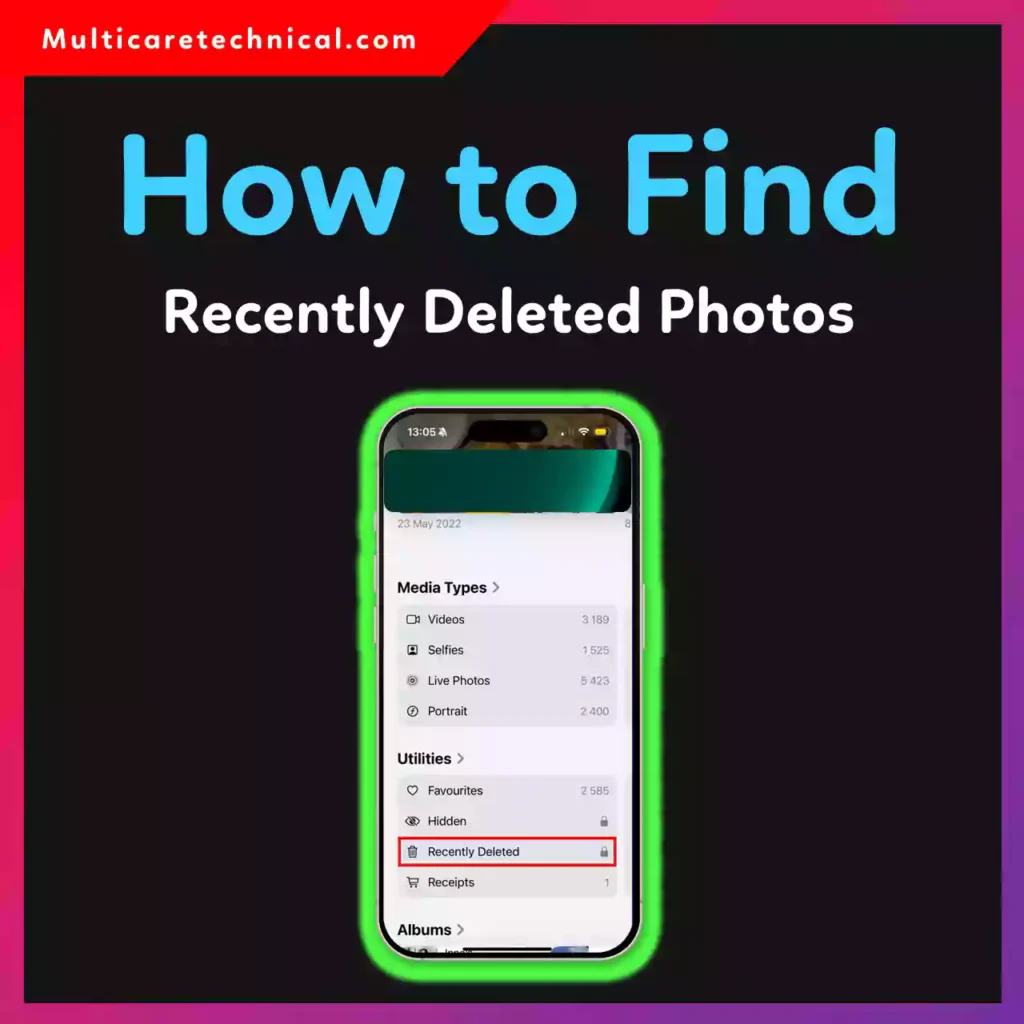
- Scroll down and tap Recently Deleted.
- Use Face ID / Touch ID.
- Select the photo.
- Tap Recover.
👉 Deleted photos stay in “Recently Deleted” for 30 days before permanent deletion.
📱 How to Find Recently Deleted Photos in iPhone (Step-by-Step)
Follow these exact steps:
- Open the Photos app.
- Scroll to the bottom.
- Tap Recently Deleted (under Utilities).
- Authenticate with Face ID, Touch ID, or passcode.
- Tap the photo you want.
- Select Recover.
Your photo will return to your main gallery instantly.
⏳ Important:
- Photos remain here for 30 days.
- After 30 days, they are permanently deleted.
- If iCloud Photos is enabled, deletion syncs across devices.
If you’re customizing your iPhone experience, check this helpful guide:
👉 https://multicaretechnical.com/how-to-change-iphone-wallpaper-lock-screen-home-screen-step-by-step-guide
📲 How to Find Recently Deleted Photos in Android
If you’re searching for how to find recently deleted photos in Android, the steps depend on your phone brand.
General Android Method:
- Open Gallery.
- Tap Menu.
- Select Trash or Recently Deleted.
- Restore the photo.
Most Android phones keep deleted photos for 30 days.
📸 How to Find Recently Deleted Photos in Samsung
For Samsung users:
- Open Gallery.
- Tap the three lines (☰).
- Select Trash.
- Tap and restore the image.
Samsung keeps deleted photos for 30 days.
📱 How to Find Recently Deleted Photos in Vivo
If you’re searching how to find recently deleted photos in Vivo:
- Open Albums.
- Tap Recently Deleted.
- Select and restore.
Retention period: Usually 30 days.
📱 How to Find Recently Deleted Photos in Oppo
Steps for how to find recently deleted photos in Oppo:
- Open Photos.
- Tap Albums.
- Choose Recently Deleted.
- Restore your image.
🖼 How to Find Recently Deleted Photos in Google Photos
Looking for how to find recently deleted photos in Google Photos?
- Open Google Photos app.
- Tap Library.
- Select Trash.
- Tap the photo.
- Press Restore.
Photos remain in Trash for 30–60 days, depending on backup settings.
📷 How to Find Recently Deleted Photos on Instagram
Wondering how to find recently deleted photos on Instagram?
Instagram has a Recently Deleted feature:
- Open Instagram.
- Go to your profile.
- Tap ☰ Menu.
- Select Your Activity.
- Tap Recently Deleted.
- Choose and restore.
Deleted posts stay here for 30 days. Stories may remain for 24 hours.
If you’re managing drafts too, read:
👉 https://multicaretechnical.com/how-to-find-drafts-on-instagram-story-post-reels-android-iphone-computer
👻 How to Find Recently Deleted Photos on Snapchat
Searching how to find recently deleted photos on Snapchat?
Snapchat does NOT have a traditional trash folder, but you can:
- Check Memories.
- Download data from Snapchat website.
- Restore from phone backup.
Deleted snaps without backup are usually not recoverable.
🎥 YouTube & Data Recovery Tip
If you’re managing multiple accounts or content, knowing technical settings helps. For example:
👉 https://multicaretechnical.com/how-to-find-youtube-channel-id-on-mobile-step-by-step-guide-for-iphone-android
Understanding your platform settings can prevent accidental data loss.
📊 10 Important Things to Know About Recently Deleted Photos
- iPhone keeps deleted photos for 30 days.
- Android phones usually keep them for 30 days.
- Google Photos may keep items for up to 60 days.
- Instagram stores deleted posts for 30 days.
- Snapchat doesn’t offer a standard trash folder.
- iCloud syncs deletions across devices.
- Once permanently deleted, recovery is very difficult.
- Backups increase recovery chances.
- Storage cleaning apps may erase trash automatically.
- Always check “Trash” before assuming permanent loss.
❓ Short FAQ (AI Overview Optimized)
Q1: Where do deleted photos go on iPhone?
They go to the “Recently Deleted” album for 30 days.
Q2: Can I recover permanently deleted photos?
Only if you have an iCloud or iTunes backup.
Q3: How to find recently deleted photos in Android?
Open Gallery → Tap Trash or Recently Deleted → Restore.
Q4: How long do photos stay in Recently Deleted?
Usually 30 days (up to 60 days in Google Photos).
Q5: How to find recently deleted photos on Instagram?
Profile → Menu → Your Activity → Recently Deleted.
🏁 Conclusion
Now you know exactly how to find recently deleted photos in iPhone, plus Android, Samsung, Vivo, Oppo, Instagram, Snapchat, and Google Photos.
The key takeaway?
👉 Always check the Trash/Recently Deleted folder first.
👉 Enable backups to avoid permanent loss.
Deleted doesn’t always mean gone — but act quickly before the 30-day limit expires.