

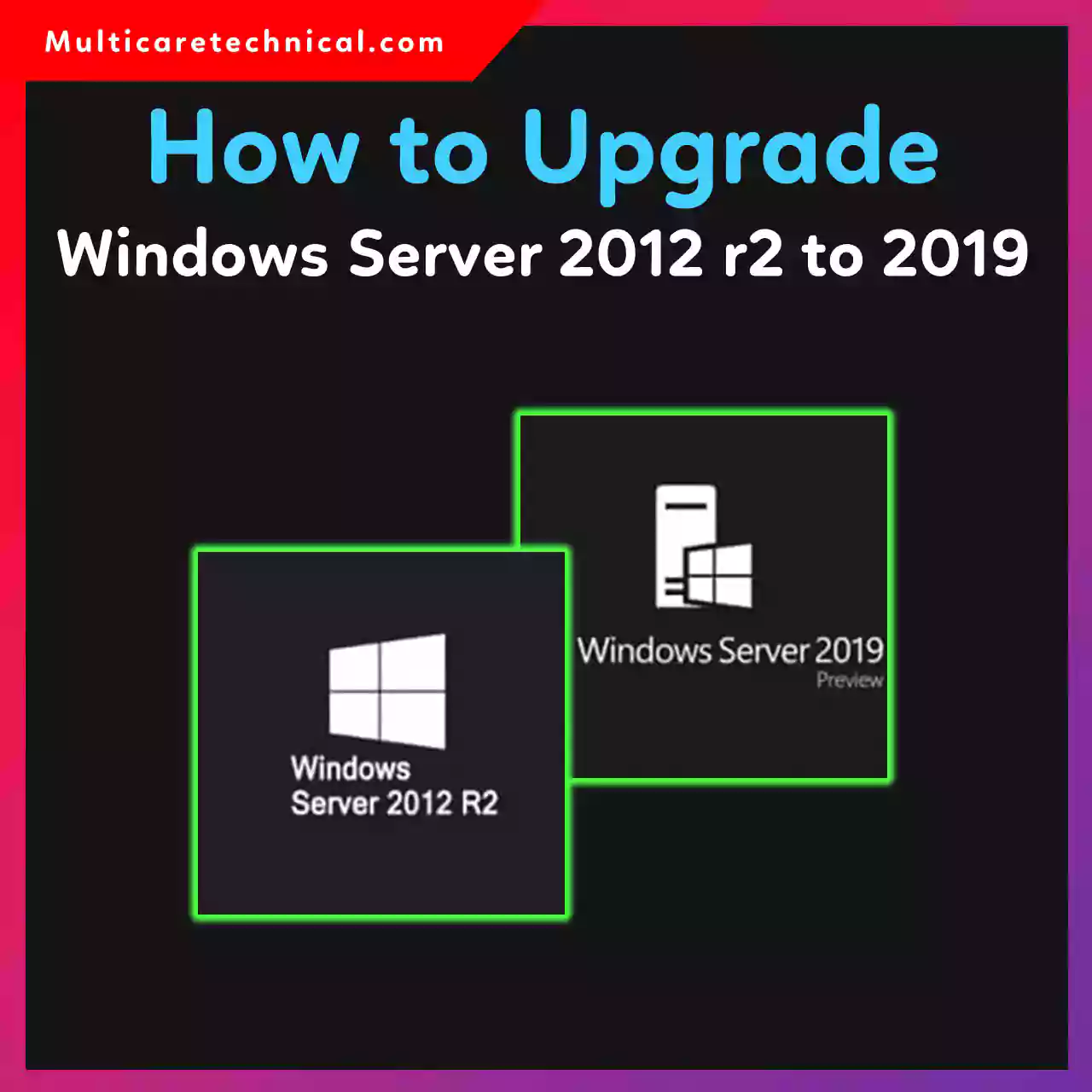
How to Upgrade Windows Server 2012 R2 to 2019 (Step-by-Step Guide for 2026)
Upgrading your server operating system is essential for better security, performance, and long-term support. If you’re still using Windows Server…
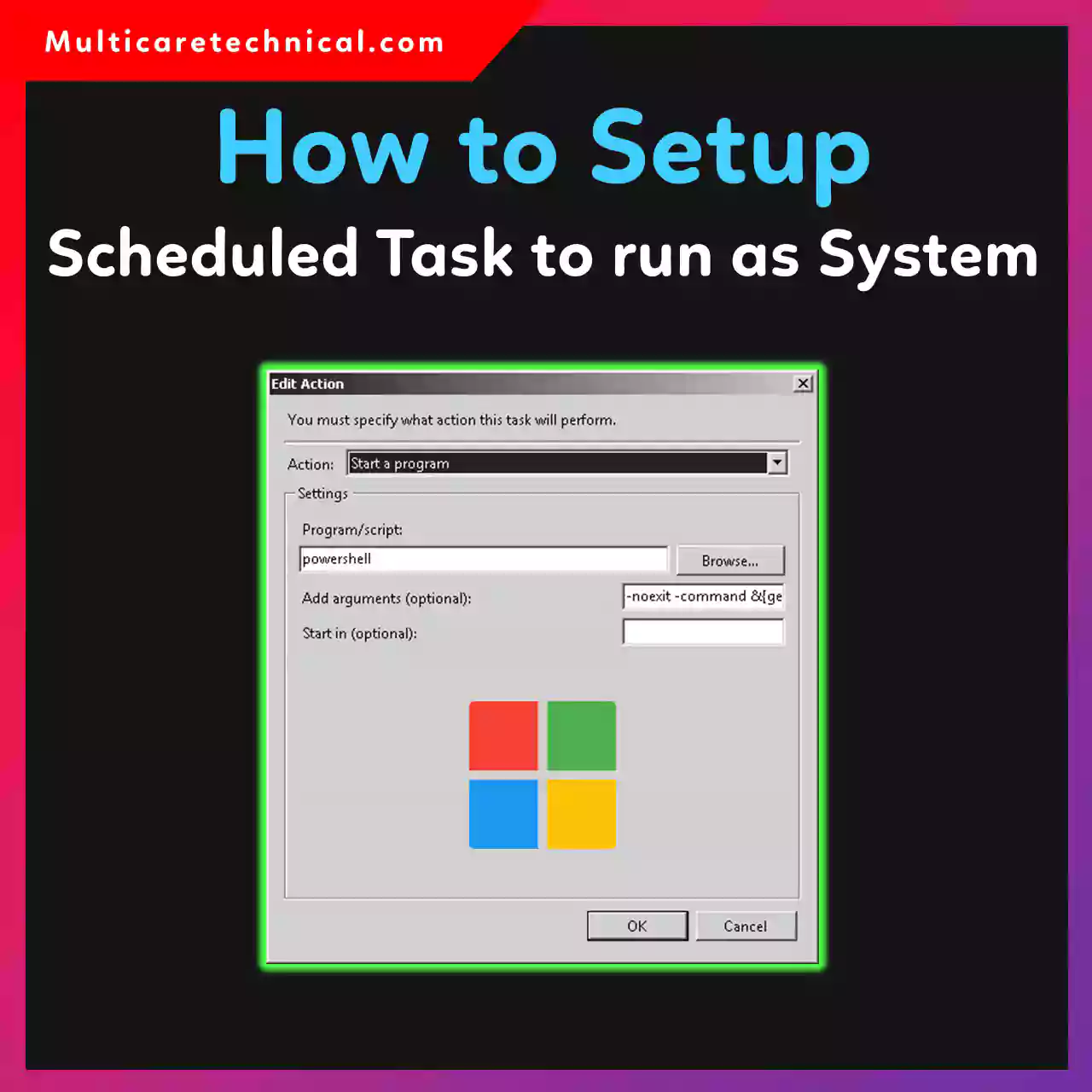
How to Set Scheduled Task to Run as SYSTEM (Windows 10 & 11 Guide 2026)
Sometimes administrators need to run scripts or programs with the highest system privileges in Windows. One common method is to…
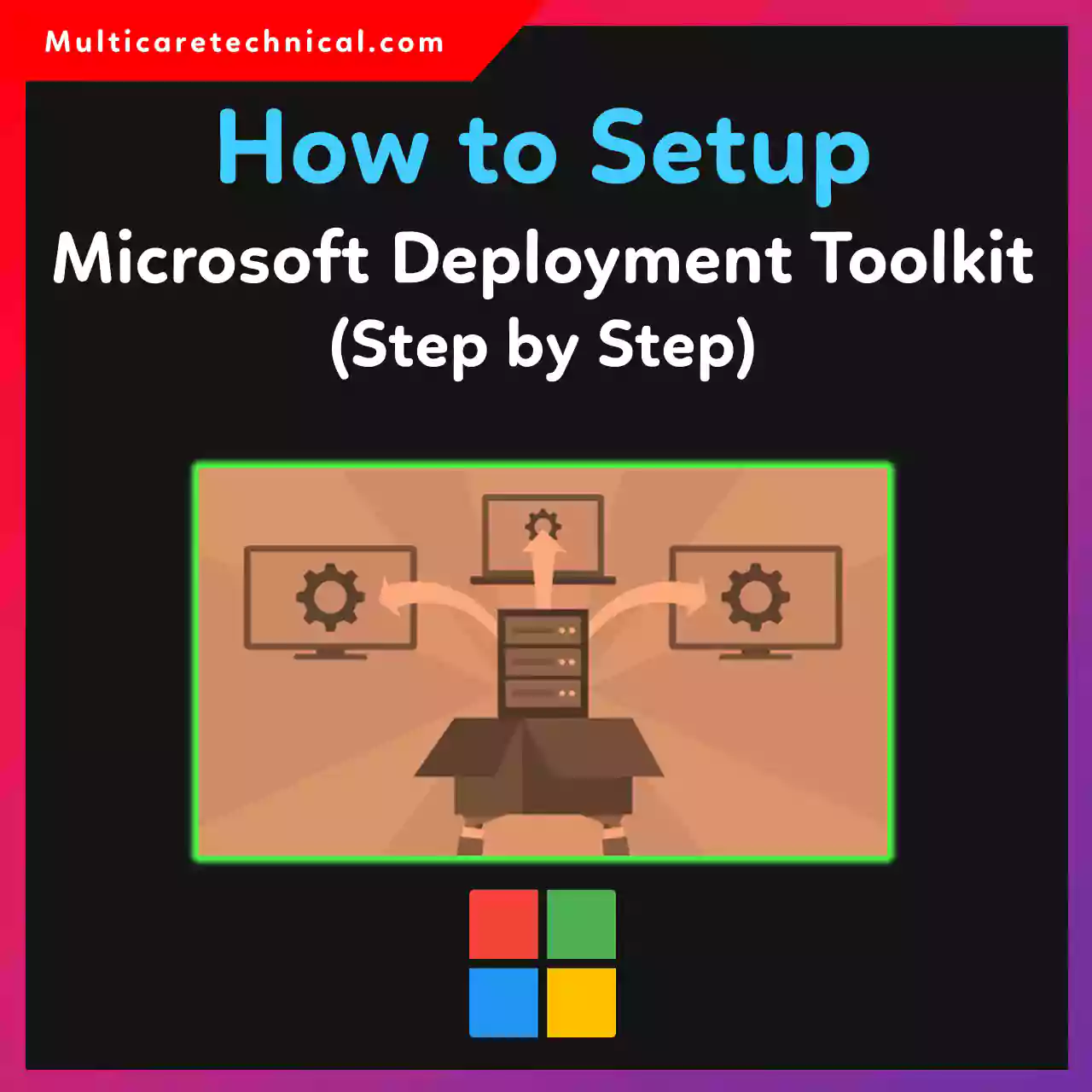
How to Setup Microsoft Deployment Toolkit Step by Step (Complete 2026 Guide)
Setting up the Microsoft Deployment Toolkit (MDT) is one of the easiest ways to automate Windows installations across multiple computers.…
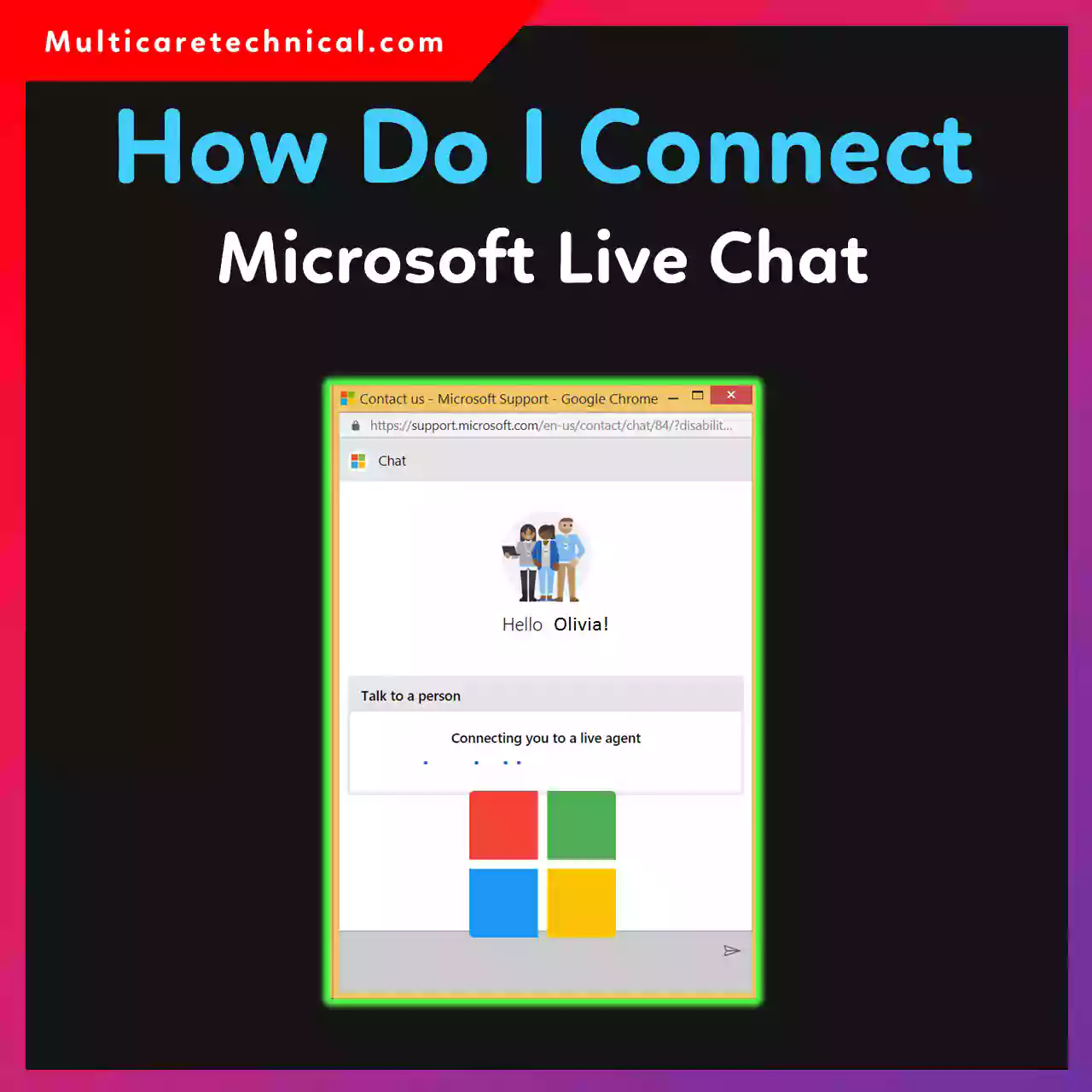
How Do I Contact Microsoft Live Chat (Step-by-Step Guide 2026)
Getting help from Microsoft is easier than ever thanks to their live chat support system. Whether you are facing issues…
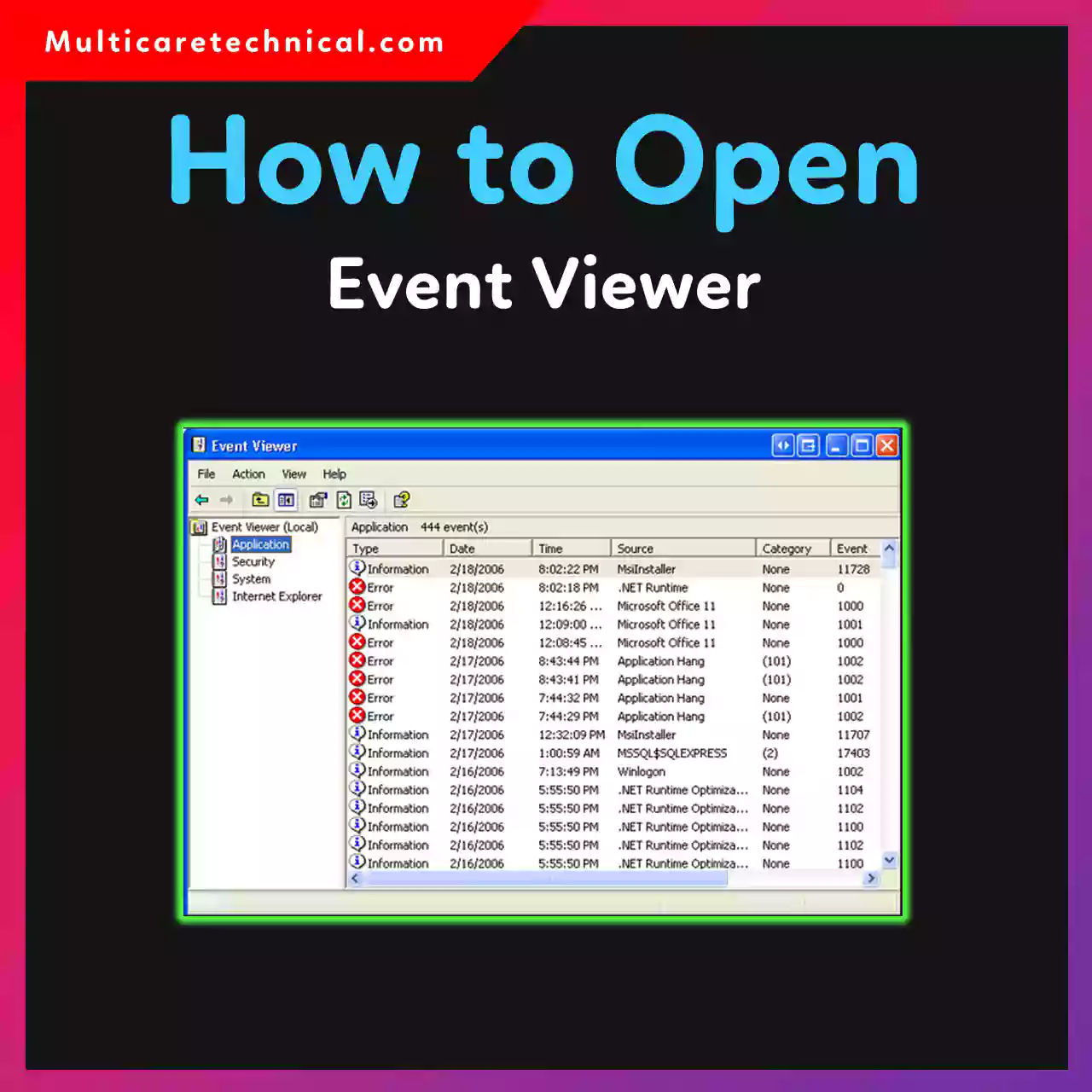
How to Open Event Viewer in Windows (Complete 2026 Guide)
If your computer crashes, shows errors, or behaves strangely, Event Viewer can help you find the problem. It is a…
How to Use Windows ADK for Beginners (Complete 2026 Guide)
If you want to deploy Windows, create system images, or manage enterprise installations, the Windows Assessment and Deployment Kit (Windows…
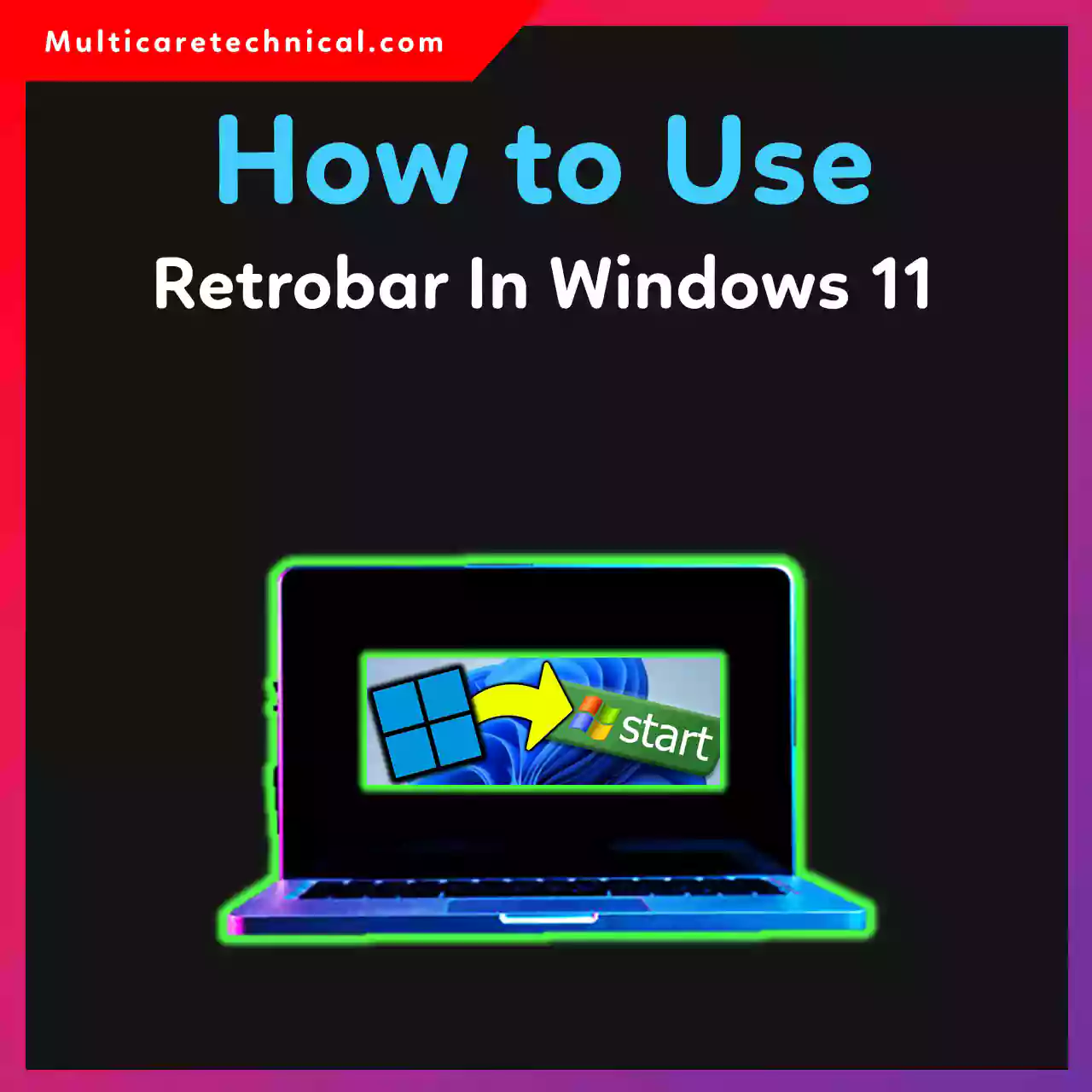
How to Use RetroBar in Windows 11 (2026 Guide)
Windows 11 has a modern taskbar design, but many users miss the classic Windows XP, Windows 7, or Windows 2000…
How to Create Group in Windows Server 2003 & 2019 (Step-by-Step Guide)
Creating groups in Windows Server is an essential task for system administrators. Groups help manage user permissions, access control, and…
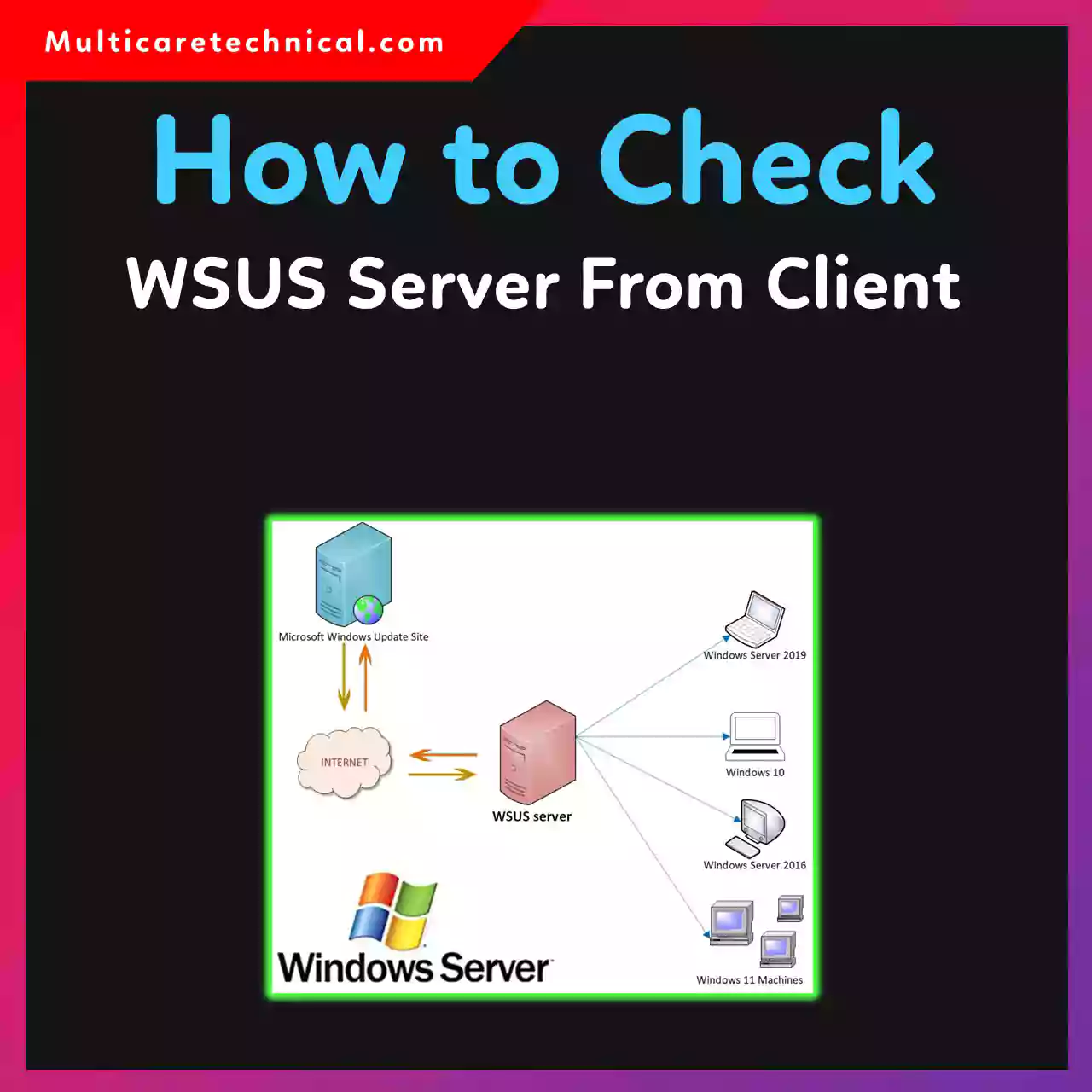
How to Check WSUS Server From Client (Windows 10 & 11 Guide)
If you’re managing Windows updates in an organization, Windows Server Update Services (WSUS) plays a crucial role. But sometimes administrators…
How to Install Android App on Windows 10 & 11 (Step-by-Step Guide for 2026)
Android apps are no longer limited to smartphones. Today, you can easily run them on your Windows PC for gaming,…