What Is S Mode in Windows 11? Complete Guide for 2025
Introduction Windows 11 S Mode is designed for users who want maximum security, smooth performance, and minimal system resource usage.…
Get unique computer tips and how-to's
Introduction Windows 11 S Mode is designed for users who want maximum security, smooth performance, and minimal system resource usage.…
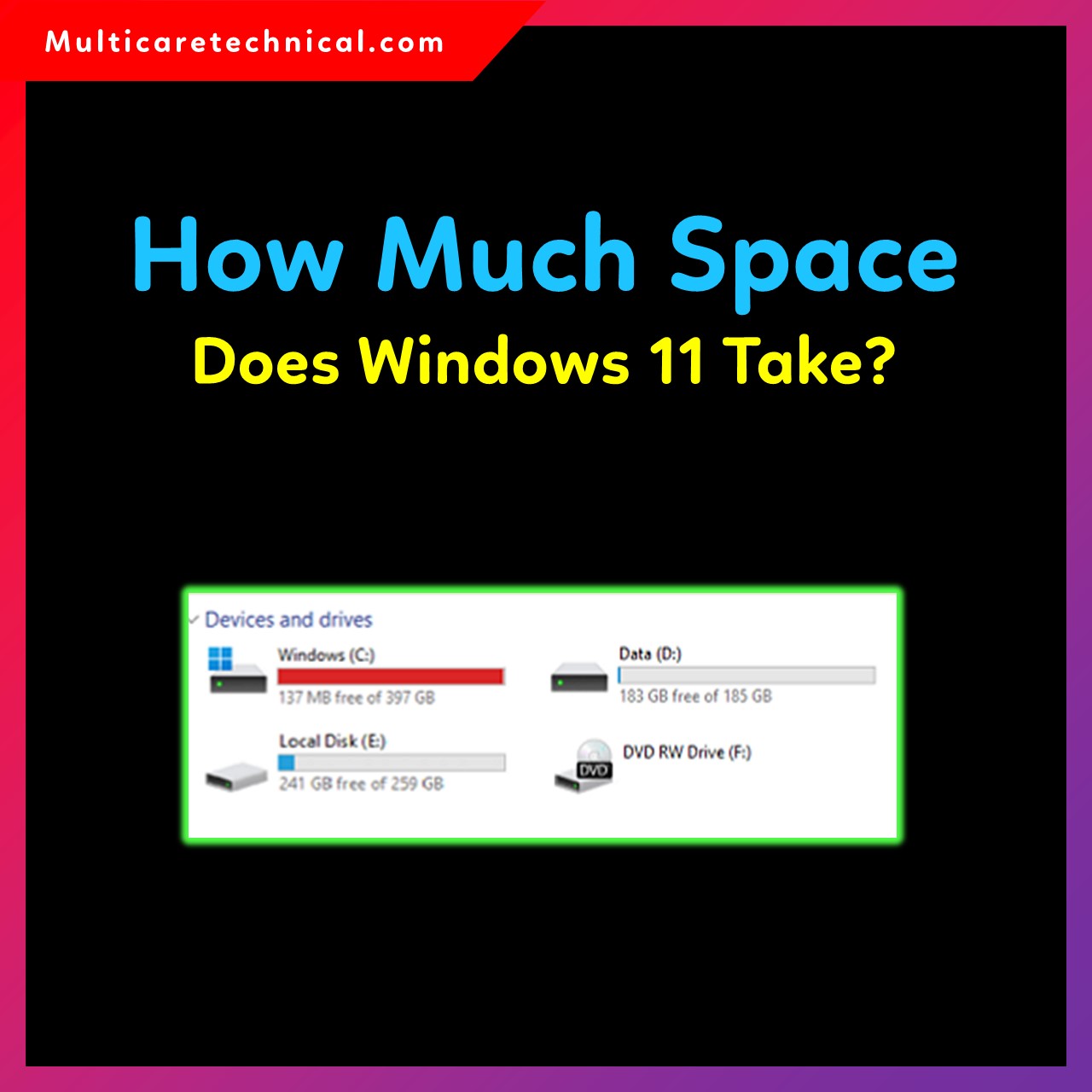
Introduction Windows 11 is one of the most advanced and visually polished operating systems from Microsoft. But before installing it,…
When Windows 10 gets stuck on the “Restarting…” screen, it usually happens because of pending updates, corrupted system files, driver…

Factory resetting Windows 10 directly from boot is the most reliable way to fix problems such as system crashes, malware…
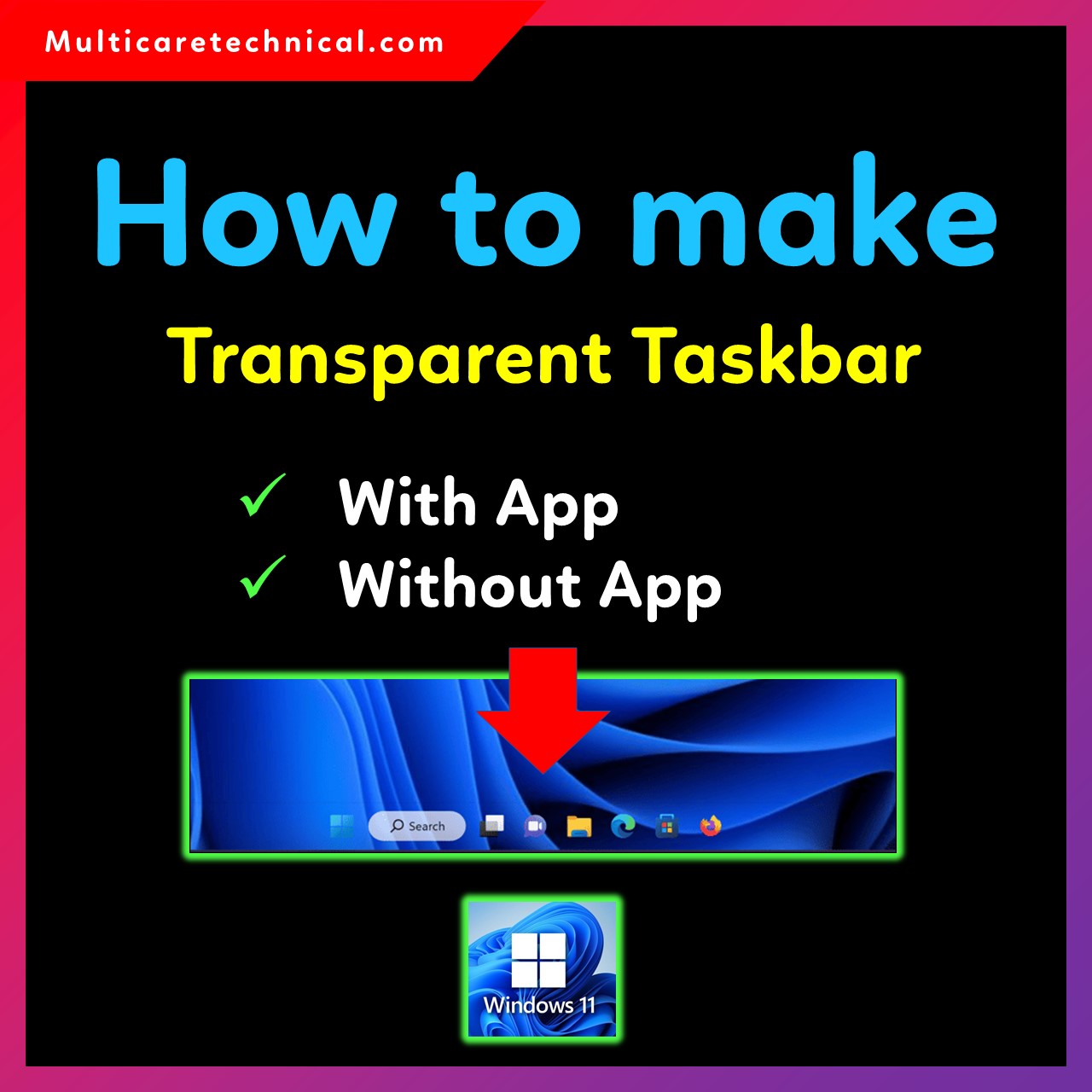
Making the taskbar transparent in Windows 11 gives your desktop a cleaner, modern, and aesthetic look. Whether you want a…

Taking a screenshot is one of the most useful tasks in Windows. Whether you want to quickly capture an error…
Knowing your computer’s hardware details is essential when installing software, upgrading components, or troubleshooting system issues. If you’re wondering how…
Transparency in PowerPoint is a powerful feature that helps you design professional slides. Whether you want to highlight text, create…
The Startup Folder in Windows 11 is one of the most useful features for users who want certain programs or…

Remote Desktop is a powerful Windows feature that allows you to access your PC from another device — even when…