How to Make Transparent Taskbar in Windows 11 (Step-by-Step Guide)
Making the taskbar transparent in Windows 11 gives your desktop a cleaner, modern, and aesthetic look. Whether you want a…
Get unique computer tips and how-to's
Making the taskbar transparent in Windows 11 gives your desktop a cleaner, modern, and aesthetic look. Whether you want a…

If you are trying to access system files or troubleshooting a Windows issue, you may need to know how to…

Clipboard History is one of the most useful productivity features in Windows 11. It allows you to copy multiple items—text,…
The Startup Folder in Windows 11 is one of the most useful features for users who want certain programs or…
Changing the default browser in Windows 11 is simple, but Microsoft has slightly changed how default apps work compared to…

Remote Desktop is a powerful Windows feature that allows you to access your PC from another device — even when…
Adjusting screen brightness helps improve visibility, reduce eye strain, and save battery life. In Windows 11, changing brightness is easy,…
Windows 11 laptops with touch-enabled displays offer convenience, but many users prefer disabling touch input due to accidental touches, ghost…
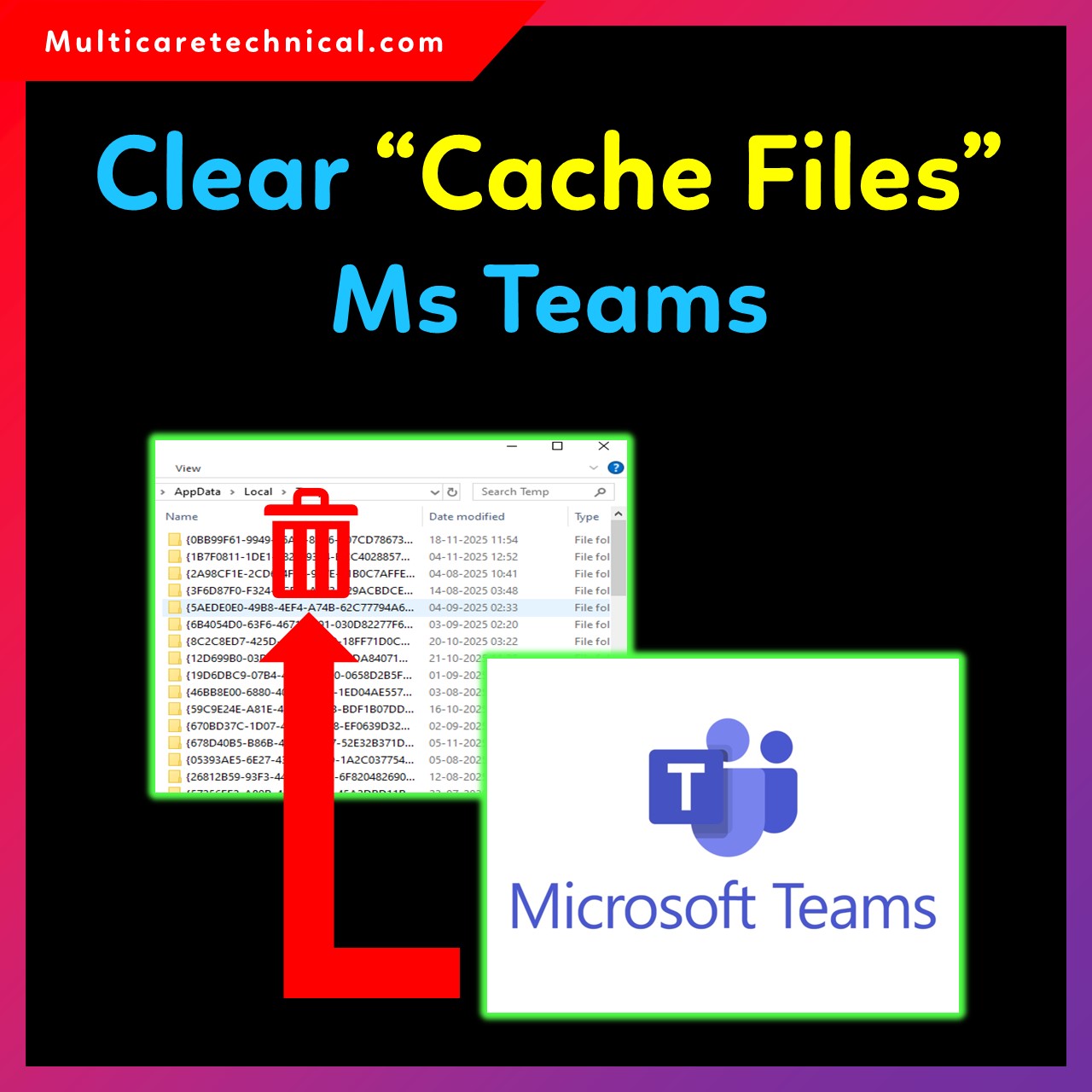
Microsoft Teams is one of the most widely used communication apps for meetings, chats, and online collaboration. Over time, Teams…
Changing DNS in Windows 11 can help you improve internet speed, security, and privacy. Whether you’re using WiFi, Ethernet, Control…